

Knowledge bases 2026 Rank: #173
SurfSense ✓
AI-powered research and knowledge management assistant
Verdict
A quick read before you dig into the full page.
- Best if
- AI-powered research and knowledge management assistant
- Skip if
- Complex customization process
- Pick this when
- Integrates with Notion
Considering remio: Your Personal ChatGPT instead? Compare side by side
Overview




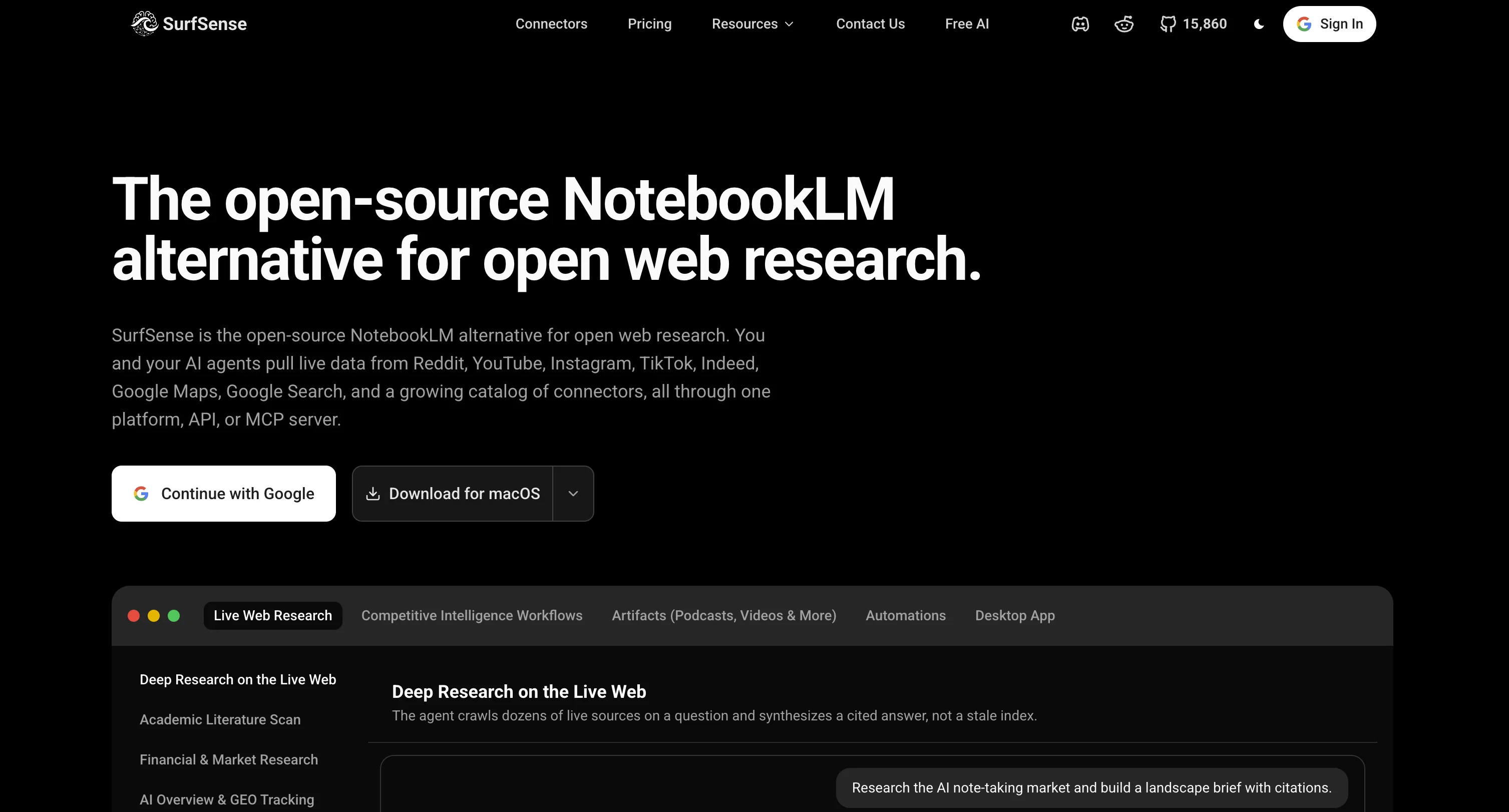
SurfSense is an AI-powered research and knowledge management assistant designed with versatility and productivity in mind. The tool integrates into a variety of other platforms like Notion, GitHub, Slack, and more, allowing users to easily manage, search, and engage with their documents.
It has the capability to generate podcasts, execute hybrid searches, and derive insights from a users knowledge base.Beyond the conventional document interaction, SurfSense transforms company documents into live workspaces, allowing for real-time collaboration and live content edits.
Added features go beyond just text-based interaction, allowing teams to create multimedia content that can be shared and improved upon within the workspace.
The software also supports numerous other AI models, running Inference via vLLM, Ollama, llama.cpp, LM Studio, among others, offering flexibility and adaptability suitable for a variety of operations.The assistant is fully customizable with the option to directly integrate user feedback onto chats and documents for better interaction and clarity.
It allows for instant retrieval of information, detailed updates, and cited answers across company and personal knowledge.SurfSense is equipped to transform the way teams collaborate and discover with its intelligent search feature, essentially unifying all a team's knowledge in one collaborative space.
The tool is designed to enhance collaboration, boost productivity, and streamline workflows for teams.
Access & connections
Where you can use SurfSense, and what it plugs into.
Platforms
Integrations
Capabilities
What this tool accepts, produces, and is strongest at.
Input
- API
- Code
- Image
- Text
- Audio
Output
- Code
- Audio
- API
- Text
- Image
Highlights
- Agents
- API
- MCP
- Local
- Open Source
Supported features
- Agents
- API
- MCP
- Runs Locally
- Open Source
- Instant file search
Pros & cons
Pros
- Integrates with Notion
- Integrates with GitHub
- Integrates with Slack
- Real-time collaboration tool
- Centralized intelligent workspace
- Instant information retrieval
- Customizable with 100+ LLMs
- On-premise local LLM inference
Show 41 more
- Integration with Baidu Search
- Integration with Discord
- Integration with ClickUp
- Customizable language models
- Transform documents to live workspaces
- Streamline workflows
- Live editing feature
- Enhance team collaboration
- Generate podcasts capability
- Hybrid search option
- User feedback integration
- Fosters team productivity
- Integration with Team Productivity
- Transform static knowledgebases
- Enhancement for productivity
- Multimedia content creation
- Integration with Microsoft Teams
- Integration with Gmail
- Integration with MCP
- Integration with Slack
- Integration with Google Drive
- Integration with Confluence
- Integration with Linear
- Integration with Obsidian
- Integration with Google Calendar
- Contextual comments addition
- Integration with Jira
- Integration with BookStack
- Integration with Circleback
- Integration with Luma
- Integration with YouTube
- Instant detailed updates
- Cited answers feature
- Integration with Elasticsearch
- Integration with Airtable
- Integration with Tavily
- Integration with Linkup
- Integration with SearXNG
- Seamless cooperation across teams
- User-tailored tool
- Supports multiple platforms
Cons
- Limited Integration options
- Complex customization process
- Lack live customer support
- Potential security concerns on-premise
- Slows down with large files
- Limited data import formats
- No mobile app
Compare alternatives
Similar tools in the catalog.

remio: Your Personal ChatGPT ✓
FreemiumGet Tailored Answer with Your Personal ChatGPT
Free + from $8.25/mo
Full comparison
Sensay ✓
Free TrialAI Offboarding that keeps knowledge inside your company.
Free + from $500/yr
Full comparison
Nouswise ✓
FreemiumYour personal search engine for trusted information.
Free + from $9.98/mo
Full comparison
Saner.ai ✓
FreemiumOrganized knowledge for business and info management.
Free + from $16 / month
Full comparison
Releases 1
Imported reviews 1
Honestly SurfSense is amazing, I use it almost every morning to get an mp3/podcast of my Gmail, Gcal and urgent Linear tickets so I know exactly what's going on that day. It's also insane for board games because I just throw the rulebooks in and share it with my friends so we can chat with the AI together to figure out how to play. And it is scarily good at untangling and explaining really complex rules when we encounter some weird situation!
FAQ 12
What is SurfSense?
How does SurfSense integrate with tools like Notion, GitHub, Slack, and others?
Can SurfSense generate podcasts from the documents?
What features does SurfSense offer for efficient document management?
How does SurfSense enhance collaboration among teams?
What are the benefits of centralizing knowledge and resources in SurfSense workspace?
How does SurfSense help in instant information retrieval?
What real-time collaboration tools does SurfSense offer?
How can SurfSense be customized with LLMs?
What does it mean to run on-premise local LLM inference via platforms supported by SurfSense?
How can SurfSense transform static documents into live collaborative platforms?
What customization options does SurfSense provides for users?
Related tools
Recommended

Thea ✓
FreemiumAI study tools to master material, not just memorize it.

Denovo ✓
FreemiumTurn your idea into a real business in minutes.

Notis ✓
Free TrialThe first WhatsApp assistant that runs on your ChatGPT and Claude subscriptions

Claude ✓
FreemiumBuilding reliable, interpretable AI systems

ChatGPT ✓
FreemiumAsk anything, create anything, and move from idea to action.

Mindsmith ✓
FreemiumPlatform for building and sharing eLearning content