

Suppa ✓
AI chatbots that solve problems and build trust.
Trial; then from $27/mo
Verdict
A quick read before you dig into the full page.
- Best if
- You are small businesses and need: Automate customer support
- Skip if
- Limited chatbot numbers
- Pick this when
- Creates and deploys chatbots
Considering FastBots instead? Compare side by side
Overview
Suppa is an AI tool used to create and deploy chatbots that can help in answering questions as well as perform actions on various systems. It allows for the building and implementation of these intelligent bots across both web and mobile platforms with minimal technical prowess needed.
It operates on a no-code basis meaning one can craft powerful AI-driven bots without having to write any code. With Suppa, it is possible to use data from multiple sources to create conversational flows and connect your systems with robust API actions.
The tool provides options for controlling your AI assistant with information obtained from various sources. The platform features a 'no-code canvas' which simplifies the process of designing and deploying AI chatbots capable of handling a vast range of tasks, from performing an API call to act on business systems, to retrieving information from the knowledgebase.
Suppa supports the integration with third-party services using your own API endpoints. In addition, it also offers mobile SDK allowing adding AI to your mobile app with ease.
Various plans are available to suit the unique needs of all kinds of businesses from individuals and small businesses to established entities. The tool is designed to be user-friendly, adapting to the user's needs, and giving them a considerable amount of control over their AI venture.

Best for
Short scenarios where Suppa tends to shine.
-
Automate customer support
Best for Small businesses
-
Automate sales processes
Best for Growing businesses
-
Automate internal processes
Best for Established businesses
-
Instantly resolve customer queries
Best for Customer support teams
-
Automate support tasks outside business hours
Best for Sales teams
Example outputs 1
Sample generations and before/after results for Suppa.
Access & connections
Where you can use Suppa.
Platforms
Pros & cons
Pros
- Creates and deploys chatbots
- Web and mobile platforms
- Minimal technical skills
- No-code basis
- Use data from multiple sources
- Conversational flows creation
- Robust API actions
- No-code canvas feature
Show 27 more
- Handles vast range of tasks
- Integrates with third-party services
- Allows own API endpoints
- Mobile SDK availability
- Suits all business sizes
- User-friendly design
- Controls with various sourced information
- Solution to customer issues
- Building conversational flows without coding
- Powerful API actions
- Control with multi-source data
- Chatbots without writing code
- Flow trigger with user consent
- Flow control with conditional logic
- Sends predefined messages
- Accepts and stores user input
- Calls external API
- Information retrieval from knowledgebase
- Multiple available plans
- 14-day free trial
- Plans designed for different business needs
- Chat sessions per month
- Knowledgebase item limits
- API actions limits
- No credit card required for trial
- Customization options for chatbots
- Addresses common customer inquiries
Cons
- Limited Knowledgebase items
- Limited API actions
- Charges per chat session
- No custom pricing options
- Lack of codability flexibility
- Limited chatbot numbers
- No free unlimited use
- No clear troubleshooting guide
Show 2 more
- No advanced plans for larger corporations
- No mention of updates or upgrades
Compare alternatives
Similar tools in the catalog — with a clear reason to open each one.
FastBots ✓
FreemiumCreate AI chatbots customized with your business data.
Why look Offers a public API
Full comparison
Chatbit ✓
FreemiumTrain custom AI Chatbot from your data, add to website.
Why look Typically cheaper
Full comparison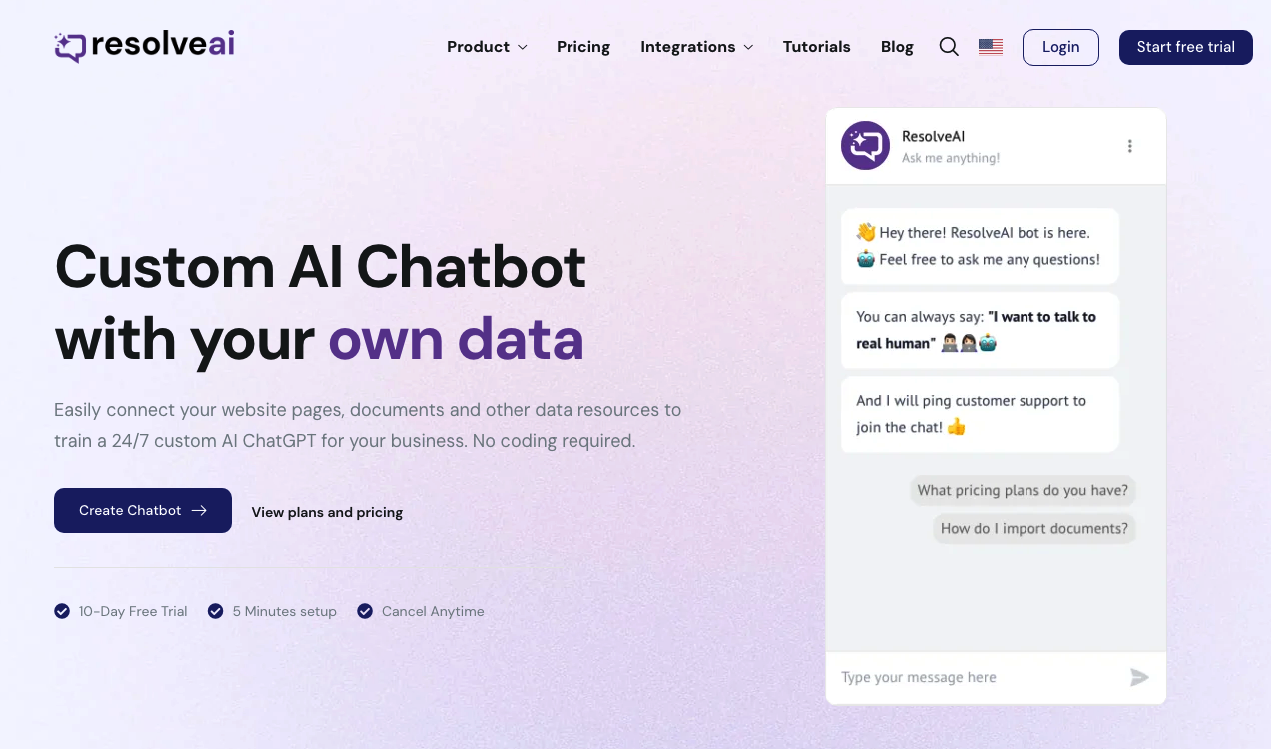
ResolveAI
PaidSaaS platform for creating custom AI customer service chatbots with no coding required.
Why look Better fit for coding
Full comparison
intoCHAT ✓
FreemiumTransform customer interactions with AI chatbots.
Why look Typically cheaper
Full comparison
ChatBotKit ✓
FreemiumThe fastest way to build advanced AI chat bots
Why look Typically cheaper
Full comparison
ChatLLaMA ✓
PaidCreate custom AI assistants on your GPUs
Why look Typically cheaper
Full comparisonPeople also view
Tools that often show up alongside Suppa in collections and comparisons.
ResolveAI
PaidSaaS platform for creating custom AI customer service chatbots with no coding required.
intoCHAT ✓
FreemiumTransform customer interactions with AI chatbots.
FastBots ✓
FreemiumCreate AI chatbots customized with your business data.
ChatLLaMA ✓
PaidCreate custom AI assistants on your GPUs
ChatBotKit ✓
FreemiumThe fastest way to build advanced AI chat bots
Chatbit ✓
FreemiumTrain custom AI Chatbot from your data, add to website.

Quaestor Ledger ✓
Free TrialAn AI-powered financial command center that untangles your complex financial life

FiveMinChat ✓
Free TrialAI chatbot trained on YOUR website. Live in 5 mins. No code.
Releases 1
Imported reviews 1
Currently using it for handling basic FAQs and simple actions and it's doing the job. The no code part makes everything straightforward. Replies are fast and natural. Nice tool option if you're looking to simply add a chatbot without dealing with the complex stuff.
FAQ 12
What does Suppa exactly do?
How does Suppa use data from multiple sources for chatbot creation?
How does the 'no-code canvas' of Suppa work?
How can I integrate my own API endpoints with Suppa?
Can I add Suppa's AI to my mobile app? If yes, how?
What different types of business plans does Suppa offer?
How user-friendly is Suppa?
What tasks can the AI chatbots developed using Suppa handle?
What is the process to design and deploy chatbots using Suppa?
How can I create conversational flows using Suppa?
Does Suppa support the integration with third-party services?
Can I use Suppa to create a chatbot for my website without any coding knowledge?
Related tools
Recommended

B12 AI Website Builder ✓
FreemiumAI-powered website builder

GPT Trainer ✓
FreemiumAI Voice and Text Agents with No-Code

Scisummary ✓
Free TrialCutting-edge scientific articles summarization.

Mindsmith ✓
FreemiumPlatform for building and sharing eLearning content

Prismix ✓
Free TrialYour AI Social Media Manager

Thryve ✓
FreeYour free digital wellness therapist and coach