Code assistant

Straion

Centralized rule management and plan validation for AI coding agents like Cursor and Claude.

Source rating 5.0 (76) 793 views 793/mo traffic 0 saves Freemium
More categories (6)

Verdict

A quick read before you dig into the full page.

Best if
Centralized rule management and plan validation for AI coding agents like Cursor and Claude
Skip if
You need enterprise SLAs or a fully managed team plan right away
Pick this when
Freemium · Free

Overview

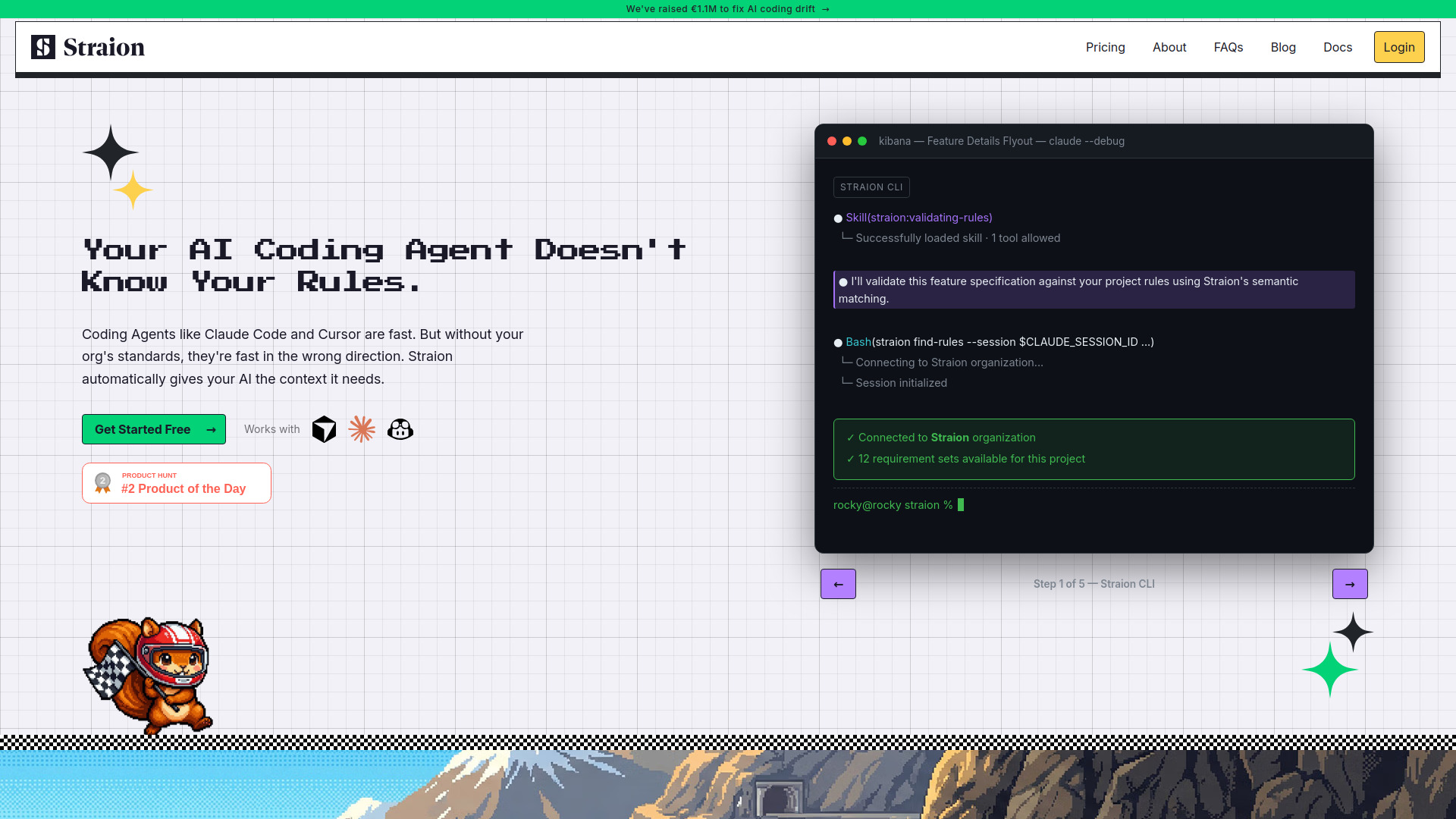
Straion is a centralized rule management platform designed for AI coding agents such as Claude Code, GitHub Copilot, and Cursor. It allows engineering teams to define architecture standards, security policies, and coding guidelines in one central hub rather than scattered markdown files. The platform automatically injects the relevant context into AI prompts based on the specific task and validates AI-generated plans before the coding starts. This ensures that AI agents remain aligned with organizational standards, reducing the need for manual code review and preventing 'AI drift' while maintaining high development velocity.

Straion screenshot

Access & connections

Where you can use Straion, and what it plugs into.

Platforms

CLI

Integrations

Capabilities

What this tool accepts, produces, and is strongest at.

Highlights

  • Centralized Rule Hub for organization-wide standards
  • Dynamic Context Selection based on task and tech stack
  • Task Plan Validation to catch errors before coding
  • Integration with Claude Code, GitHub Copilot, and Cursor
  • Automated Rule Injection for AI agents
  • CLI-based workflow integration

FAQ 5

What is Straion?
Straion is a centralized rule management platform designed for AI coding agents such as Claude Code, GitHub Copilot, and Cursor. It allows engineering teams to define architecture standards, security policies, and coding guidelines in one central hub rather than scattered markdown files. The platform automatically injects the relevant context into AI prompts based on the specific task and validates AI-generated plans before the coding starts. This ensures that AI agents remain aligned with organizational standards, reducing the need for manual code review and preventing 'AI drift' while maintaining high development velocity.
How to use Straion?
To get started, first define or import your engineering standards and security rules into the Straion dashboard. Next, install the Straion CLI and add it as a skill to your Claude Code or Cursor setup. Once connected, the CLI dynamically fetches relevant rules for your tasks and validates the AI's proposed plan against your standards before code is generated.
Is the free tier really free?
Yes. You can get started with Straion at no cost, which includes unlimited rules and AI agent integrations.
Which AI coding agents are supported?
Straion currently works with Claude Code, GitHub Copilot, and Cursor.
What happens when I hit the free tier limits?
You can get in touch with the Straion team to discuss your needs and explore further options as your team scales.
Straion Free



