Video generation

StoryMotion

AI tool for creating hand-drawn animated explainer videos and technical diagrams from documents.

Source rating 5.0 (53) 2.1k views 2.1k/mo traffic 0 saves Freemium
More categories (5)

Free + from $29 / month

Verdict

A quick read before you dig into the full page.

Best if
AI tool for creating hand-drawn animated explainer videos and technical diagrams from documents
Skip if
You need enterprise SLAs or a fully managed team plan right away
Pick this when
Freemium · Free + from $29 / month

Overview

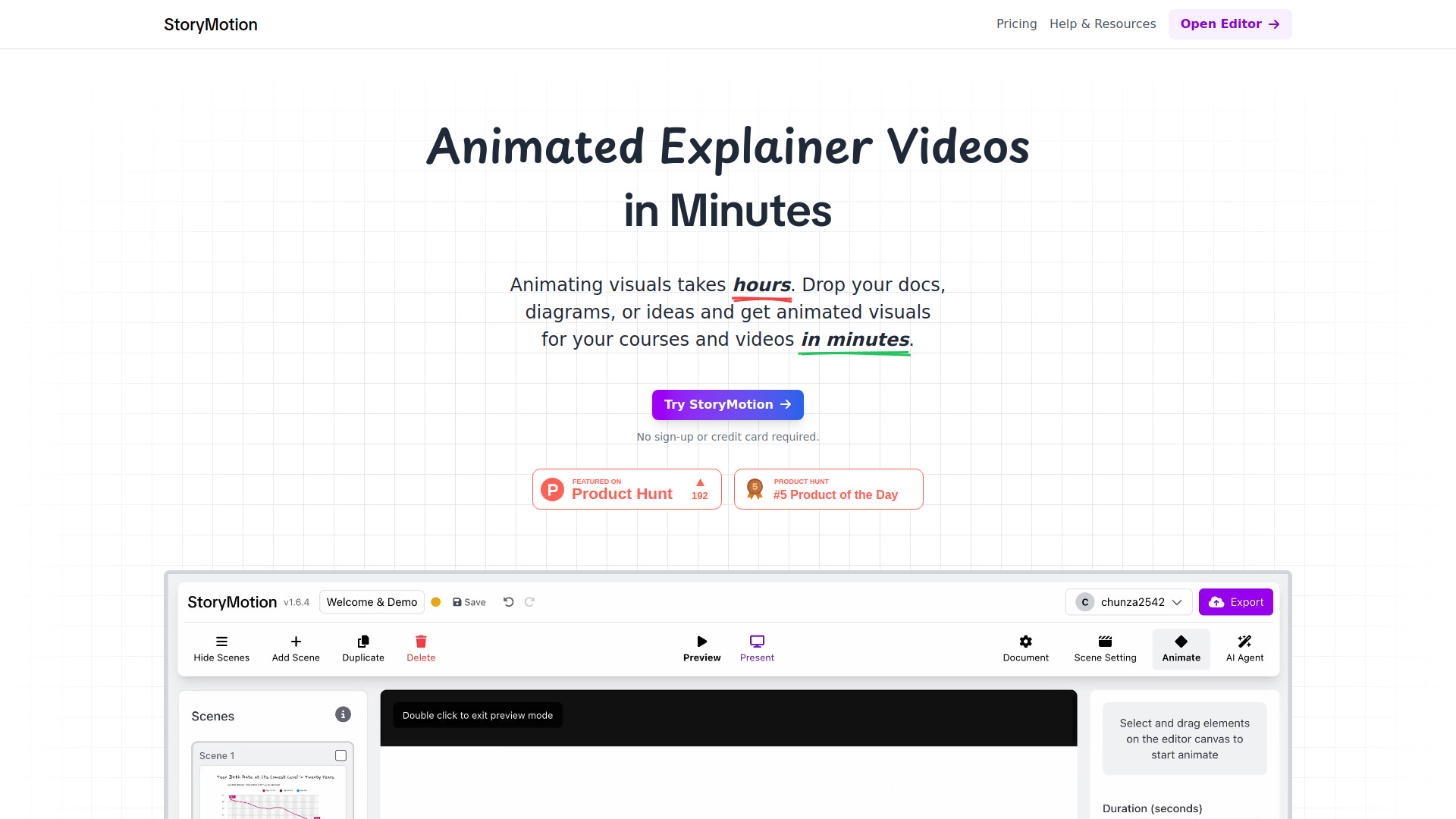
StoryMotion is an AI-powered animation platform designed to create animated explainer videos, technical diagrams, and educational content with a unique hand-drawn whiteboard style. It allows users to transform static documents, PDFs, slides, and ideas into dynamic visuals in minutes using an AI Agent. The tool combines a whiteboard canvas with a timeline-based video editor, enabling precise control over motion effects, timing, and element appearance. It is specifically built for creators who need to simplify complex technical concepts without the steep learning curve of professional video editing software.

StoryMotion screenshot

Access & connections

Where you can use StoryMotion.

Platforms

Web

Capabilities

What this tool accepts, produces, and is strongest at.

Highlights

  • AI Agent that generates 80% of animated visuals from docs and ideas
  • Hand-drawn whiteboard aesthetic with Excalidraw community library integration
  • Full timeline control for editing effects, timing, and canvas elements
  • High-resolution exports up to 4K 60fps with transparent background support
  • Presentation mode and iframe embedding for technical documentation
  • MP3 upload and Google Fonts integration for professional customization

FAQ 5

What is StoryMotion?
StoryMotion is an AI-powered animation platform designed to create animated explainer videos, technical diagrams, and educational content with a unique hand-drawn whiteboard style. It allows users to transform static documents, PDFs, slides, and ideas into dynamic visuals in minutes using an AI Agent. The tool combines a whiteboard canvas with a timeline-based video editor, enabling precise control over motion effects, timing, and element appearance. It is specifically built for creators who need to simplify complex technical concepts without the steep learning curve of professional video editing software.
How to use StoryMotion?
Users can start by dropping documents or sketching ideas on the canvas. The AI Agent can be used to generate initial visuals, which can then be refined by assigning motion effects like zoom and fade. Users can adjust the timing of each element on the timeline and finally export the result as a high-quality video (up to 4K) or embed it as an iframe.
What file formats can I export?
You can export videos in high resolution up to 4K at 60 FPS, as well as .storymotion files and transparent background videos on paid plans.
How is StoryMotion different from Canva or PowerPoint?
StoryMotion focuses specifically on the animation of technical diagrams and hand-drawn visuals with a dedicated timeline editor for precise motion control, which is more specialized for technical explainers than general-purpose design tools.
Is there a free trial?
Yes, there is a free plan that offers 15 AI credits per month and unlimited video exports with a watermark.
StoryMotion Free + from $29 / month