Speech to text

Spoke

Privacy-focused macOS app for instant on-device dictation and AI-powered text processing.

Source rating 5.0 (65) 0 views 0 saves Paid
More categories (6)

Verdict

A quick read before you dig into the full page.

Best if
Privacy-focused macOS app for instant on-device dictation and AI-powered text processing
Skip if
You need a free plan with no credit card
Pick this when
Paid · From $9.99

Overview

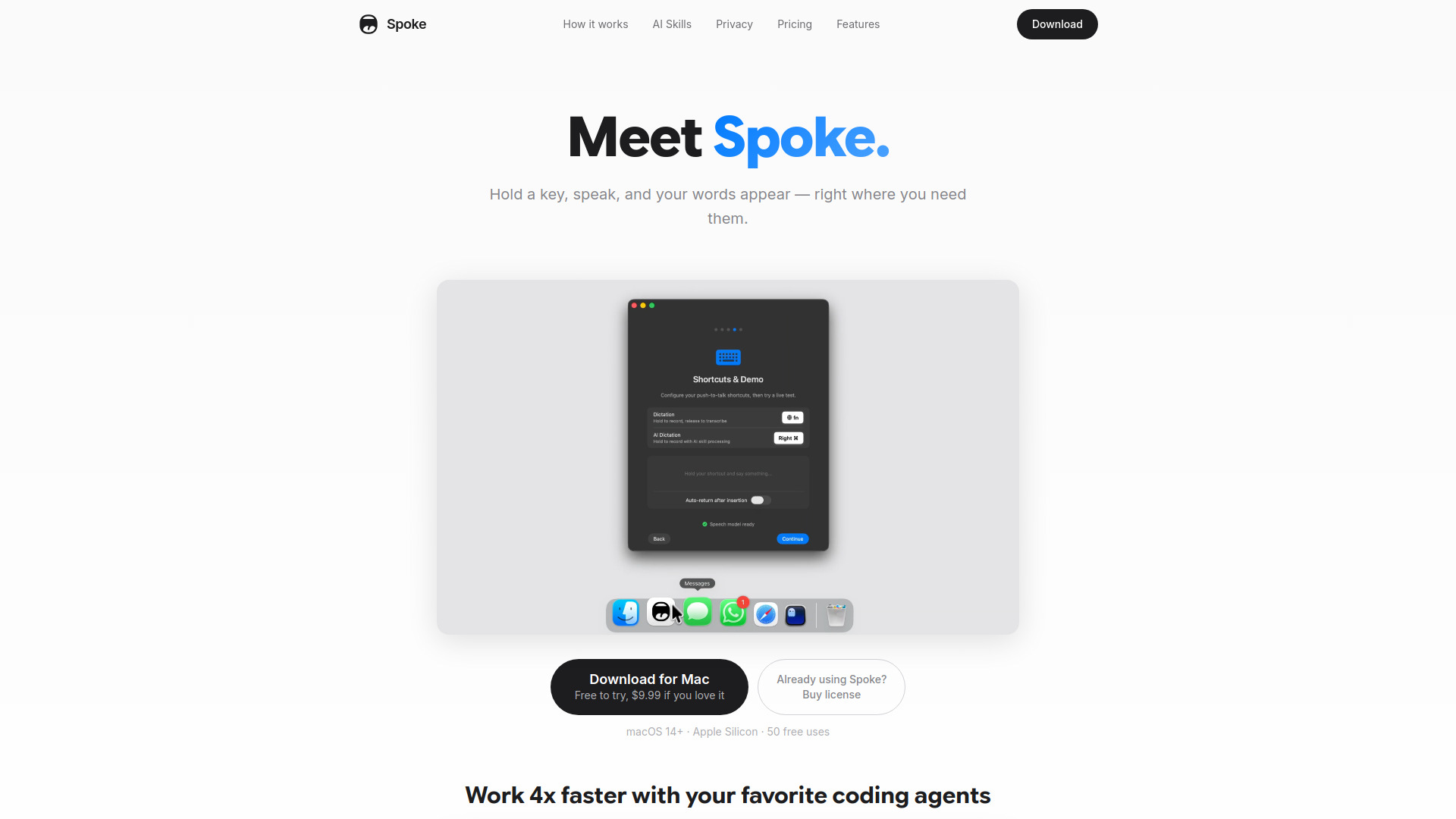
Spoke is a native macOS dictation application that provides instant voice-to-text transcription directly into any text field. It runs a high-performance local speech recognition model via CoreML, ensuring that audio never leaves the device for maximum privacy. Users can hold a customizable keyboard shortcut to speak and see their words appear instantly at the cursor. The app also features 'AI Skills,' allowing users to process transcriptions on the fly for tasks like translation, grammar correction, or summarization using their own API keys from providers like OpenAI, Anthropic, or local models via Ollama.

Spoke screenshot

Access & connections

Where you can use Spoke.

Platforms

macOS

Capabilities

What this tool accepts, produces, and is strongest at.

Highlights

  • On-device transcription using CoreML
  • Push-to-Talk (Hold key to record, release to transcribe)
  • Instant text insertion into any active app
  • AI Skills for translation, grammar fixing, and custom prompts
  • Support for 25 European languages with auto-detection
  • Local history and search for all transcriptions
  • Works completely offline without accounts or tracking

FAQ 5

What is Spoke?
Spoke is a native macOS dictation application that provides instant voice-to-text transcription directly into any text field. It runs a high-performance local speech recognition model via CoreML, ensuring that audio never leaves the device for maximum privacy. Users can hold a customizable keyboard shortcut to speak and see their words appear instantly at the cursor. The app also features 'AI Skills,' allowing users to process transcriptions on the fly for tasks like translation, grammar correction, or summarization using their own API keys from providers like OpenAI, Anthropic, or local models via Ollama.
How to use Spoke?
After downloading the app on macOS 14+, press and hold a designated push-to-talk key (like the Globe/fn or Right Command key). Speak naturally while holding the key; the on-device AI transcribes in real-time. Release the key to instantly insert the text into your active application. You can optionally configure AI Skills with your own API keys to transform your speech automatically.
Does Spoke require an internet connection?
No, the core transcription engine works completely offline after the initial model download. Internet is only required if you choose to use optional AI Skills connected to cloud providers.
Where is my audio data stored?
Your microphone audio is processed on-device and immediately discarded. It is never uploaded to any servers.
What is the trial limit?
Spoke offers 50 free uses to try the app before requiring a one-time purchase.
Spoke From $9.99