

Spatial Touch ✓
Control your tablet or smartphone without touching the screen!
Verdict
A quick read before you dig into the full page.
- Best if
- Control your tablet or smartphone without touching the screen!
- Skip if
- Limited control distance
- Pick this when
- Supports major media apps
Considering AI Kiss instead? Compare side by side
Overview
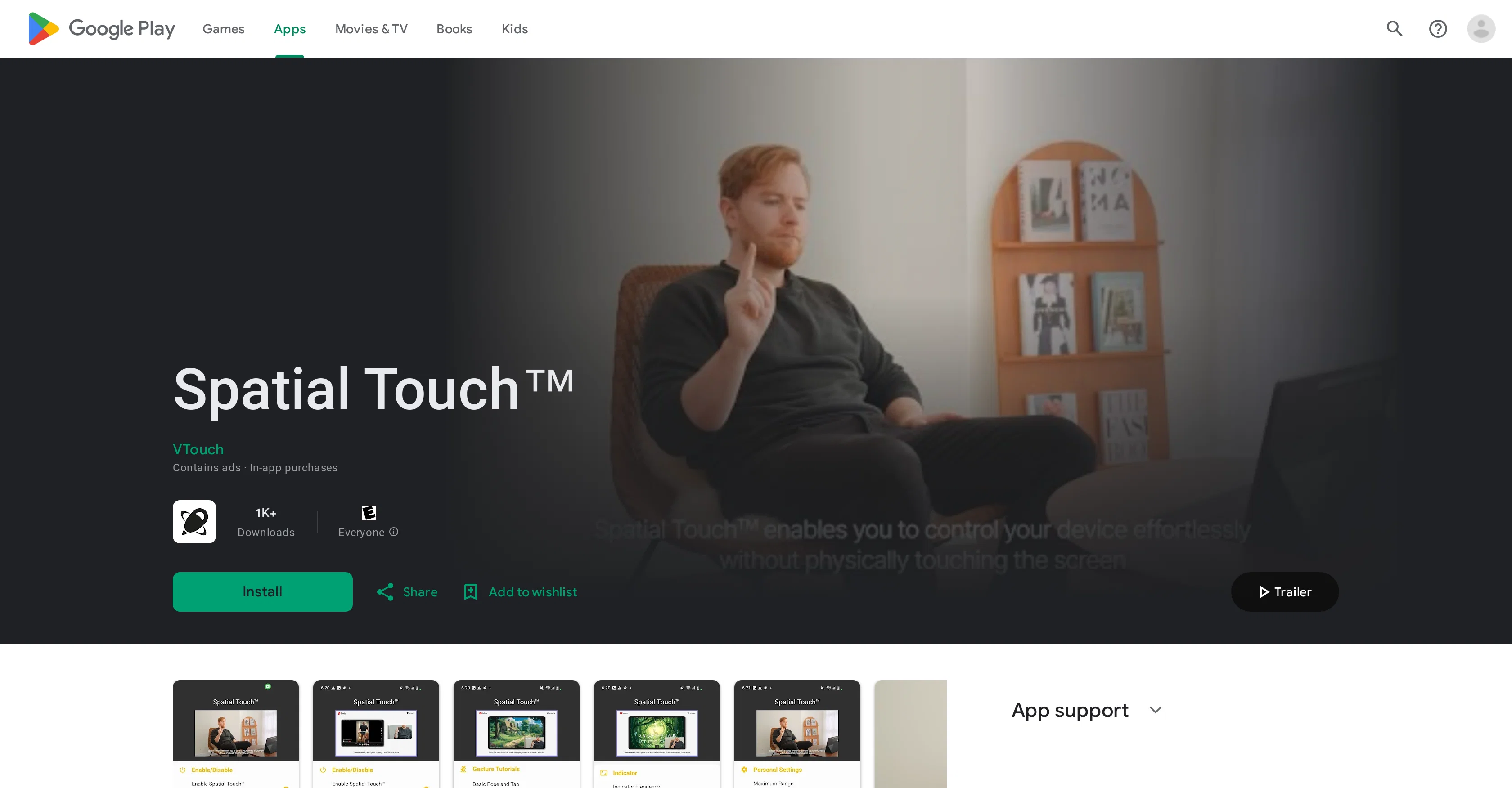
Spatial Touch is an application that enables users to control their digital devices using hand gestures, ensuring remote control without physical contact with the screen.
The AI-driven hand gesture remote control application supports media apps such as YouTube, Netflix, Disney Plus, Instagram Reels, Tiktok and other apps.
The utility of Spatial Touch is especially notable when the user might not want to touch their device, such as during meals, when their hands are wet, or simply for convenience.
Some key features include air gestures for controlling media playback, volume adjustment, navigation, scrolling, and more. It offers remote control capability at a distance and includes state of the art gesture recognition technology to minimize inaccurate gesture detections.
The app also has a 'background auto-start' feature enabling it to get activated and run automatically whenever supported apps like YouTube or Netflix are launched.
Concerning security, the app reassures that while it uses the device camera, it does not store or transmit any images or videos external to the device.
Spatial Touch grows more accommodating with time, planning to add more apps to its compatible list in the future.
Access & connections
Where you can use Spatial Touch, and what it plugs into.
Platforms
Integrations
Capabilities
What this tool accepts, produces, and is strongest at.
Input
- Sensor data
Output
- API
Pros & cons
Pros
- Supports major media apps
- Remote control capability
- Hand gesture controls
- Minimized inaccurate gesture detection
- Auto activation
- Background auto-start feature
- Secure, doesn’t transmit data externally
- Expanding app compatibility
Show 12 more
- Control without touch
- Works in various environments
- Adapts to user postures
- Advanced gesture recognition
- Improves user experience
- Air gesture for media control
- Volume adjustment with gestures
- Scrolling and navigation gestures
- Works at large distances
- Privacy insured
- Device camera utilized
- Added features for pro version
Cons
- Limited app compatibility
- Requires camera access
- Auto-start could be intrusive
- Possibility of inaccurate detections
- Needs certain permissions
- Contains ads
- Requires in-app purchases
- Doesn't work without camera
Show 2 more
- Limited control distance
- Update frequency unknown
Compare alternatives
Similar tools in the catalog.

Releases 1
FAQ 12
What apps are compatible with Spatial Touch?
What is Spatial Touch's main function?
Why does Spatial Touch need access to my device's camera?
Can Spatial Touch recognize all hand gestures?
Does Spatial Touch work if my hands are wet?
What is the 'background auto-start' feature?
Can I control the volume of media through Spatial Touch?
How does the AI-driven gesture recognition in Spatial Touch work?
Does Spatial Touch transmit or store images externally?
Can I use Spatial Touch to control YouTube?
How does Spatial Touch improve my user experience?
Is there a limit to how far Spatial Touch can work at a distance?
Related tools
Recommended

Imagetocaption.ai ✓
Free TrialGenerated captions for social media images

NSFW JS
FreeIdentify NSFW images in the browser

What-A-Prompt ✓
FreeSupercharge your ChatGPT prompts for better results.

Synthesia ✓
FreemiumCreate AI videos from text in minutes.

Blend AI ✓
FreemiumYou favorite AI, all in one place (-20% with TAAFT at checkout)

LearningStudioAI ✓
Free TrialAI-powered authoring tool for effortless online course creation.