

SocialSense ✓
10X your professional growth on LinkedIn
from $9/mo
Verdict
A quick read before you dig into the full page.
- Best if
- 10X your professional growth on LinkedIn
- Skip if
- Paid plan necessary for full access
- Pick this when
- Content inspiration hub
Considering 2PR instead? Compare side by side
Overview
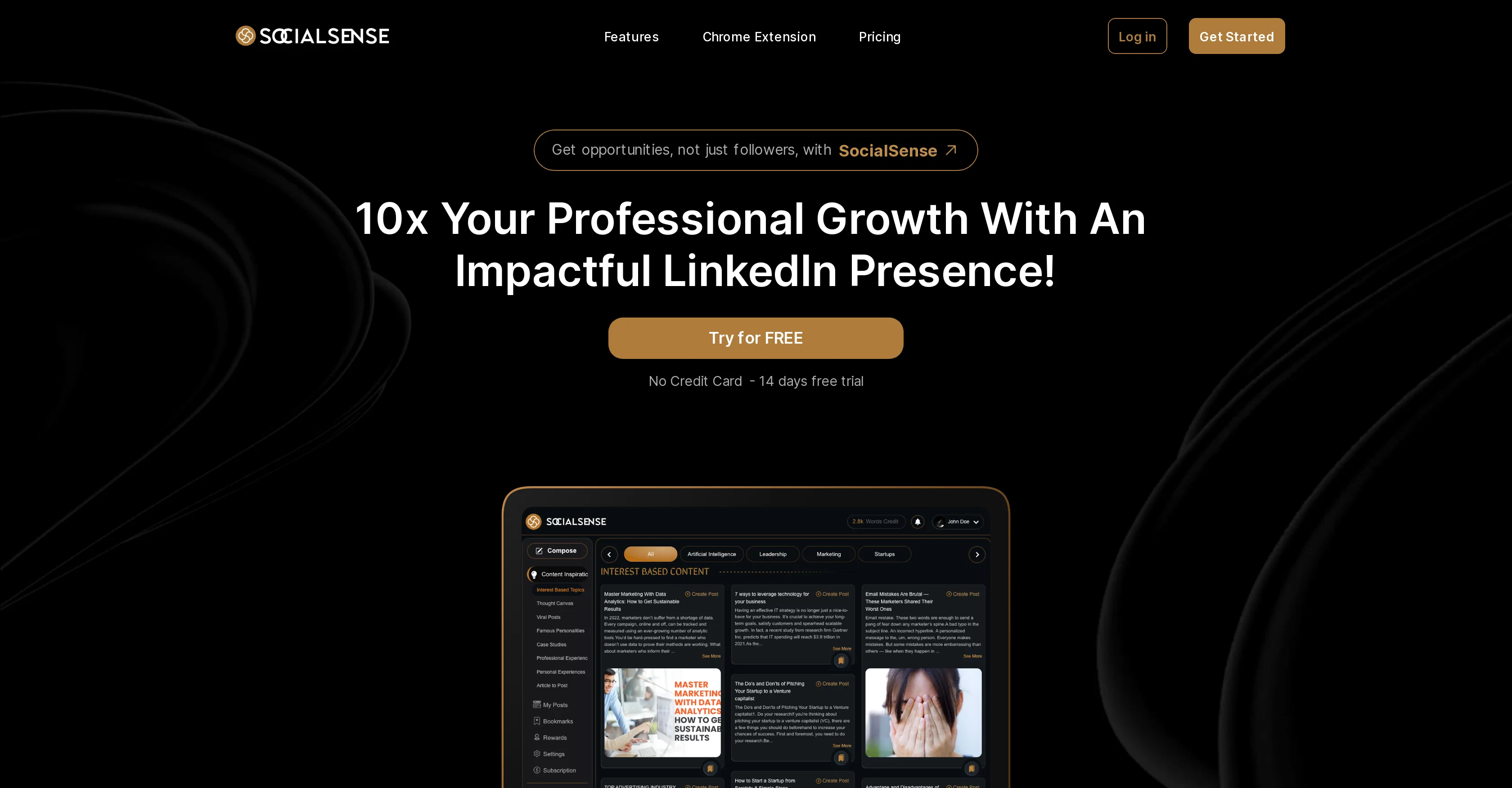
SocialSense is a personal branding platform aimed at enhancing professionals' presence on their LinkedIn profiles. The platform utilizes a content inspiration hub that offers users access to a plethora of industry topics, viral posts, thought canvases and case studies.
These resources are aimed at assisting users to generate quality content for their LinkedIn profiles. The platform also boasts of a unique feature to experiment with different content styles or the option to leverage its AI assistant for autonomous content generation.
Other features include the ability to bookmark idea offerings for future reference and an edit feature for seamless adjustments with a preview option to visualize posts.
More notably, SocialSense integrates with a Chrome Extension that aids users to generate impactful, authoritative comments in a quick manner. This features aims to facilitate more meaningful engagement with other LinkedIn profiles.
A variety of affordable plans are available, allowing users access to multiple features, including content inspiration hub, different platform features, and full access to the Chrome extension.
SocialSense is suitable for individuals and agencies that desire to expand their LinkedIn presence by producing effective and engaging content.
Access & connections
Where you can use SocialSense, and what it plugs into.
Platforms
Capabilities
What this tool accepts, produces, and is strongest at.
Input
- Text
Output
- Text
Pros & cons
Pros
- Content inspiration hub
- Access to industry topics
- Access to viral posts
- Provides thought canvases
- Includes case studies
- Features bookmarking option
- Content style experimentation
- Autonomous content generation
Show 29 more
- Seamless post adjustments
- Post preview option
- Integrated Chrome extension
- Generates quick comments
- Boosts LinkedIn engagement
- Affordable plan options
- Suitable for individuals
- Suitable for agencies
- Enhances Professional networking
- Automated personal branding
- Fast comment creation
- Quick industry content access
- Visual post customization
- One-click idea save
- Access to professional experiences
- Linkedin profile enhancement
- Laptop and mobile preview
- Domain-specific content ideas
- Large idea library (10M+)
- Versatile style and tone
- High-quality comment generation
- Aids in authoritativeness
- Tailored content strategy
- Free trial available
- Contains word credits
- Contains comment credits
- Full access chrome extension
- Access to numerous post ideas
- Platform feature access
Cons
- LinkedIn exclusive
- Chrome extension reliance
- No other social media support
- Limited customization options
- Autonomous generation quality not guaranteed
- Limited content editing
- Paid plan necessary for full access
- No mobile app version
Show 2 more
- Potential similar-idea outputs
- No robust analytics
Compare alternatives
Similar tools in the catalog — with a clear reason to open each one.

2PR ✓
Freemium2pr All-in-One AI Tool to Easily Create Winning Linkedin Posts
Why look Freemium alternative
Full comparison

Taplio ✓
FreemiumThe LinkedIn growth tool to turn content into pipeline
Why look Freemium alternative
Full comparison
Cclarity ✓
Free TrialYour authentic LinkedIn voice meets intelligent lead generation
Why look Higher community rating
Full comparison
MagicPost ✓
FreemiumEfficient LinkedIn post generation.
Why look Freemium alternative
Full comparison
Typoro ✓
FreemiumTransform your LinkedIn posts into engagement magnets.
Why look Freemium alternative
Full comparisonReleases 1
FAQ 12
What kind of content does SocialSense generate?
Can I use my own writing style with SocialSense?
Can I save ideas for later with SocialSense?
How can I preview my posts on SocialSense?
Which platforms does SocialSense integrate with?
How does the SocialSense Chrome Extension work?
How quickly can I create a comment with the SocialSense Chrome Extension?
What are the different plans offered by SocialSense?
Is SocialSense suitable for individual use or agency use?
What is the benefit of using SocialSense for my LinkedIn presence?
What kind of resources are available in the content inspiration hub of SocialSense?
Does SocialSense offer any editing features to customize my posts?
Related tools
Recommended

Business Idea Generator AI ✓
FreeGenerate innovative business ideas with AI

Findsight ✓
FreeCompare non-fiction ideas from multiple sources.

Chatmind app ✓
PaidAI-powered mind mapping for effortless brainstorming

Stratup.ai ✓
FreemiumInnovative idea generation for businesses.

Eightify
UnknownAI-powered YouTube video summarizer extracting key ideas for quick content assessment.

Stunning ✓
PaidBuild AI-powered websites in seconds