
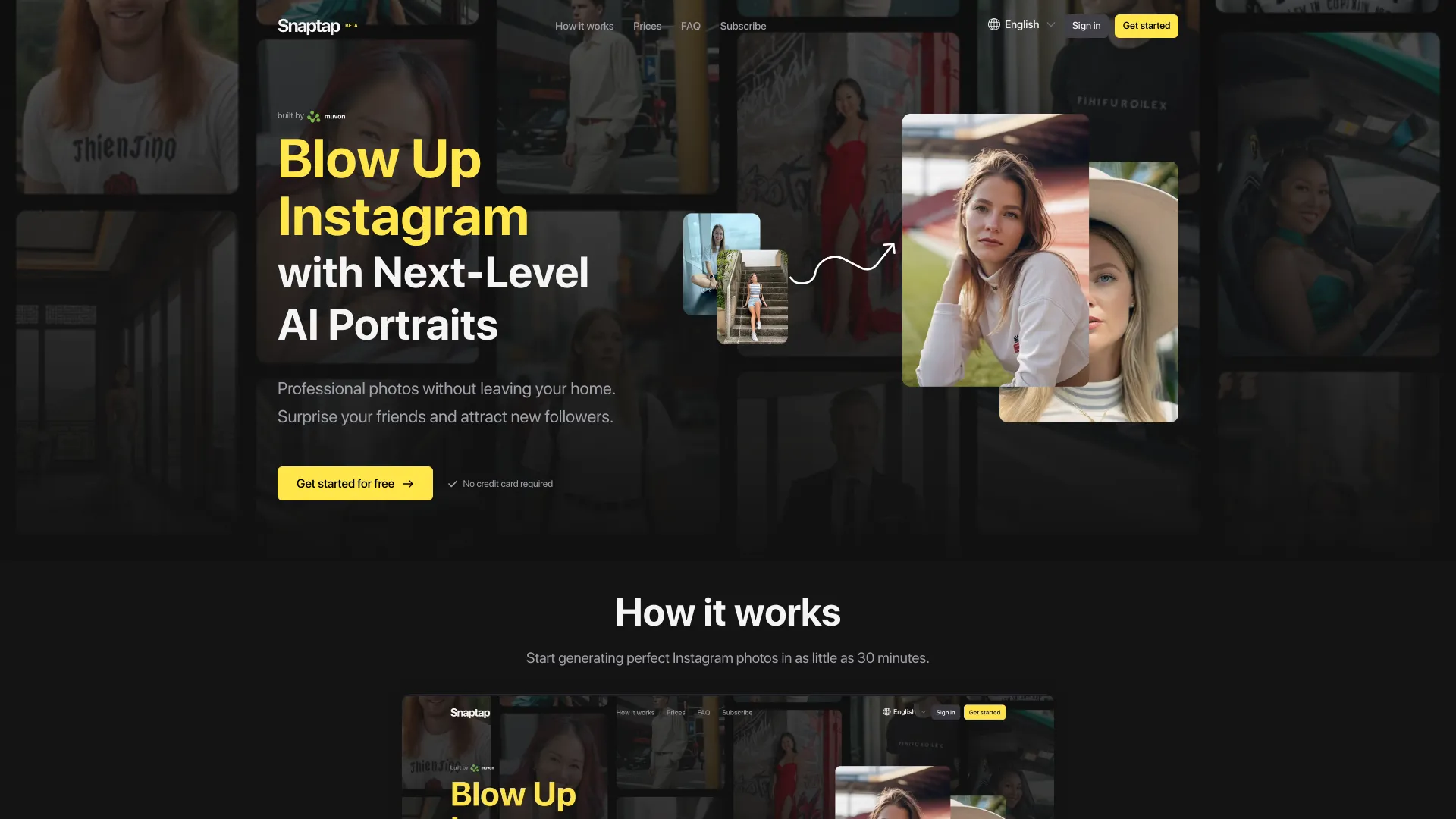
Snaptap.ai
AI-powered photoshoot tool for creating professional Instagram photos at home.
Source rating 5.0
(84)
0 views
0 saves
Paid
From $19.90/m
Verdict
A quick read before you dig into the full page.
- Best if
- AI-powered photoshoot tool for creating professional Instagram photos at home
- Skip if
- You need a free plan with no credit card
- Pick this when
- Paid · From $19.90/m
Overview
Snaptap is an AI-powered photoshoot tool that allows users to create professional-looking photos at home for Instagram. It uses AI technology to transform user-uploaded photos into AI characters, which can then be used to generate new images based on text prompts, eliminating the need for professional equipment or photoshoots.
Access & connections
Where you can use Snaptap.ai, and what it plugs into.
Platforms
Integrations
Capabilities
What this tool accepts, produces, and is strongest at.
Highlights
- AI character creation
- AI photo generation from text prompts
- Advanced filters and settings
- Favorites feature
- History tracking
- Parallel snap generations
- Stealth mode (upcoming)
- HQ Quality
FAQ 10
What is Snaptap?
Snaptap is an AI-powered photoshoot tool that allows users to create professional-looking photos at home for Instagram. It uses AI technology to transform user-uploaded photos into AI characters, which can then be used to generate new images based on text prompts, eliminating the need for professional equipment or photoshoots.
How to use Snaptap?
Users upload a minimum of 5 photos in diverse settings to train an AI character. Then, they use text prompts to generate new photos featuring their AI character in various scenes and styles.
Will the photos have AI artefacts?
Sometimes yes. Depending on the quality of the uploaded photos, and the type of photos you take, you might see some AI artefacts. Any app that uses generative AI imaging will have artefacts. They can be illogical things like extra arms, deformed faces etc.
How long will it take to create my AI character?
Based on the current processing times, it takes about 30 minutes to create an AI character.
How long will it take to take an AI photo?
Based on the current processing times, it takes about 40 seconds to take one photo. You can take up to 4 photos in parallel.
What will you do with my AI character photos?
We only use your photos to create an AI character. Your data privacy and security are our top priorities.
Can I use Snaptap to try on clothes and hairstyles?
You can try different outfits and hairstyles by describing a prompt.
How much will the photos look like me?
The resemblance of the photos to you depends on the quality and variety of the photos you upload. The better and more varied your photos, the more accurately the AI can understand and represent your unique characteristics. We keep improving our models every day.
How do I cancel my subscription?
You can cancel your subscription at any time. Go to the Prices and Plans page when you are logged in and click Manage my Plan, you will be redirected to Stripe's billing portal where you can download invoices, switch plans and cancel your subscription.
What kind of pictures should I upload to develop an AI character?
It's advisable to choose images that show a wide range of scenes, including both close-up portraits and full-length pictures, taken in different settings, from various perspectives, wearing diverse outfits, and showcasing a variety of facial expressions. Avoid selecting pictures that are repetitive, feature groups, include other individuals, or have accessories like sunglasses and hats. Also, steer clear of photos where your face is obscured or not clearly visible.
Related tools
Recommended




Snaptap.ai
From $19.90/m