
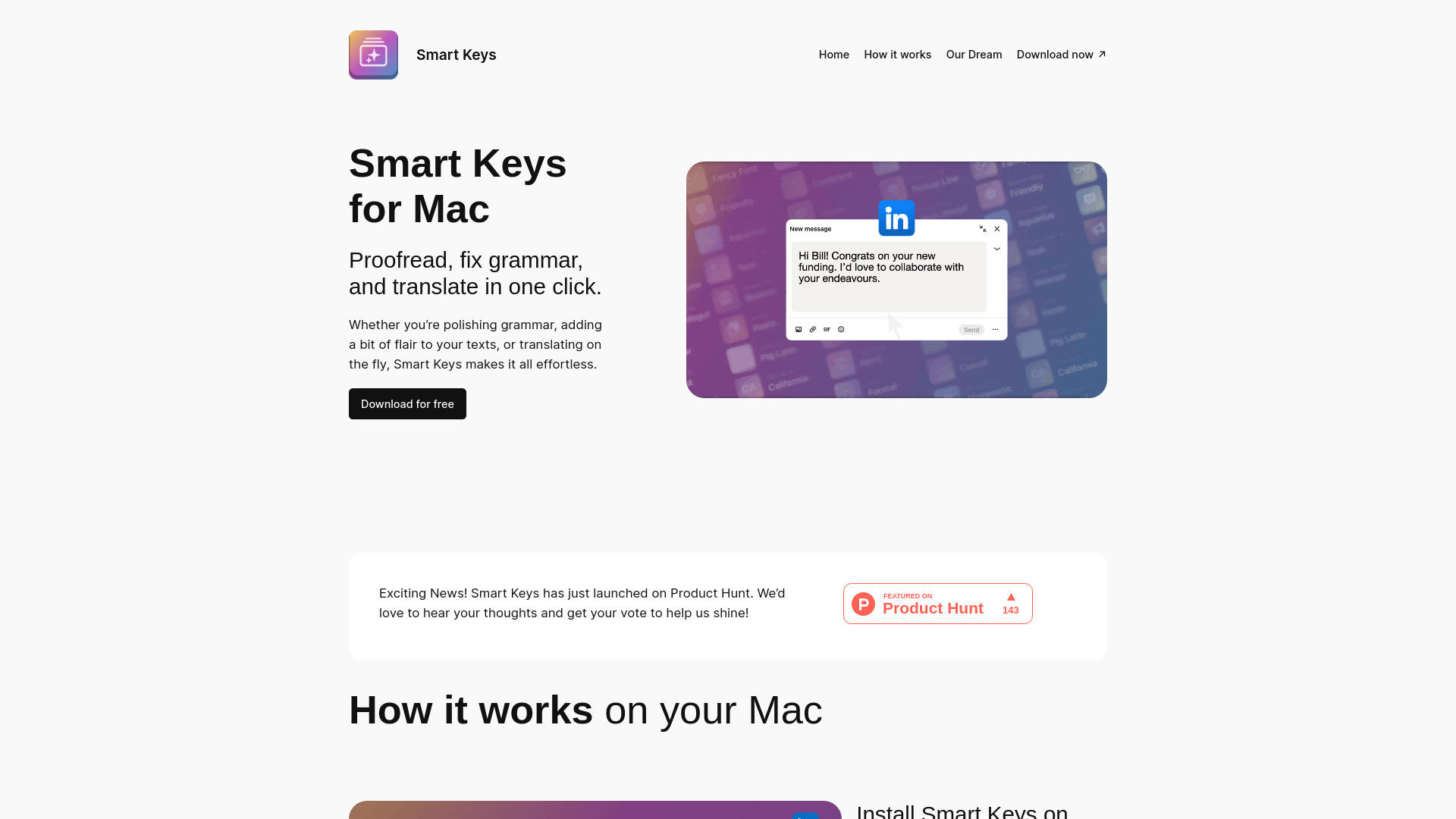
Smart Keys for Mac
Smart Keys enhances writing with keyboard shortcuts for grammar, translation, and coding.
Source rating 5.0
(99)
0 views
0 saves
Unknown
Verdict
A quick read before you dig into the full page.
- Best if
- Smart Keys enhances writing with keyboard shortcuts for grammar, translation, and coding
- Pick this when
- Smart Keys enhances writing with keyboard shortcuts for grammar, translation, and coding
Overview
Smart Keys for Mac is a tool designed to enhance writing by providing keyboard shortcuts for grammar correction, translation, tone shifting, and coding assistance. It allows users to create custom shortcuts, streamlining their workflow without needing to copy and paste into external AI tools like ChatGPT. It aims to make writing easier and more efficient for anyone who writes regularly.
Access & connections
Where you can use Smart Keys for Mac, and what it plugs into.
Platforms
Integrations
Capabilities
What this tool accepts, produces, and is strongest at.
Highlights
- Grammar correction
- Translation
- Tone shifting
- Coding assistance
- Custom shortcut creation
- AI-powered suggestions
FAQ 5
What is Smart Keys?
Smart Keys for Mac is a tool designed to enhance writing by providing keyboard shortcuts for grammar correction, translation, tone shifting, and coding assistance. It allows users to create custom shortcuts, streamlining their workflow without needing to copy and paste into external AI tools like ChatGPT. It aims to make writing easier and more efficient for anyone who writes regularly.
How to use Smart Keys?
Install Smart Keys on your Mac, select preferred keys for various tasks, and integrate them into your workflow. Use Option + S or Option + the number of your key to activate the shortcuts across different apps. You can also create custom AI shortcuts and adjust existing keys to fit your needs.
What does Smart Keys do?
Smart Keys provides keyboard shortcuts to fix grammar, translate, shift tone, and get coding help, making writing easier and more efficient.
How do I use Smart Keys?
Install Smart Keys on your Mac, select your favorite keys, and integrate them into your workflow. Use Option + S or Option + the number of your key to activate the shortcuts.
Can I create my own shortcuts?
Yes, you can create custom AI shortcuts to transform your messages uniquely.
Related tools
Recommended


Smart Keys for Mac