

PDF to PPT 2026 Rank: #2912
SlideRebuild ✓
Turn slide images into editable PowerPoint files.
Trial; then from $6/mo
Verdict
A quick read before you dig into the full page.
- Best if
- Turn slide images into editable PowerPoint files
- Skip if
- Limited iconic elements recognition
- Pick this when
- Converts images to PPT
Considering Tome App AI instead? Compare side by side
Overview
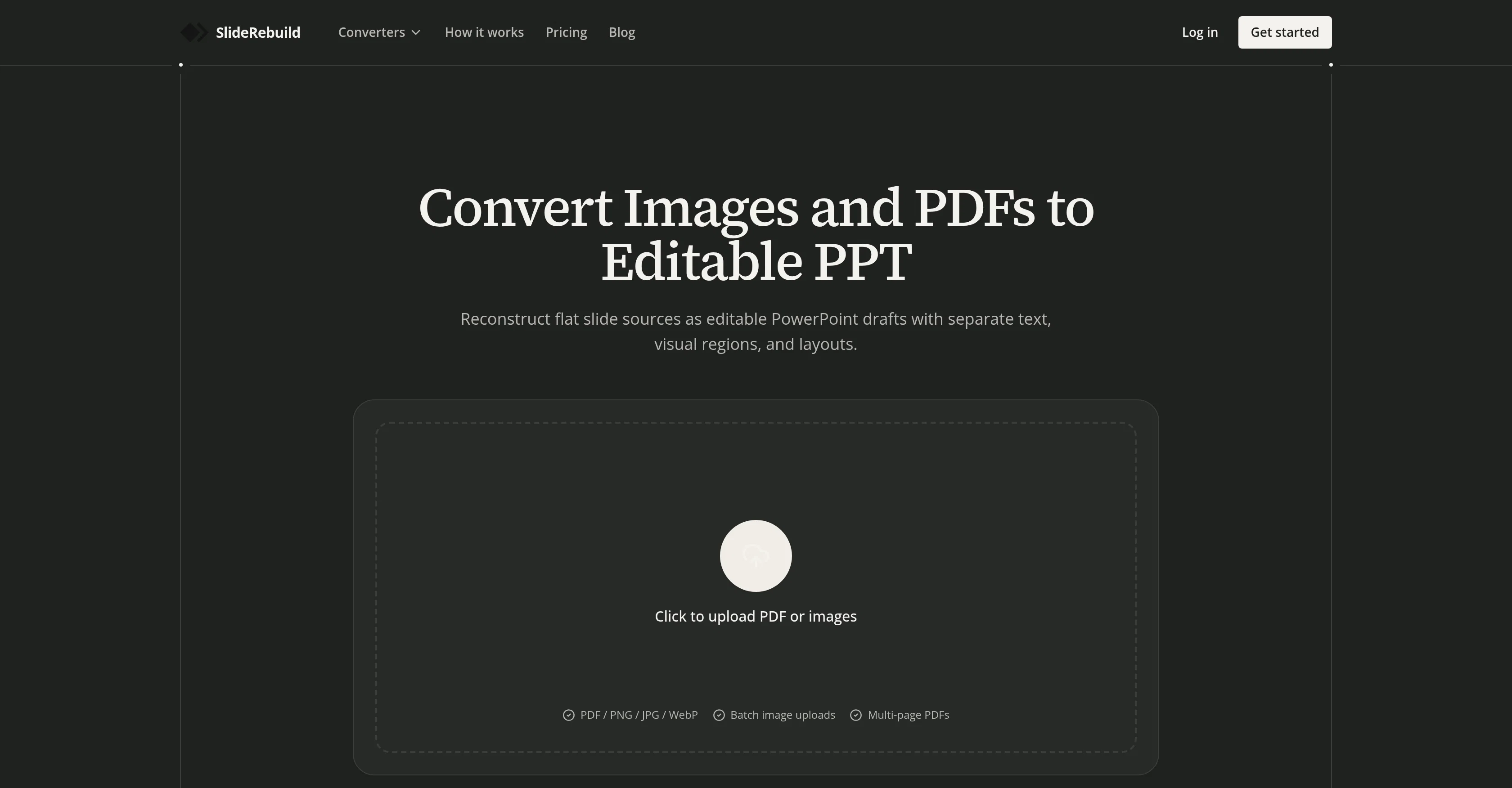
SlideRebuild is a versatile tool designed to convert various formats such as images, PDF pages, screenshots, photos, and even infographics into editable PowerPoint slides.
It rebuilds JPG, PNG, WebP, and PDF as PPTX slides, enabling recovery of text and layouts instead of just embedding a flat image in a PowerPoint presentation.
This tool also caters to multiple sources, allowing for the conversion of an ordered image batch into one reconstructed deck or turning scanned slides into editable PowerPoint slides.
SlideRebuild uses AI to rebuild the slides to create an editable draft. Another feature of SlideRebuild is its font matching, where it matches the slide text with the closest choice from a plethora of font styles, ensuring the rebuilt slide remains consistent with the original design.
Additional functionality includes preservation of icons, graphics, and other elements as separate items instead of a single flat image. Edit capabilities extend to tables and structured content to update information while keeping the original layout.
Tailored for teams dealing with shared, archived, or hard-to-edit slide sources, SlideRebuild is a powerful tool for refreshing old decks, repurposing old presentation materials, and recovering usable, editable content from images and PDFs.
Access & connections
Where you can use SlideRebuild.
Platforms
Capabilities
What this tool accepts, produces, and is strongest at.
Input
- Image
Output
- Text
Pros & cons
Pros
- Converts images to PPT
- Converts PDF pages to PPT
- Rebuilds JPG, PNG, WebP
- Text and layout recovery
- Converts ordered image batch
- Turns scanned slides editable
- Font matching feature
- Preserves icons and graphics
Show 35 more
- Edits tables and structured content
- Refreshes old decks
- Repurposes old presentations
- Content recovery from images
- Slideshows from slide images
- Converts infographics
- Batch conversion capability
- Supports team collaboration
- Reuses archived materials
- Screenshot to PowerPoint conversion
- Photo to PowerPoint conversion
- Separation of text, visuals
- Rebuilds diagram labels, connectors
- Works on static images
- Keeps similar font styles
- Replaces icons as needed
- Allows graphics resizing
- Reconstructs tables and layouts
- Creates PPTX files
- Editable text inside images
- Text boxes freely movable
- Supports multiple uploads
- Rapid conversion process
- Helps in presentation recovery
- Repurposes old sales materials
- Turns screenshots into slides
- Conversion of client-provided decks
- Recovers missing source files
- Refreshes training content
- Edit PowerPoint, Keynote, Google Slides
- Recreates structured content
- Resizes text boxes freely
- Updates information in layout
- Helps teams recover presentations
- Archive presentation updates
Cons
- Limited to PowerPoint format
- Potential font matching inconsistency
- Layout reconstruction not perfect
- Graphic editability may vary
- Conversion time not specified
- Unclear multiple image management
- May not perfectly convert diagrams
- Dependent on source quality
Show 2 more
- No specified language support
- Limited iconic elements recognition
Compare alternatives
Similar tools in the catalog — with a clear reason to open each one.

Tome App AI ✓
FreemiumCreate professional presentations in minutes with AI.
Why look Offers a public API
Full comparisonReleases 1
FAQ 12
What is SlideRebuild?
How does SlideRebuild convert images into PowerPoint slides?
Can SlideRebuild convert PDF pages into editable slides?
Does SlideRebuild retain the original layout of the slide?
What types of images does SlideRebuild support?
What is the role of AI in SlideRebuild?
What is font matching in SlideRebuild and how does it work?
Can SlideRebuild preserve graphics and icons in the generated PPT slides?
Can I convert an entire image batch into a PPT deck using SlideRebuild?
Does SlideRebuild support the conversion of infographics to PowerPoint slides?
Can I edit the text and tables in the PowerPoint slides generated by SlideRebuild?
What are the key benefits of using SlideRebuild for teams?
Related tools
Recommended

Voice Cloner ✓
FreemiumClone any voice instantly, no sign-up needed.

Claro ✓
UnknownType a topic. Get a course.

MagicSlides.app AI PPT Maker ✓
FreemiumCreate Stunning PPTs in Seconds with the AI PPT Maker

GetLogit ✓
FreemiumArtificial intelligence, available for everyone.

ChatGPT ✓
FreemiumAsk anything, create anything, and move from idea to action.

Automateed ✓
Free TrialCreate eBooks effortlessly with Automateed, the AI-powered writing tool.