

Vibe coding 2026 Rank: #355
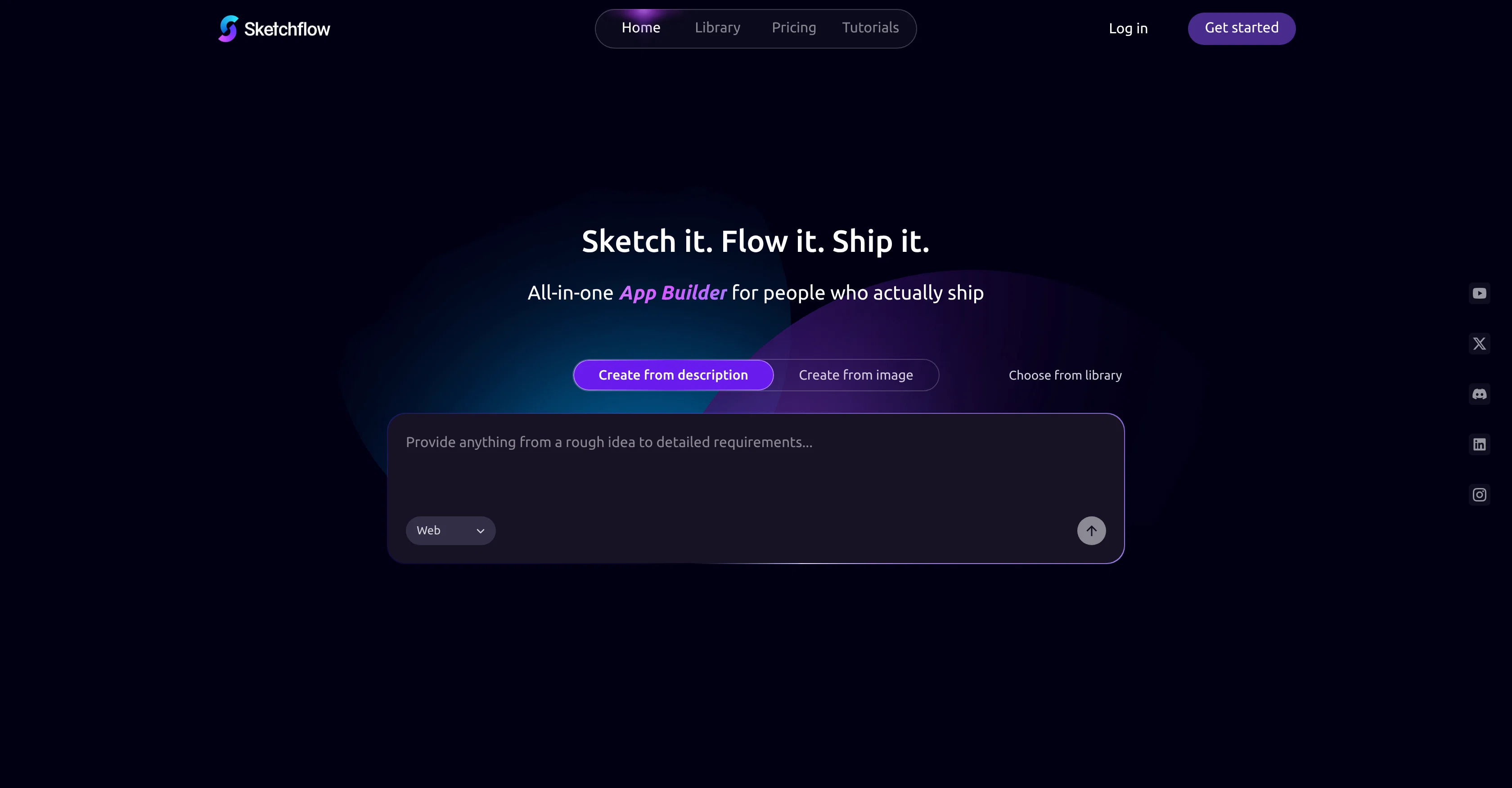
Sketchflow.ai ✓
Text to native iOS & Android apps. Real Swift & Kotlin code
Verdict
A quick read before you dig into the full page.
- Best if
- Text to native iOS & Android apps. Real Swift & Kotlin code
- Skip if
- Lacks advanced coding features
- Pick this when
- No-Code application generator
Considering Base44 instead? Compare side by side
Overview





Key Features:
●Web app creator (no coding required): Generate completed websites and applications for real business needs without writing code.
●Natural language processing: Describe your idea in natural language and Sketchflow generate it with one click.
●Workflow automation: Makes product logic and user journeys visible and fully editable in workflow automation process.
●Front-end code generation: Output optimized for front-end development, follow best practice of modern coding.
●Web app template library: Choose commercial, highly usable templates for different purposes for your project.
●AI-assisted builder: Build your apps with Sketchflow.ai's smart AI Assistant. Just describe what you want.
●Manual refinement: Manually adjust effects by selecting and modifying options and parameters.
Target Users:
●Small business&Solopreneurs: Swiftly validate, iterate, and preview complete projects from your ideas.
●Product Teams: Showcase your ideas with fully structured product flows and prototypes.
●Designers: Transform your design ideas into real-time, high-fidelity prototypes faster, without any hassles.
Unique Selling Points:
●Workflow Features: Enable users to refine the product flows before interfaces, follow the best UI/UX principles.
●Project-level generation: Multi-page product instead of single screens, best suited for business ideas.
- User-friendly Interface: Intuitive Design For Quick Navigation And Seamless Workflow.
Access & connections
Where you can use Sketchflow.ai.
Capabilities
What this tool accepts, produces, and is strongest at.
Input
- Image
- Text
Output
- Code
- Tabular
- Image
Highlights
- Local
Supported features
- Runs Locally
Pros & cons
Pros
- No-Code application generator
- Single-prompt app creation
- Native code export capability
- For complex appllications
- Refine visible, editable user journey
- Designs to real-time simulations
- Helpful for non-tech professionals
- Quality final product
Show 5 more
- Facilitates speedy app creation
- Streamlines idea to product
- Reduces technical burden
- Can handle commercial applications
- Eases complexities of code-writing
Cons
- Lacks advanced coding features
- Manual polish required
- Possible limitations on customization
- Lacks pre-made templates
- Constrained by 'No-Code' approach
Compare alternatives
Similar tools in the catalog — with a clear reason to open each one.

Base44 ✓
FreemiumLet’s make your dream a reality. Right now.
Why look Typically cheaper
Full comparison



Trickle Magic Canvas ✓
FreemiumTurn your ideas into live apps and websites with AI.
Why look Typically cheaper
Full comparison
Floot ✓
FreemiumBuild AI apps with the subscription you're already paying for.
Why look Offers a public API
Full comparisonReleases 1
Imported reviews 5
I tested the application, and after running a simple project, the design page became glitchy and started shaking, making it unusable. The preview works fine, but the design interface is unworkable due to this issue. It's as if the screen is glitching like an old TV.
Generating both Android and iOS while staying native is impressive.
The all-at-once generation approach feels much closer to how real apps are built in practice.
What's next for Sketchflow after this native app milestone?
This could significantly lower the barrier for small teams building mobile apps.
FAQ 12
What is Sketchflow.ai exactly?
🛠️ 1
tool
wrote:
Sketchflow.ai is an AI-powered platform that allows users to turn ideas into multi-page structured apps, offers full user journey mapping, AI-driven and manual editing tools, interactive prototyping and native code generation for web and mobile projects, no coding required.
Can I generate a web or mobile application without code using Sketchflow.ai?
🛠️ 1
tool
wrote:
Yes, Sketchflow.ai allows you to generate web/mobile applications without needing to write any code. This is part of its 'No-Code' premise which makes it ideal for individuals looking for simplicity and ease of use.
Who can use Sketchflow.ai?
🛠️ 1
tool
wrote:
Sketchflow.ai is intended for a wide variety of users. It broadly caters to the needs of founders, product managers, designers, and non-tech professionals who want to create and build websites, apps more efficiently. It can also be a useful tool for developers.
Can designers and developers both use Sketchflow.ai?
What does it mean that Sketchflow.ai transforms design patterns into real-time simulations?
How does Sketchflow.ai enable native code exports?
🛠️ 1
tool
wrote:
Sketchflow.ai enables native code exports as part of its functionality. After users refineing their app designs, the tool can then transform designs into native code, ready for use in app development.
Can I import designs with Sketchflow.ai?
What do you mean by single-prompt approach in Sketchflow.ai?
Does Sketchflow.ai work on multiple platforms?
🛠️ 1
tool
wrote:
Yes, Sketchflow.ai works on multiple platforms. The features built in the apps created using Sketchflow.ai are designed to work seamlessly across various platforms, including web, mobile, tablet and desktop.
What role does the AI technology play in Sketchflow.ai's operations?
Is Sketchflow.ai user-friendly?
Can Sketchflow.ai be used for commercial applications?
Related tools
Recommended

AppDeploy ✓
FreeDeploy real apps directly from ChatGPT or Claude

remio: Your Personal ChatGPT ✓
FreemiumGet Tailored Answer with Your Personal ChatGPT
Emergent ✓
FreemiumUse the code TAAFT for access to vibe coding platform

OnSpace.AI - No Code App Builder ✓
FreemiumBuild Apps with AI, No Code

Whacka ✓
Free TrialTurn ideas into real apps from your phone.

OnSpace.AI - AI Mobile App Builder ✓
FreemiumAI Generate iOS & Android Apps, No Code