
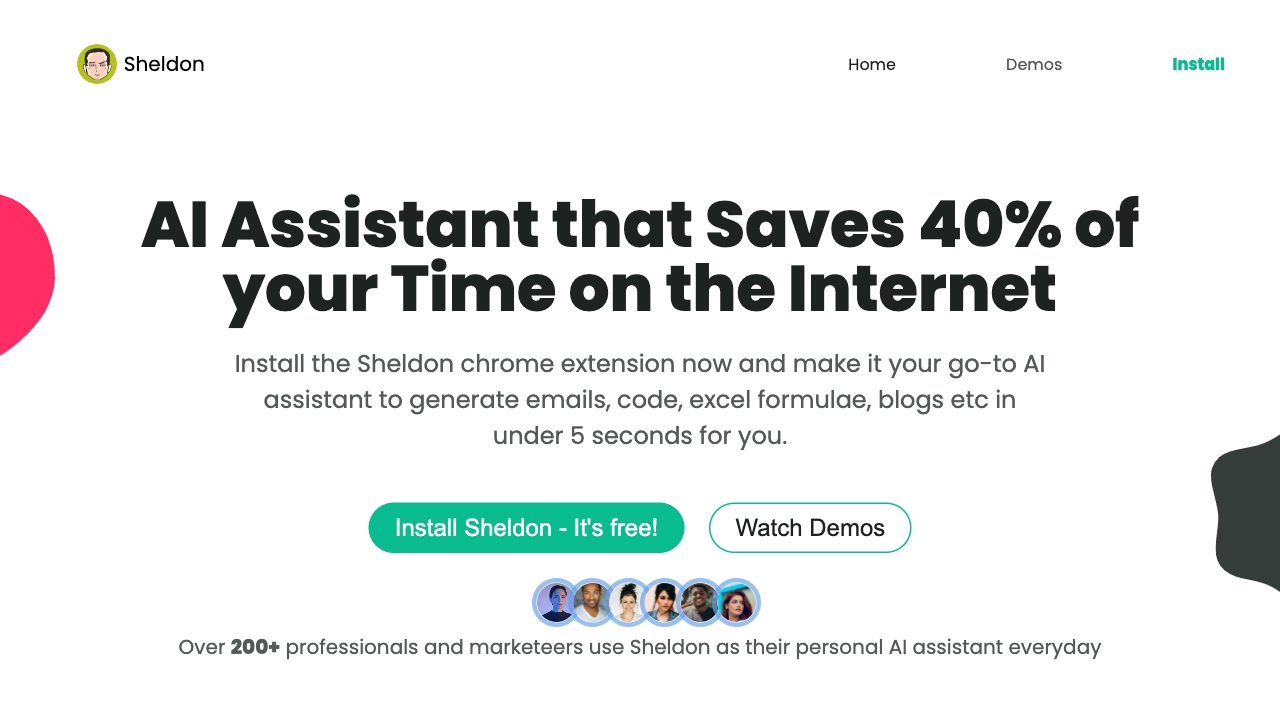
Sheldon AI
AI-powered Chrome extension for writing emails, code, and more, saving browsing time.
Source rating 5.0
(59)
0 views
0 saves
Unknown
Verdict
A quick read before you dig into the full page.
- Best if
- AI-powered Chrome extension for writing emails, code, and more, saving browsing time
- Pick this when
- AI-powered Chrome extension for writing emails, code, and more, saving browsing time
Overview
Sheldon is an AI-powered virtual assistant designed to enhance productivity across various online tasks. It functions as a Chrome extension, offering features such as email writing, code generation, debugging, and Excel formula assistance. Sheldon aims to save users time by providing quick and efficient solutions for common tasks, making it a valuable tool for professionals and creatives.
Access & connections
Where you can use Sheldon AI, and what it plugs into.
Platforms
Capabilities
What this tool accepts, produces, and is strongest at.
Highlights
- Email writing assistance
- Code generation and debugging
- Excel formula generation
- Content generation for marketing campaigns
FAQ 6
What is Sheldon AI?
Sheldon is an AI-powered virtual assistant designed to enhance productivity across various online tasks. It functions as a Chrome extension, offering features such as email writing, code generation, debugging, and Excel formula assistance. Sheldon aims to save users time by providing quick and efficient solutions for common tasks, making it a valuable tool for professionals and creatives.
How to use Sheldon AI?
Install the Sheldon Chrome extension. Once installed, it integrates into your browser, allowing you to access its features on various websites like Gmail, Google Sheets, and LinkedIn. Simply provide a prompt or description of your task, and Sheldon will generate the desired output, such as email replies, code snippets, or Excel formulas.
Do you upgrade/modify the extension?
Yes, we do. The generative AI space is evolving right now, our aim is to make Sheldon, the best AI assistant out there and it fits in perfectly for someone looking for a chatGPT chrome extension.
Can I suggest additional features to be added to the extension?
We'd love that! Please feel free to reach out to Daksh with the subject line “Chrome extension”. We listen to you attentively to make sure we're adding features that will truly impact your workflow by saving you hours of work and giving you the edge you desire.
What browsers is the extension available on?
At the moment, our extension is only available for Google Chrome. But we do have plans to incorporate other browsers too.
Are all of the features totally free to use?
In our Chrome extension, you will get access to all of the features for free with no daily data limits. We will throttle your usage if we detect automation. You can upgrade to access even more if you desire.
Related tools
Recommended



Sheldon AI