
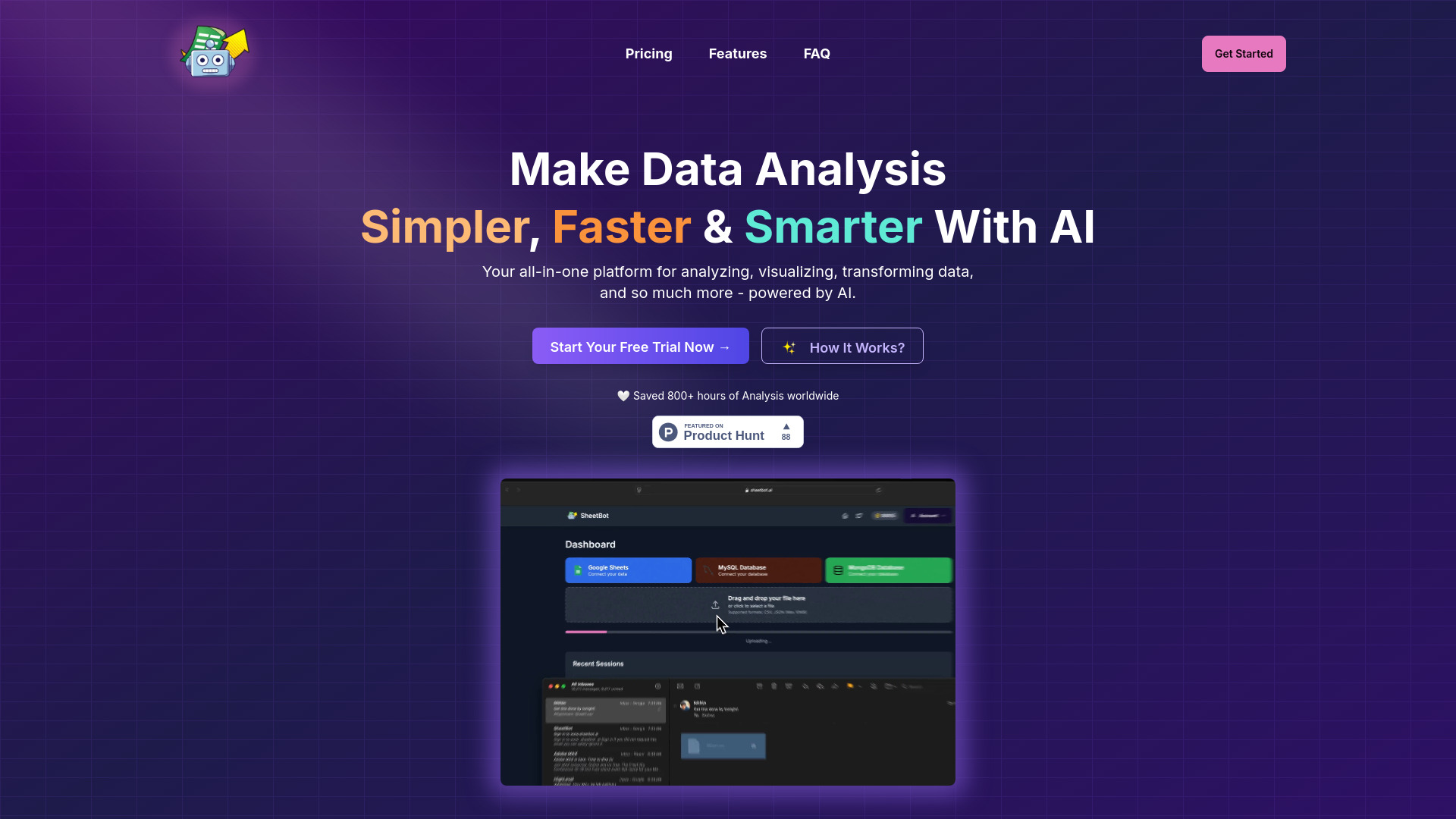
SheetBot AI
AI data analyst tool for streamlined data visualization and analysis.
Source rating 5.0
(51)
0 views
0 saves
Paid
From $9 USD
Verdict
A quick read before you dig into the full page.
- Best if
- AI data analyst tool for streamlined data visualization and analysis
- Skip if
- You need a free plan with no credit card
- Pick this when
- Paid · From $9 USD
Overview
SheetBot AI is an AI data analyst tool designed to streamline data visualization and analysis tasks. It automates repetitive and time-consuming data work, allowing users to generate precise and sleek graphs in seconds without requiring any code. It supports various data sources and file formats, offering AI-powered insights and dynamic visualizations.
Access & connections
Where you can use SheetBot AI, and what it plugs into.
Platforms
Integrations
Capabilities
What this tool accepts, produces, and is strongest at.
Highlights
- AI-Powered Summary
- Dynamic Visualizations
- Data Cleaning Automation
- Statistical Modeling
- Export to CSV/Excel
- AI-powered analysis
FAQ 9
What is SheetBot AI?
SheetBot AI is an AI data analyst tool designed to streamline data visualization and analysis tasks. It automates repetitive and time-consuming data work, allowing users to generate precise and sleek graphs in seconds without requiring any code. It supports various data sources and file formats, offering AI-powered insights and dynamic visualizations.
How to use SheetBot AI?
Upload your data, ask questions in plain English, get AI-powered insights, and visualize results instantly.
What do I get exactly?
Transform your data analysis process: Upload your data, Ask questions in plain English, Get AI-powered insights, Visualize results instantly. Turn hours of data wrestling into minutes with SheetBot AI's powerful analysis tools.
Can I get a refund?
Yes, we offer refunds in the form of credit reimbursements for any issues you encounter. If you run into any problems, please reach out to us via Email and we will ensure your credits are reimbursed to your SheetBot account.
How do I link a data source?
You'll be asked to either connect your MongoDB/SQL/Google Sheets source in the dashboard page. We also support uploading of any data file format, including but not limited to spreadsheets (.csv, .json).
Can I modify my visualizations If I don't like it?
Yes! You can simply type what you want to be updated under the visualization and it will be updated in real-time.
What do I do after purchasing?
Simply login using the email you used to purchase and you'll be able to start using your personalised AI data analyst right away.
What is your data privacy policy?
To operate SheetBot, we process your uploaded data on our secure backend servers hosted on Google Cloud Platform. All data is encrypted in transit over HTTPS/TLS, ensuring your information is protected between your device and our servers. When using OpenAI, we only send the column names and the first row of your dataset, which are not not used for model training. OpenAI deletes this data within 30 days, ensuring your privacy. For details, see OpenAI's usage policies. We enforce strict access control, so only you can access your data in storage. Each user's data is sandboxed within isolated environments, ensuring secure and private processing. Additionally, your data is completely erased from our servers whenever you delete it within the app. To further ensure your privacy, MongoDB or MySQL credentials are never stored after being securely processed by our encrypted servers.
I have another question
Cool, shoot us a quick email at [email protected]
Related tools
Recommended

SheetBot AI
From $9 USD