
SenseProfile
AI-powered conversation analysis platform for understanding meaning and emotional context.
Source rating 5.0
(90)
0 views
0 saves
Unknown
Verdict
A quick read before you dig into the full page.
- Best if
- AI-powered conversation analysis platform for understanding meaning and emotional context
- Pick this when
- AI-powered conversation analysis platform for understanding meaning and emotional context
Overview
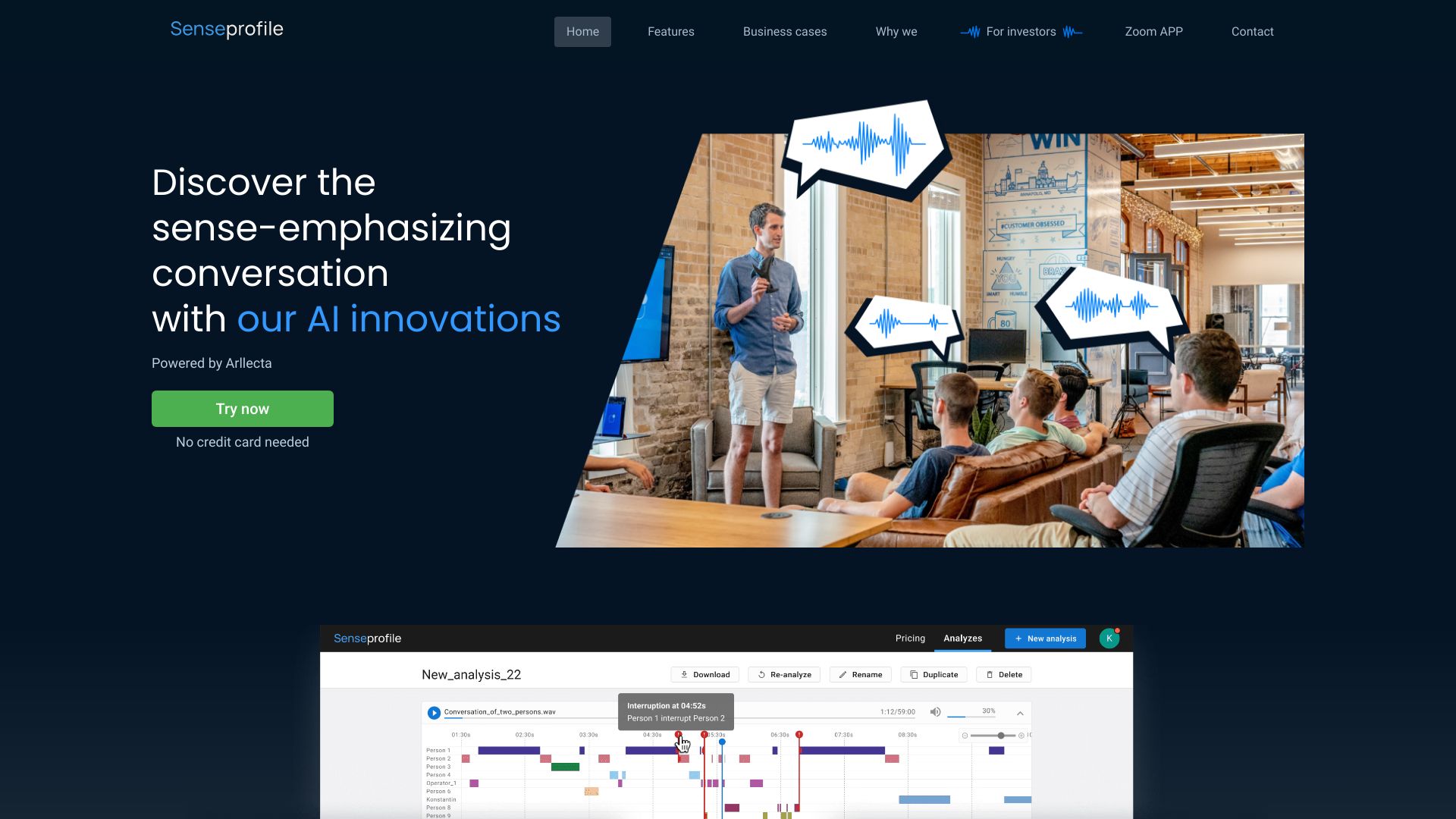
SenseProfile is an AI-powered platform that analyzes conversations to understand meaning, differentiate between business and friendly interactions, determine emotional mood, and assess professionalism. It offers features like speaker diarization, topic and sense detection, tonality analysis, and more. It integrates with Zoom and Webex for transcribing and analyzing online meetings.
Access & connections
Where you can use SenseProfile, and what it plugs into.
Platforms
Integrations
Capabilities
What this tool accepts, produces, and is strongest at.
Highlights
- Speakers diarisation
- Topic and sense detection
- Tonality analysis
- Statistics by speakers
- Interrupts detection
- Obscene language detection
- Frequently used phrases highlighting
- Words and phrases search
Show 2 more
- Zoom integration
- Webex integration
FAQ 5
What is SenseProfile?
SenseProfile is an AI-powered platform that analyzes conversations to understand meaning, differentiate between business and friendly interactions, determine emotional mood, and assess professionalism. It offers features like speaker diarization, topic and sense detection, tonality analysis, and more. It integrates with Zoom and Webex for transcribing and analyzing online meetings.
How to use SenseProfile?
To use SenseProfile, you can try it directly on the website without registration. For Zoom and Webex integration, link your accounts in the settings to transcribe and analyze recordings.
Does SenseProfile support mobile version?
Unfortunately, the current version of Senseprofile does not support the mobile version. Please use the desktop version for the full experience.
How can I integrate SenseProfile with Webex?
Link your Webex account to SenseProfile for transcribing the recordings of your online meetings. You need to go to your account settings, click on the “Go to Webex account” button and log in to Webex. After successfully linking your account, you will proceed to transcribe your recordings.
How can I try SenseProfile?
You can try SenseProfile directly on the website without registration or credit card needed. It offers 10 analysis free.
Related tools
Recommended


SenseProfile