

Sembly AI ✓
Sembly, your smart AI team assistant for meetings.
Free + from $10/mo
Verdict
A quick read before you dig into the full page.
- Best if
- Sembly, your smart AI team assistant for meetings
- Skip if
- Limited workspace member capacity
- Pick this when
- Records and transcribes meetings
Considering Jamy instead? Compare side by side
Overview
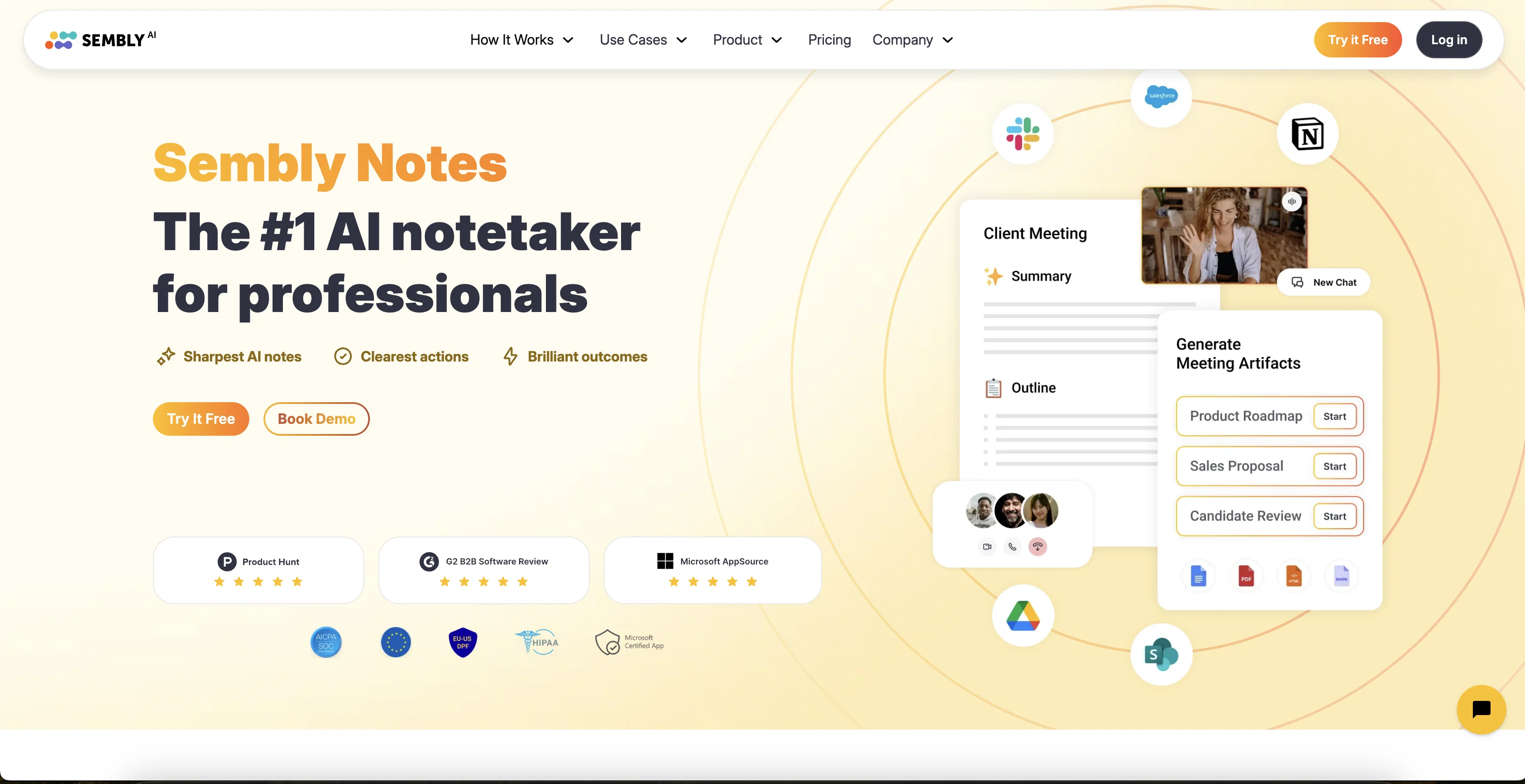
Sembly AI is an intelligent tool primarily designed to enhance productivity during and after meetings. The core functionality of Sembly AI involves the recording and transcription of meetings, and the generation of smart summaries.
This tool is compatible with popular meeting platforms like Zoom, Google Meet, and Microsoft Teams. One of the highlighted features of Sembly AI is its ability to convert meetings into searchable records, with the help of keywords, key items, or the list of attendees, making past discussions easily traceable.
Using high-accuracy transcription and speaker identification, meetings can be turned into detailed notes, that are time-stamped and devoid of filler words.
Sembly AI also offers multi-language support, catering to users with diverse lingual preferences. Interoperability is another pro, as it allows direct streaming of meeting insights to many task management tools.
Furthermore, it automatically identifies activities, tasks, and projects discussed during the meeting and assigns them appropriately with deadlines. Another unique feature is the embedded Semblian, a chatbot that is capable of crafting personalized messages summarising the key points of a meeting.
It can also provide insights into meeting efficiency, helping management optimise internal processes.
Access & connections
Where you can use Sembly AI, and what it plugs into.
Platforms
Integrations
Pros & cons
Pros
- Records and transcribes meetings
- Generates smart summaries
- Compatible with Zoom
- Compatible with gMeet
- Compatible with MS Teams
- Compatible with Webex
- Automatically attends meetings
- Detects action items
Show 39 more
- Detects decisions
- Pinpoints important topics
- Speaker identification
- Clears filler words
- Unique 'Glance View meeting summary'
- Automates follow-ups
- Integration with Slack
- Integration with Trello
- Integration with ToDo Apps
- Available as web application
- Available as iOS app
- Available as Android app
- Available as Chrome extension
- High ease of use
- Secure sharing
- Searchable meeting records
- High-accuracy transcription
- Multi-language support
- Direct streaming of meeting insights
- Automatic task assignment
- Embedded Semblian chatbot
- Meeting efficiency insights
- Flexible data retention options
- Manager View feature
- Workspace Analytics Dashboard
- Supports ad-hoc meetings
- Supports pre-recorded meetings import
- Google and Outlook calendars sync
- Proxy attendance feature
- Direct recording from microphone
- Voice identification
- Voice commands
- Sembly agent pause and stop
- Multi-Task management tool integrations
- Personal productivity automations
- CRM automations
- Enterprise-grade security
- GDPR compliant
- SOC 2 Type II certified
Cons
- Limited language support
- Data retention limitations
- Dependence on voice commands
- Limited customization options
- Risk of misinterpretation
- May miss context during discussions
- Privacy concerns
- Limited support for offline conversations
Show 2 more
- Limited workspace member capacity
- Unclear voice identification feature
Compare alternatives
Similar tools in the catalog — with a clear reason to open each one.

Jamy ✓
FreemiumAutomate meeting notes for seamless productivity.
Why look Higher community rating
Full comparison
Wave AI Note Taker, Transcription and Summary Tool ✓
FreemiumThe Smartest Way to Capture, Transcribe & Summarize Anything
Why look Typically cheaper
Full comparison
Otter.ai ✓
FreemiumAI Meeting Assistant for real-time transcription and notes
Free + from $19.7/mo
Full comparison
Limitless - Personalized & Secure Memory AI ✓
FreemiumRecall anything you've said or heard in meetings or conversations
Free + from $19/mo
Full comparison
Bubbles Notetaker ✓
Freemium⚡️ Supercharge your meeting productivity
Free + from $12/mo
Full comparison
NoteX AI Meeting Agent ✓
FreemiumBest multilingual AI meeting agent for global teams
Why look Higher community rating
Full comparisonReleases 1
FAQ 12
What platforms is Sembly AI compatible with?
How does Sembly AI transcribe meetings?
What is the 'Glance View™ meeting summary' feature in Sembly AI?
How does Sembly AI help in detecting key action items and decisions in meetings?
Can Sembly AI be used to automate follow-ups?
What kind of meeting summaries does Sembly AI generate?
Can Sembly AI work with teams and enterprises?
Is Sembly AI available on mobile platforms?
Does Sembly AI have a Chrome Extension?
How can one access Sembly AI for Microsoft Teams?
How does Sembly AI handle speaker identification and clearing of filler words?
Does Sembly AI offer multi-language support?
Related tools
Recommended

Tactiq ✓
FreemiumGet more from your meetings with AI assistance
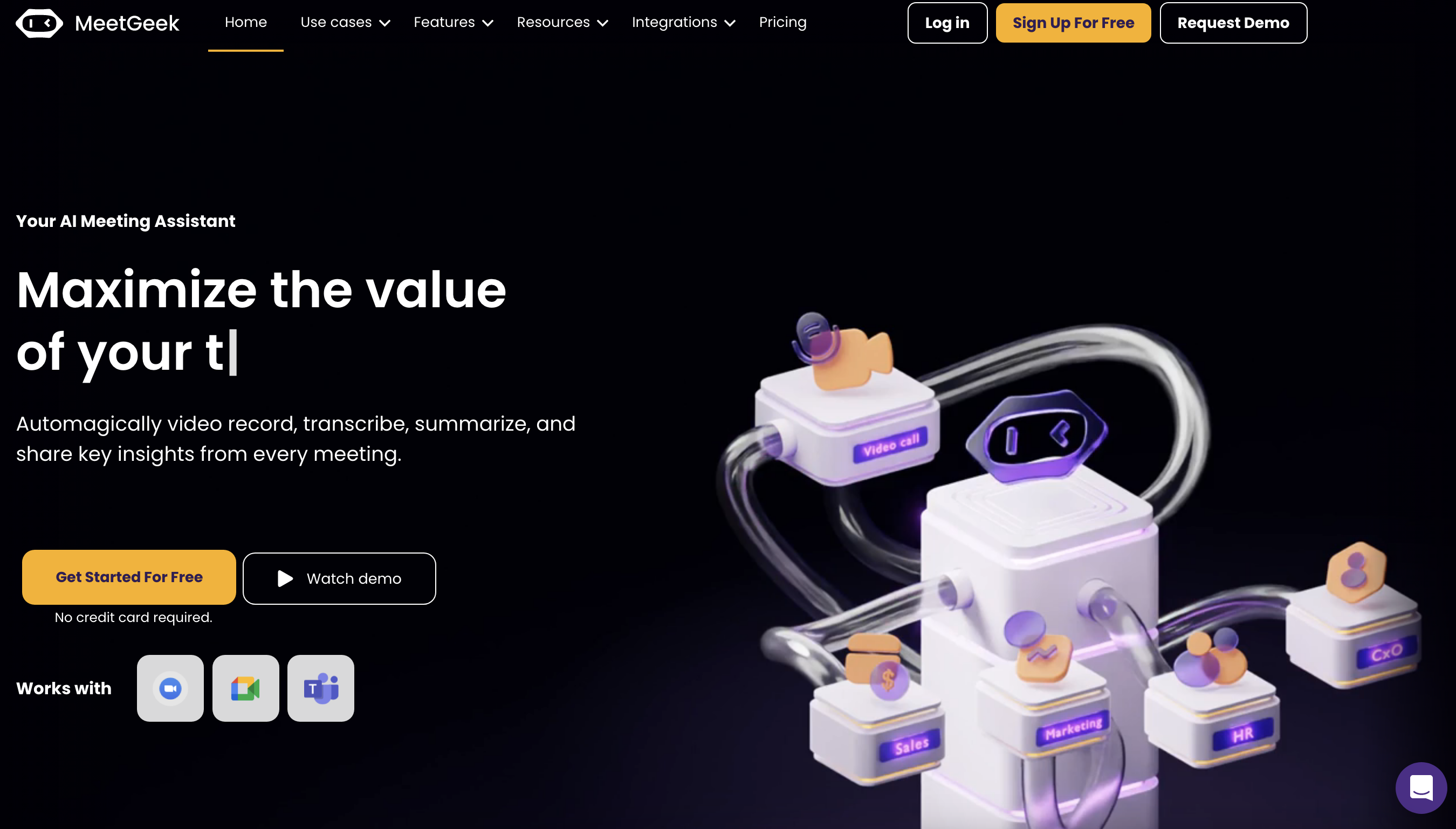
MeetGeek
FreemiumAI meeting assistant for recording, transcribing, summarizing, and providing meeting insights.
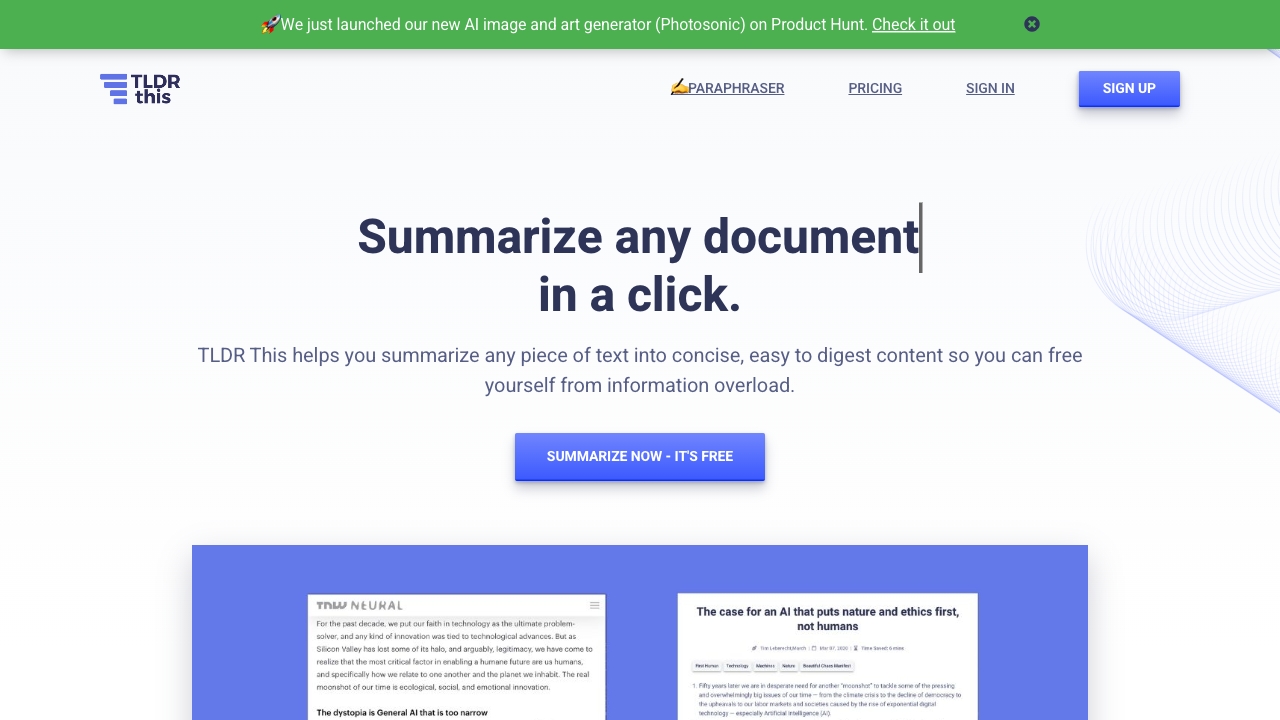
TLDR this
PaidFree AI-powered tool for summarizing articles and extracting key information.

Scisummary ✓
Free TrialCutting-edge scientific articles summarization.

Reflect AI ✓
Free TrialNever miss a note, idea or connection
Sassbook AI Summarizer ✓
FreemiumCreate human-like text summaries effortlessly.