
seedancetwo2.0
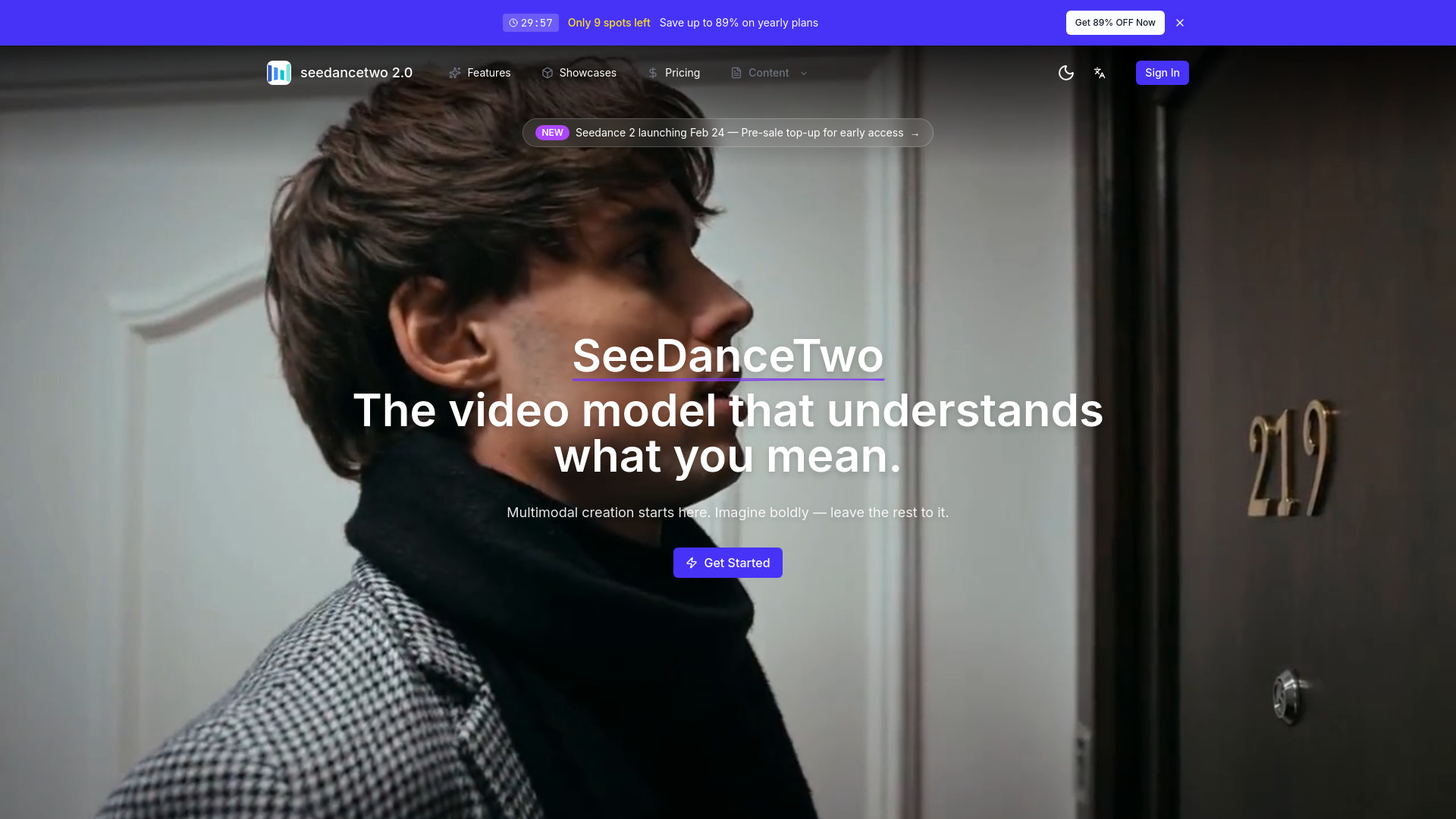
The video model that understands what you mean
From 9.9
Verdict
A quick read before you dig into the full page.
- Best if
- The video model that understands what you mean
- Skip if
- You need a free plan with no credit card
- Pick this when
- Paid · From 9.9
Overview
Seedance Two accepts four modality inputs — image, video, audio, and text — for richer expression and more controllable generation.
Reference Image to Video
Precisely reproduce composition, character details, and visual style from a reference image to generate video.
Reference Video to Video
Replicate camera movements, complex motion rhythms, and creative effects from a reference video to generate new video content.
Video Extension
Smoothly extend and connect shots — generate continuous scenes guided by your prompts. Not just generation, but "keep shooting."
Video Editing
Swap characters, remove or add elements in existing videos with targeted edits.
Access & connections
Where you can use seedancetwo2.0, and what it plugs into.
Platforms
Integrations
Capabilities
What this tool accepts, produces, and is strongest at.
Highlights
- Overall Consistency Significantly Improved。Character faces, clothing, fonts, and other details remain highly consistent across multiple shots, with no unexpected changes.
- Precise Camera Movement and Motion Replication。Upload a reference video to replicate complex character blocking and camera movements — no need for frame-by-frame descriptions.
- Creative Templates / Effect Replication。Accurately reproduce complex effects such as creative transitions, commercial-style edits, and cinematic scenes.
- Creative and Story Completion:The model intelligently completes story progression and creative details for more natural storytelling.
- Video Extension:Seamlessly extend and connect scenes — generate continuous shots based on prompts, not just create, but keep filming.
- More Accurate Voice, More Realistic Sound:More natural and realistic voice tones, with significantly improved lip-sync and narration performance.
- Smoother Long Takes:Long shots remain uninterrupted, with natural scene transitions and greatly improved shot continuity.
- Highly Practical Video Editing:Make targeted edits to specific segments of existing videos without regenerating the entire clip.
Show 2 more
- Beat-Synced Music:Audio rhythm aligns precisely with on-screen actions, making videos more dynamic and rhythmic.
- Improved Emotional Expression:More accurate facial expressions and body language, resulting in stronger emotional impact and storytelling.
FAQ 8
What is seedancetwo2.0?
Reference Image to Video
Precisely reproduce composition, character details, and visual style from a reference image to generate video.
Reference Video to Video
Replicate camera movements, complex motion rhythms, and creative effects from a reference video to generate new video content.
Video Extension
Smoothly extend and connect shots — generate continuous scenes guided by your prompts. Not just generation, but "keep shooting."
Video Editing
Swap characters, remove or add elements in existing videos with targeted edits.
How to use seedancetwo2.0?
Click Sign In in the top-right corner to register or log in.
Social account login is supported.
2. Purchase Credits
Visit the /pricing page to choose a plan and recharge.
Annual subscription saves up to 89%.
Credits are used to generate videos.
3. Generate Videos (Core Feature)
The video generator is located at the bottom of the homepage and supports multiple creation modes:
Mode Description
Text to Video Enter a text description and the AI automatically generates a video.
Image to Video Upload an image as the starting frame for video generation.
Reference Video Upload a reference video to replicate its camera movements, actions, and effects.
Video Extension Extend an existing video by continuing the scene seamlessly.
Video Editing Make targeted edits to existing videos (swap characters, add/remove elements).
Supports multiple output aspect ratios, including landscape, portrait, and square formats.
4. View Your Creations
Showcases Page: Browse featured examples and high-quality results.
Activity Page (after login): View your personal generation history.
5. Detailed User Manual
Visit /manual for the complete illustrated and video-based operation guide (Feishu-style layout).
6. Additional Features
Switch language (multi-language support) and dark/light theme in the top-right corner.
Contact support: [email protected]
Visit /blog for product updates and usage tips.


