Video generation

SEEDANCE 2 AI Video Generator

Multimodal AI generator for 15s multi-shot clips with synced audio and stable motion.

Source rating 5.0 (60) 0 views 0 saves Paid
More categories (5)

Verdict

A quick read before you dig into the full page.

Best if
Multimodal AI generator for 15s multi-shot clips with synced audio and stable motion
Skip if
You need a free plan with no credit card
Pick this when
Paid · From $12.00

Overview

Seedance AI features the SEEDANCE 2 AI Video Generator, a next-generation multimodal audio-video model developed by ByteDance Seed. It utilizes a unified architecture to generate 15-second multi-shot video clips with perfectly synced dual-channel audio from text, image, audio, and video inputs. The model is designed for high motion stability, physical accuracy, and visual realism, allowing creators to steer the look and rhythm of scenes using up to 9 image references, 3 video clips, and 3 audio clips simultaneously.

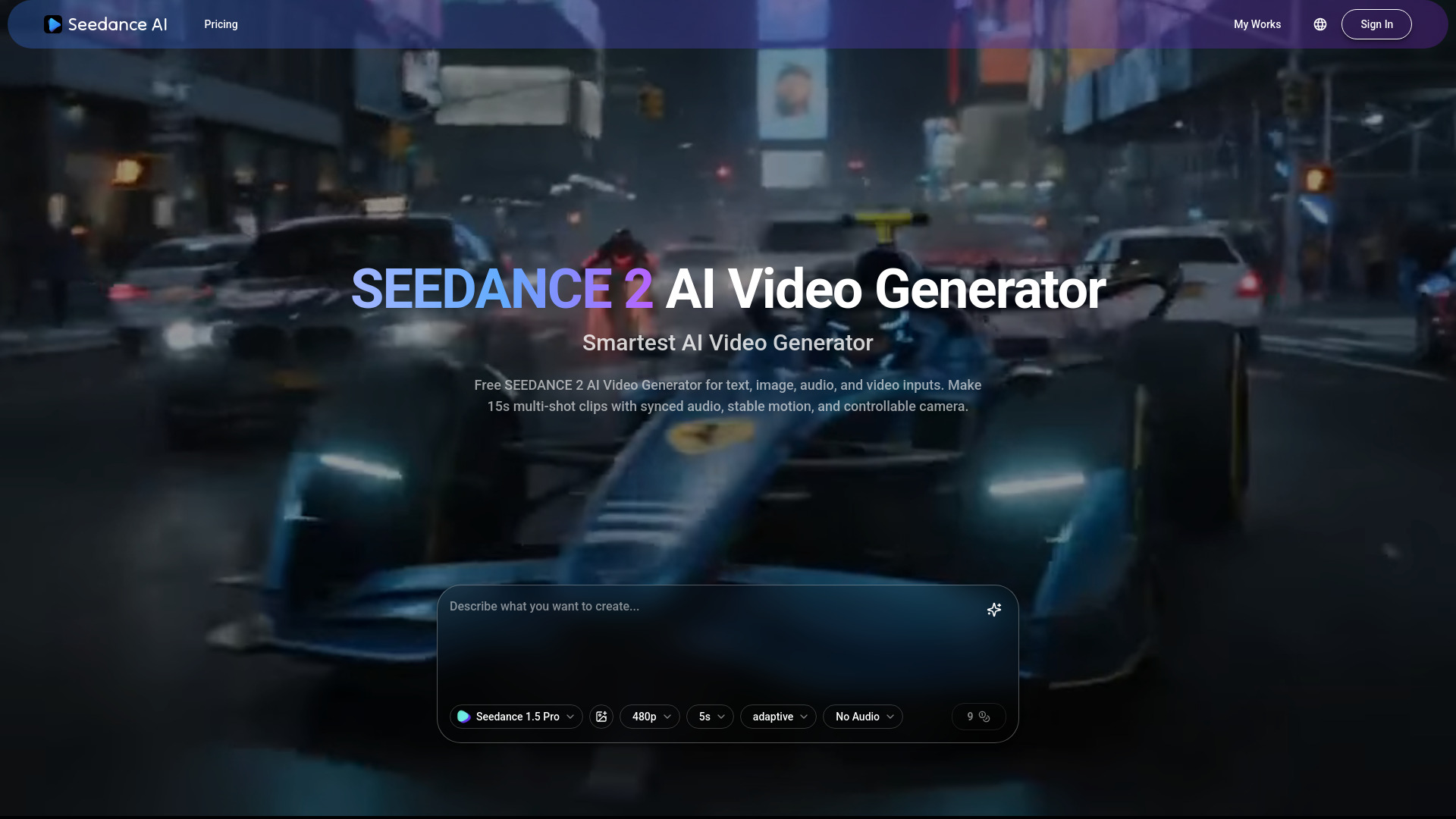
SEEDANCE 2 AI Video Generator screenshot

Access & connections

Where you can use SEEDANCE 2 AI Video Generator.

Platforms

Web

Capabilities

What this tool accepts, produces, and is strongest at.

Highlights

  • Unified multimodal audio-video joint generation
  • Supports text, image, audio, and video inputs
  • 15-second multi-shot clips with synced dual-channel sound
  • Advanced camera and motion rhythm control
  • High physical accuracy and visual realism
  • Support for up to 9 image and 3 video/audio references

FAQ 5

What is SEEDANCE 2 AI Video Generator?
Seedance AI features the SEEDANCE 2 AI Video Generator, a next-generation multimodal audio-video model developed by ByteDance Seed. It utilizes a unified architecture to generate 15-second multi-shot video clips with perfectly synced dual-channel audio from text, image, audio, and video inputs. The model is designed for high motion stability, physical accuracy, and visual realism, allowing creators to steer the look and rhythm of scenes using up to 9 image references, 3 video clips, and 3 audio clips simultaneously.
How to use SEEDANCE 2 AI Video Generator?
To use Seedance 2, start by writing a text prompt or uploading a base image. You can then add optional references such as additional images, video clips, or audio files along with camera or motion notes. Finally, generate the 15-second clip, which can be further extended or edited if needed.
What is the difference between Seedance 1.5 and 2.0?
Seedance 2.0 offers a substantial leap in quality, motion stability, physical accuracy, and supports unified audio-video generation with expanded multimodal references.
How long are the videos generated by Seedance 2?
It can generate 15-second multi-shot audio-video clips.
Does Seedance 2 require a local GPU?
No local GPU or VRAM is required as it is accessed through cloud platforms like Dreamina and Doubao.
SEEDANCE 2 AI Video Generator From $12.00


