Video generation

Seedance 2.0-11

Advanced multi-modal AI video generator with precise reference-based control and editing capabilities.

Source rating 5.0 (55) 0 views 0 saves Paid
More categories (5)

Verdict

A quick read before you dig into the full page.

Best if
Advanced multi-modal AI video generator with precise reference-based control and editing capabilities
Skip if
You need a free plan with no credit card
Pick this when
Paid · From $10 / month

Overview

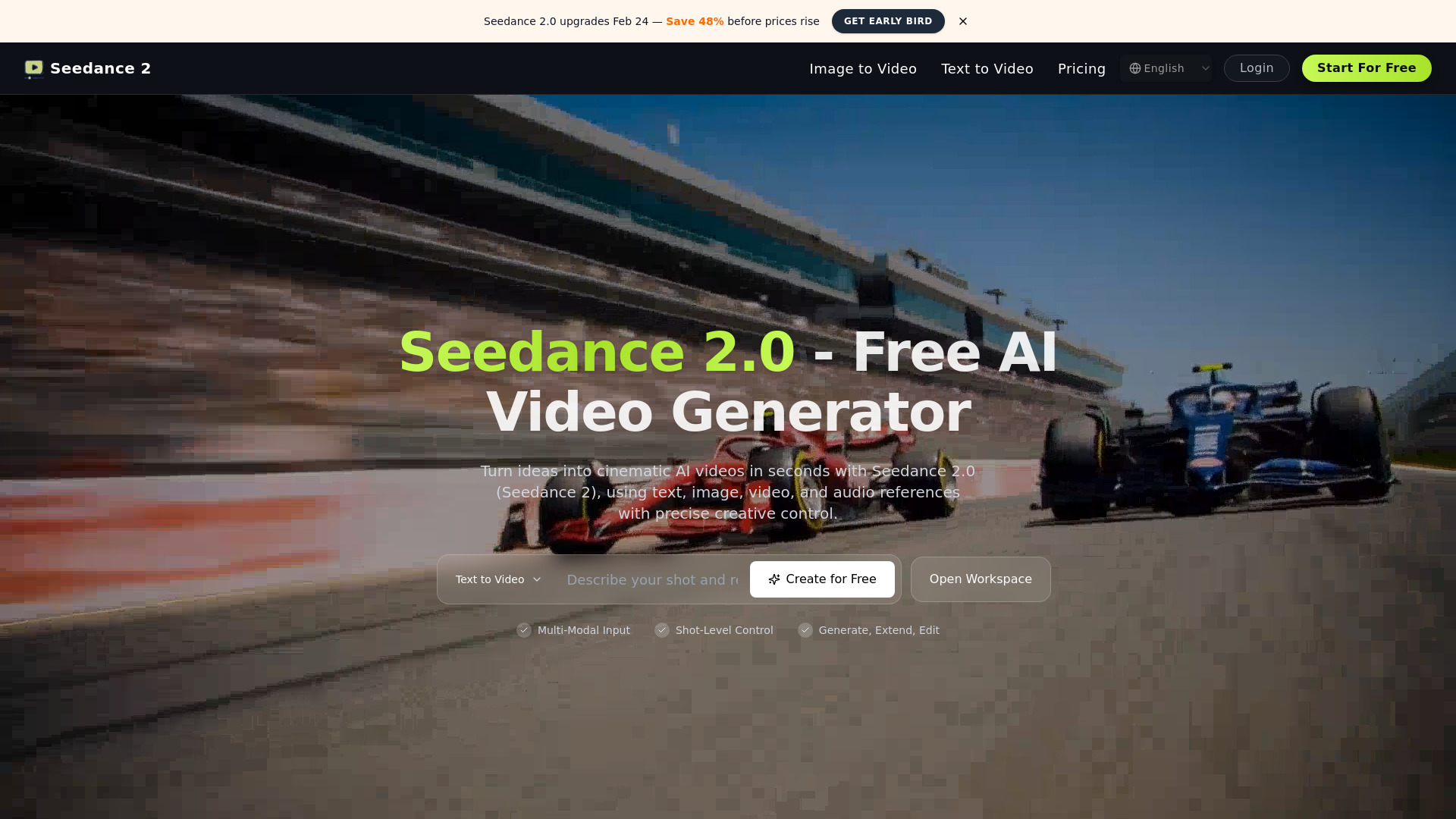
Seedance 2.0 is a multi-modal AI video generator designed to create high-quality, cinematic videos from various inputs including text, images, existing videos, and audio references. Unlike standard generators, it uses a reference-first engine that allows users to assign specific roles to assets using @ tags, ensuring precise control over character consistency, motion transfer, and rhythm. It supports shot-level control, enabling users to extend existing clips or perform targeted edits like subject swaps without regenerating the entire video. The platform is built for production-ready workflows, offering high-fidelity guidance and commercial usage rights for professional creators and marketing teams.

Seedance 2.0-11 screenshot

Access & connections

Where you can use Seedance 2.0-11.

Platforms

Web

Capabilities

What this tool accepts, produces, and is strongest at.

Highlights

  • Reference-First Multimodal Control (Text, Image, Video, Audio)
  • Shot-Level Control and Clip Extension
  • Targeted Video Editing (Subject swaps and local scene updates)
  • Native Audio-Driven Video Generation
  • High-Fidelity Image Guidance for character and scene consistency
  • Video Motion Transfer for replicating camera language

FAQ 6

What is Seedance 2.0?
Seedance 2.0 is a multi-modal AI video generator designed to create high-quality, cinematic videos from various inputs including text, images, existing videos, and audio references. Unlike standard generators, it uses a reference-first engine that allows users to assign specific roles to assets using @ tags, ensuring precise control over character consistency, motion transfer, and rhythm. It supports shot-level control, enabling users to extend existing clips or perform targeted edits like subject swaps without regenerating the entire video. The platform is built for production-ready workflows, offering high-fidelity guidance and commercial usage rights for professional creators and marketing teams.
How to use Seedance 2.0?
Users can generate videos by entering a text prompt and tagging uploaded assets (images, videos, or audio) with '@' references to define their roles, such as camera reference or motion reference. Once the prompt and references are set, click generate to produce 4-15 second clips which can then be extended or edited.
How do @ references work in Seedance 2?
Use @ references in your prompt to assign each asset a specific role, such as first frame, camera reference, motion reference, or background music guidance.
Can I extend an existing video clip?
Yes. You can extend a source clip by specifying how much new duration to add, then generate only the extended segment.
Does Seedance 2 generate audio?
Yes. Generated videos can include sound effects and music, and you can guide the audio style using reference audio inputs.
What happens to unused credits at the end of the billing cycle?
For monthly subscriptions, unused credits expire. For yearly plans, the total yearly credits are provided upfront and can be used at any time during the active subscription period.
Seedance 2.0-11 From $10 / month