Video generation

Seedance 1.5 Pro by ByteDance - DB-DiT AI Video Generator

AI video generator for cinematic videos with perfect audio-visual sync.

Source rating 5.0 (84) 0 views 0 saves Paid
More categories (10)

Verdict

A quick read before you dig into the full page.

Best if
AI video generator for cinematic videos with perfect audio-visual sync
Skip if
You need a free plan with no credit card
Pick this when
Paid · From $7.99 / mo

Overview

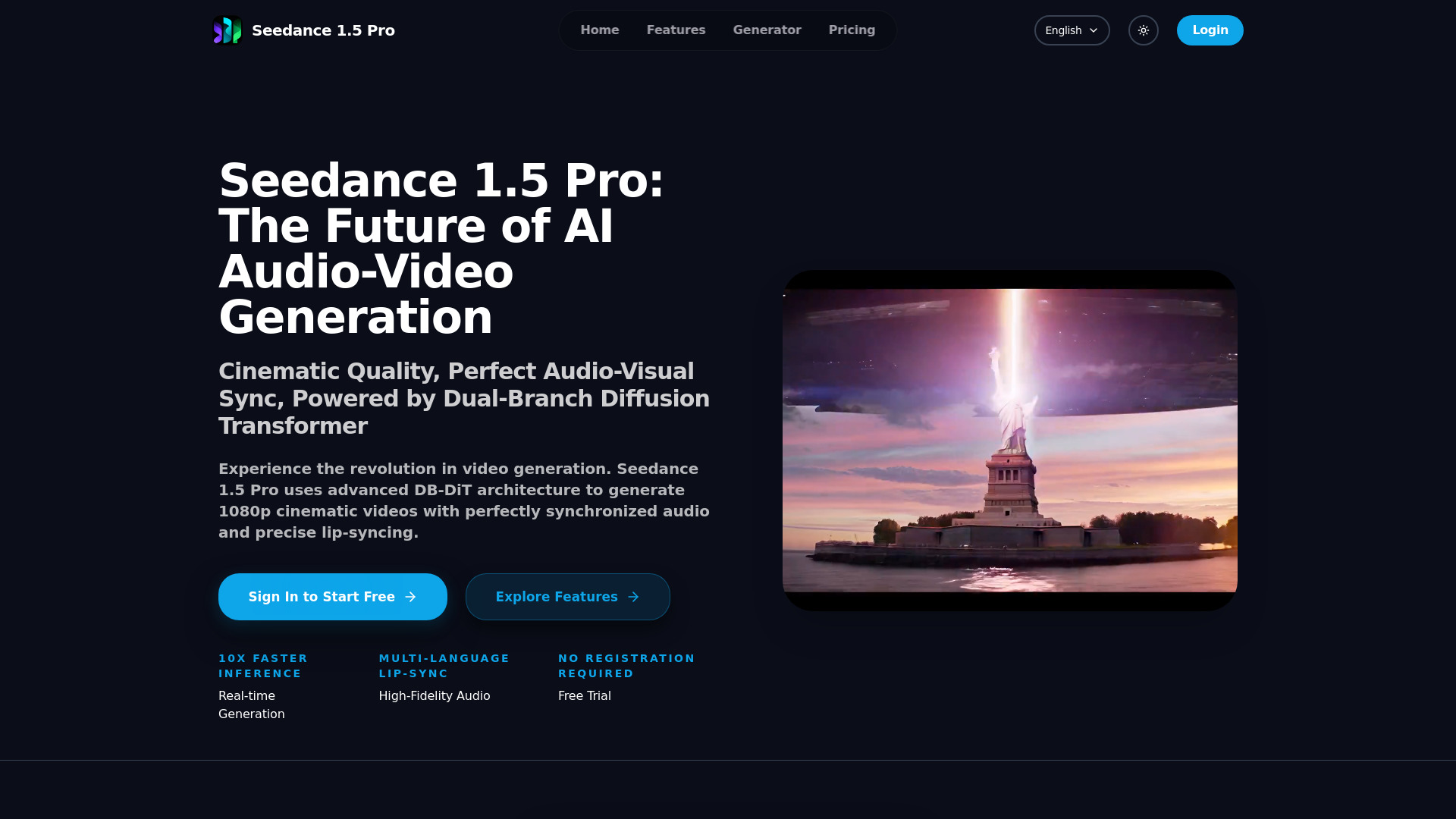
Seedance 1.5 Pro by ByteDance is an advanced AI video generator powered by the Dual-Branch Diffusion Transformer (DB-DiT) architecture. It creates stunning cinematic 1080p videos with native audio sync, precise lip-syncing, and high-fidelity audio. The platform redefines video generation by simultaneously generating synchronized audio and video, ensuring a coherent and immersive experience. It offers features like 10x faster inference, real-time generation, multi-language lip-sync, cinematic camera control, and native Chinese optimization. Users can generate videos from text descriptions (Text-to-Video) or images (Image-to-Video).

Seedance 1.5 Pro by ByteDance - DB-DiT AI Video Generator screenshot

Access & connections

Where you can use Seedance 1.5 Pro by ByteDance - DB-DiT AI Video Generator.

Platforms

Web

Capabilities

What this tool accepts, produces, and is strongest at.

Highlights

  • Dual-Branch Diffusion Transformer (DB-DiT) architecture
  • Perfect Audio-Visual Sync and Precise Lip-Sync
  • 10x Faster Inference / Real-time Generation
  • Cinematic Camera Control
  • Native Chinese Optimization
  • Multi-Modal Generation (Text-to-Video, Image-to-Video)
  • High-Fidelity Audio

FAQ 11

What is Seedance 1.5 Pro?
Seedance 1.5 Pro by ByteDance is an advanced AI video generator powered by the Dual-Branch Diffusion Transformer (DB-DiT) architecture. It creates stunning cinematic 1080p videos with native audio sync, precise lip-syncing, and high-fidelity audio. The platform redefines video generation by simultaneously generating synchronized audio and video, ensuring a coherent and immersive experience. It offers features like 10x faster inference, real-time generation, multi-language lip-sync, cinematic camera control, and native Chinese optimization. Users can generate videos from text descriptions (Text-to-Video) or images (Image-to-Video).
How to use Seedance 1.5 Pro?
Seedance 1.5 Pro allows users to create videos in 4 simple steps. First, input a text prompt for Text-to-Video generation or upload an image for Image-to-Video. Second, use 'Camera Control' to set movements like Pan, Zoom, or Orbit. Finally, the DB-DiT engine generates a 1080p video with perfectly matched sound effects and lip-sync.
What makes Seedance 1.5 Pro different from other AI video tools?
Seedance 1.5 Pro uses a unique Dual-Branch Diffusion Transformer architecture to generate video and audio simultaneously, ensuring perfect synchronization and lip-syncing that other models struggle with.
Can I control the camera movements in the generated video?
Yes. Seedance 1.5 Pro offers 'Cinematic Camera Control', allowing you to direct Pan, Tilt, Zoom, and Orbit movements for professional storytelling.
Is Seedance 1.5 Pro optimized for Chinese language?
Absolutely. Seedance 1.5 Pro has native understanding of Chinese context and culture, delivering superior results for Chinese prompts and Asian character aesthetics.
How fast can I get my video?
Thanks to our optimized inference engine, Seedance 1.5 Pro is up to 10x faster than traditional models, delivering high-quality 1080p videos in just 30-120 seconds.
How many credits does one video cost?
Each video costs 10 credits minimum for standard generation. Different models may have different credit costs (ranging from 10 to 30 credits per video). Extended videos may require additional credits.
What happens if a generation fails?
If a video generation fails, the consumed credits are automatically returned to your balance—no manual request needed.
Do you offer round‑the‑clock support?
Yes. Our support team is available 24/7 to help with billing, technical, and service questions.
When do credits expire?
Credits expire according to your subscription cycle. Each top‑up or issuance creates a separate batch with its own expiry, so you can safely stack recharges.
How do I refund or cancel my subscription?
To cancel, visit your Billing page and click the corresponding management button to access the self-service portal. For refunds, contact [email protected] with your order details.
Seedance 1.5 Pro by ByteDance - DB-DiT AI Video Generator From $7.99 / mo
