
ScreenSorts
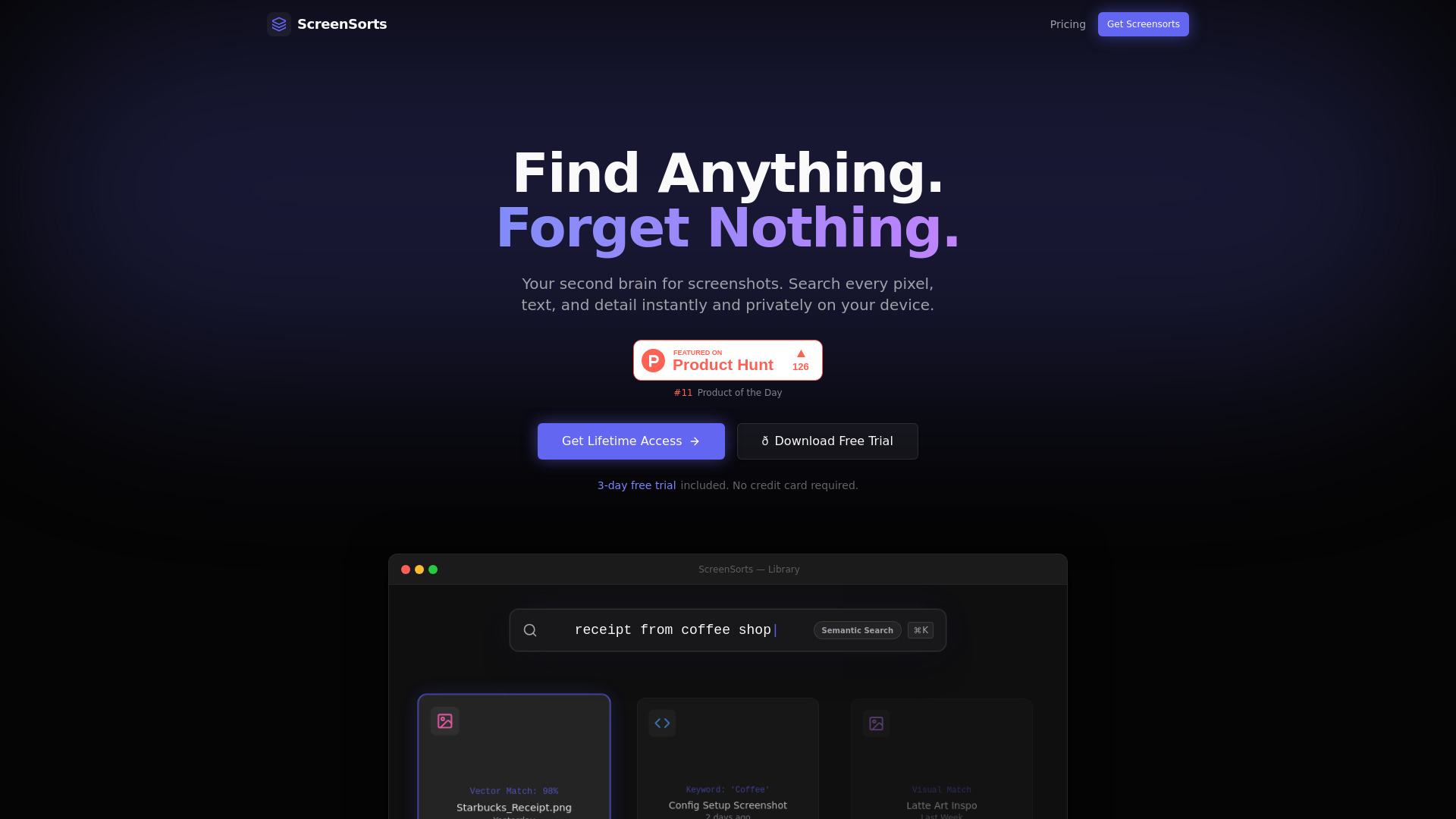
Offline-first macOS screenshot organizer using local AI for private, searchable digital memory.
From $19 USD
Verdict
A quick read before you dig into the full page.
- Best if
- Offline-first macOS screenshot organizer using local AI for private, searchable digital memory
- Skip if
- You need a free plan with no credit card
- Pick this when
- Paid · From $19 USD
Overview
ScreenSorts is an offline-first screenshot organizer specifically designed for macOS that functions as a 'second brain' for your digital memory. It uses local AI and on-device vision models to make every pixel of your screenshots searchable. The utility features semantic search, OCR (Optical Character Recognition), automatic tagging, and URL detection, all while ensuring total privacy by processing data entirely on the Apple Neural Engine without cloud or API dependencies.
Access & connections
Where you can use ScreenSorts, and what it plugs into.
Platforms
Integrations
Capabilities
What this tool accepts, produces, and is strongest at.
Highlights
- Semantic Search using natural language queries and vector embeddings
- On-device OCR for instant text extraction from images
- Automatic AI Tagging using local vision models
- Auto-detect clickable URLs within screenshots
- Intelligent Space Saver with up to 70% storage reduction
- Visual similarity analysis for duplicate detection
- Zero-Upload Promise with 100% offline processing
FAQ 5
What is ScreenSorts?
How to use ScreenSorts?
Does my data ever leave my computer?
What are the system requirements?
Is this a subscription service?
Related tools
Recommended

Raccoon AI ✓
FreemiumThe AI Coworker for Apps, Research, Docs & Everything Else

Velo ✓
FreemiumAI video infrastructure to explain, train, and sell faster.

ChatHawk ✓
PaidChat with all flagship AI models simultaneously.

Nextbrowser ✓
FreemiumAI Browser Agent that automates professional tasks through chat.