

Tech support 2026 Rank: #2660
Screendone ✓
AI that sees your screen and guides you.
from $12.99
Verdict
A quick read before you dig into the full page.
- Best if
- AI that sees your screen and guides you
- Skip if
- Unsuitable for complex issues
- Pick this when
- Real-time support
Considering Iokoo instead? Compare side by side
Overview
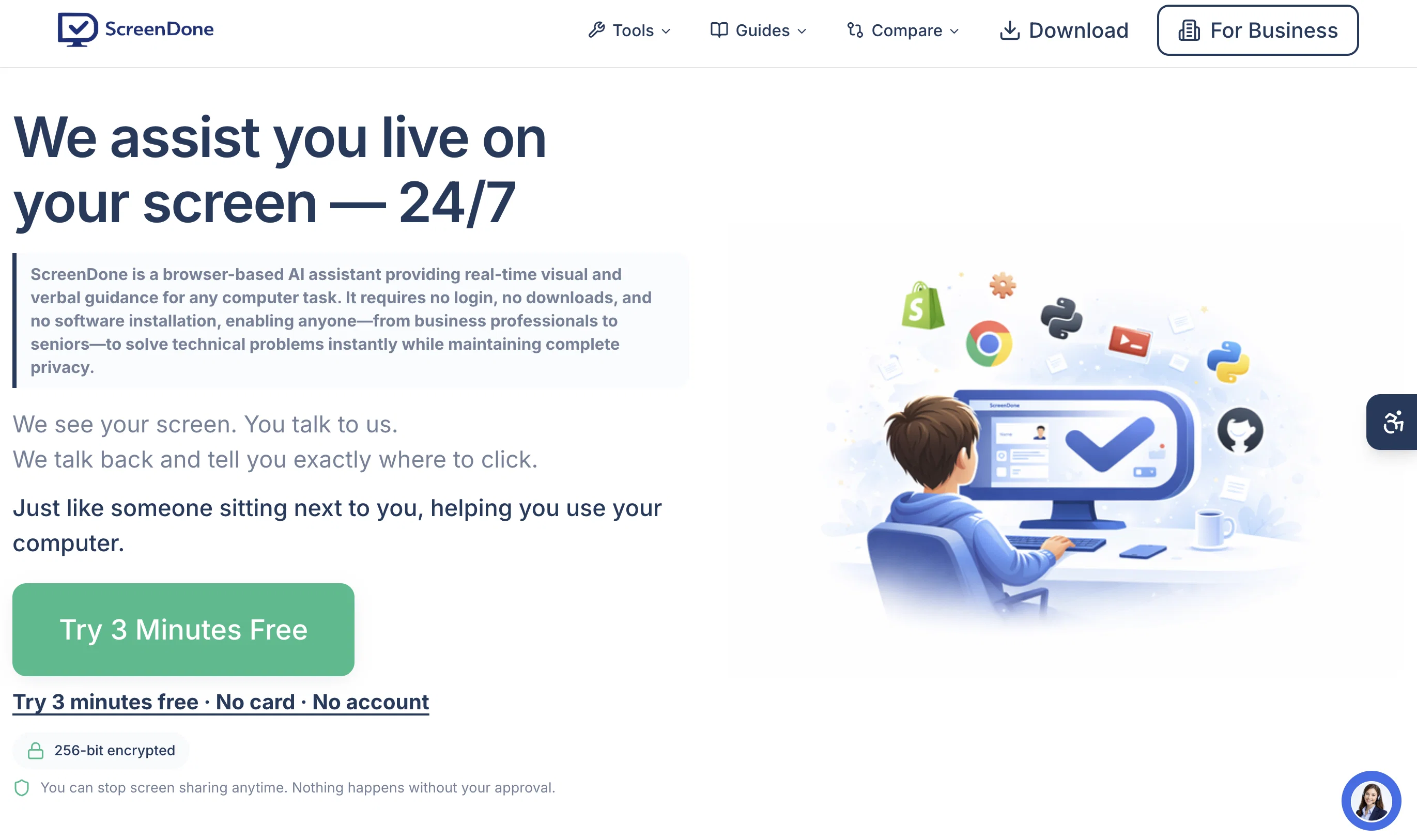
Screendone is a real-time computer assistance tool powered by artificial intelligence. Its primary function is to provide immediate support for computer-related troubles or queries, effectively eliminating the need to schedule appointments or have technical knowledge.
The tool operates by viewing the user's screen and verbally guiding them through each procedure. This step-by-step walkthrough is designed to not only solve the immediate issue but also provide users a clear understanding of the process involved.
An important advantage of screendone is that it offers round-the-clock service, ensuring continuous availability for users scattered across different time zones.
Moreover, it flaunts a multi-lingual feature making it accessible and user-friendly for a global audience. Applicants are not restricted by language barriers as crucial support can be availed in their local language.
In the digital age, screendone acts as an accessible and inclusive bridge, easing the often complicated journey of technology for users of varied knowledge levels.
Access & connections
Where you can use Screendone.
Platforms
Capabilities
What this tool accepts, produces, and is strongest at.
Input
- Video
Output
- Audio
Highlights
- No Signup
Supported features
- Computer Use
- Assistant
- Image Understanding
- No Signup
Pros & cons
Pros
- Real-time support
- Step-by-step verbal guidance
- Screen content analysis
- On-demand troubleshooting
- Language flexibility
- 24/7 operation
- No appointment scheduling
- Eliminates tech jargon
Show 15 more
- User-friendly
- Caters to varied tech-skills
- Screen monitoring
- Inclusive technology
- Time-zone friendly
- Provides procedural understanding
- Multilingual support
- Available globally
- Not restrictive by language
- No prior technical knowledge required
- Accessible bridge in digital age
- Solves and educates simultaneously
- See your screen feature
- Understands user's screen problems
- Helps with varied computer issues
Cons
- Requires Internet connection
- Potential privacy concerns
- Inaccuracy in voice guidance
- Unsuitable for complex issues
- Inefficient with unsupported languages
- Limited use case scenarios
- Learning curve for beginners
- Lack of advanced options
Show 2 more
- Possible user interface limitations
- Too basic for tech-savvies
Compare alternatives
Similar tools in the catalog — with a clear reason to open each one.

Iokoo ✓
FreemiumInstant IT solutions for all your needs.
Why look Freemium alternative
Full comparison



Releases 1
Related tools
Recommended

NBot AI ✓
FreemiumYour personal AI radar that surfaces what matters

LearningStudioAI ✓
Free TrialAI-powered authoring tool for effortless online course creation.

TutorAI ✓
FreemiumInstant knowledge on any topic

AI Course Creator ✓
FreemiumAI-powered course creation in minutes.

Kin - Personal AI Advisors ✓
FreePrivacy-first & designed your for mind, and life at work

Marblism ✓
FreemiumAI Employees who Work for Your Business