

SchoolAI ✓
AI-powered writing for educators: Save hours, create more.
Free + from $12.75/mo
Verdict
A quick read before you dig into the full page.
- Best if
- You are teachers and need: Writing emails to parents and colleagues
- Skip if
- Limited free version
- Pick this when
- Streamlines writing tasks
Considering Solyo | AI College Counselor instead? Compare side by side
Overview
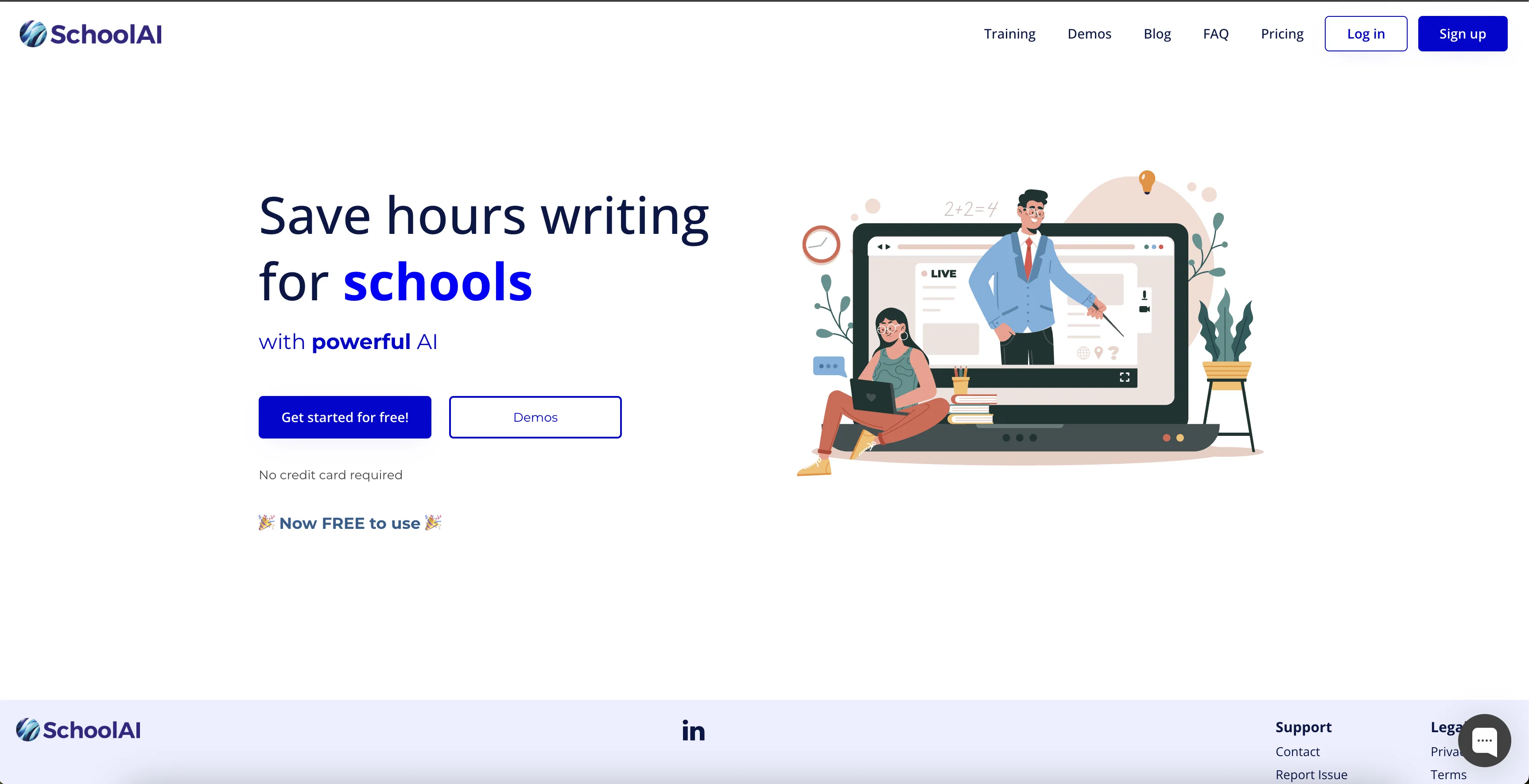
SchoolAI is an AI-driven software application designed to help users save time and effort when writing emails, reports, plans, lessons, ideas, advice, brainstorming, newsletters and other materials.
The software uses powerful AI technology to quickly generate content tailored to the user's specifications, allowing them to spend less time on the mundane tasks associated with writing.
It also offers a suite of features to help users save time and effort, such as automated spell checking, grammar checking, and formatting. Additionally, the website provides a range of resources, including FAQs, pricing options, support, contact information, and legal resources such as a privacy policy and terms of service.
SchoolAI's intuitive interface makes it easy to use, and users can get started for free without requiring a credit card.
Best for
Short scenarios where SchoolAI tends to shine.
-
Writing emails to parents and colleagues
Best for Teachers
-
Creating lesson plans
Best for School administrators
-
Generating reports
Best for Educators
-
Drafting newsletters
Best for Teachers
-
Brainstorming ideas for classroom activities
Best for Teachers
-
Creating quizzes and assessments
Best for Teachers
Example outputs 1
Sample generations and before/after results for SchoolAI.
Access & connections
Where you can use SchoolAI.
Platforms
Capabilities
What this tool accepts, produces, and is strongest at.
Input
- Text
Output
- Text
Pros & cons
Pros
- Streamlines writing tasks
- Quick content generation
- Automated spell checking
- Automated grammar checking
- Automated formatting
- Comprehensive support features
- Free initial access
- No credit card required for start
Show 8 more
- User-friendly interface
- Multiple writing domains
- SEC resources available
- 50 free credits on sign up
- Function for reporting issues
- Option for feature requests
- Custom content tailoring
- Time-saving tool
Cons
- No offline mode
- No multi-language support
- No voice-to-text feature
- Limited free version
- Only text-focused
- No collaboration tools
- No document storage management
- Lack of template options
Show 1 more
- No integration with school systems
Compare alternatives
Similar tools in the catalog — with a clear reason to open each one.

People also view
Tools that often show up alongside SchoolAI in collections and comparisons.

Textero AI Essay Writer ✓
FreemiumGenerate and edit your essays

Teachally ✓
FreemiumEfficient lesson planning for teachers.

Seaml.es ✓
FreemiumPodcasts, scholarships, literature reviews - study and work faster with AI

ScreenHelp ✓
FreemiumAI that sees your screen and solves your problems.

SchoolAI ✓
FreemiumAI platform for personalized classroom experiences

RoboTeach ✓
FreeAI-powered lessons in minutes, for any subject and grade.

Memgrain ✓
PaidSupercharge your mind through daily learning.

AI Plagiarism Checker ✓
PaidFind AI generated content in no time
Releases 1
FAQ 12
What is SchoolAI?
How does SchoolAI generate content?
What are the key features of SchoolAI's software?
Does SchoolAI have a spell-checking function?
How does SchoolAI help with grammar checking?
Does SchoolAI assist in formatting documents?
What resources does SchoolAI's website offer?
How does SchoolAI's interface work?
How can I get started with SchoolAI?
Does SchoolAI require a credit card for the free trial?
What benefits does SchoolAI offer in terms of time-saving?
How does SchoolAI tailor content to my specifications?
Related tools
Recommended

Learnt ✓
FreemiumAI-powered tools for education professionals.

Academic Help ✓
FreemiumAutomated essay support for academic writing.

Caktus ✓
PaidAutomated school work assistance for students.

SchoolHack ✓
FreemiumWrite essays instantly with AI-powered assistance.
MagicSchool ✓
Free TrialAI magic to save teachers time and fight burnout.

LearningStudioAI ✓
Free TrialAI-powered authoring tool for effortless online course creation.