
SceneSnap
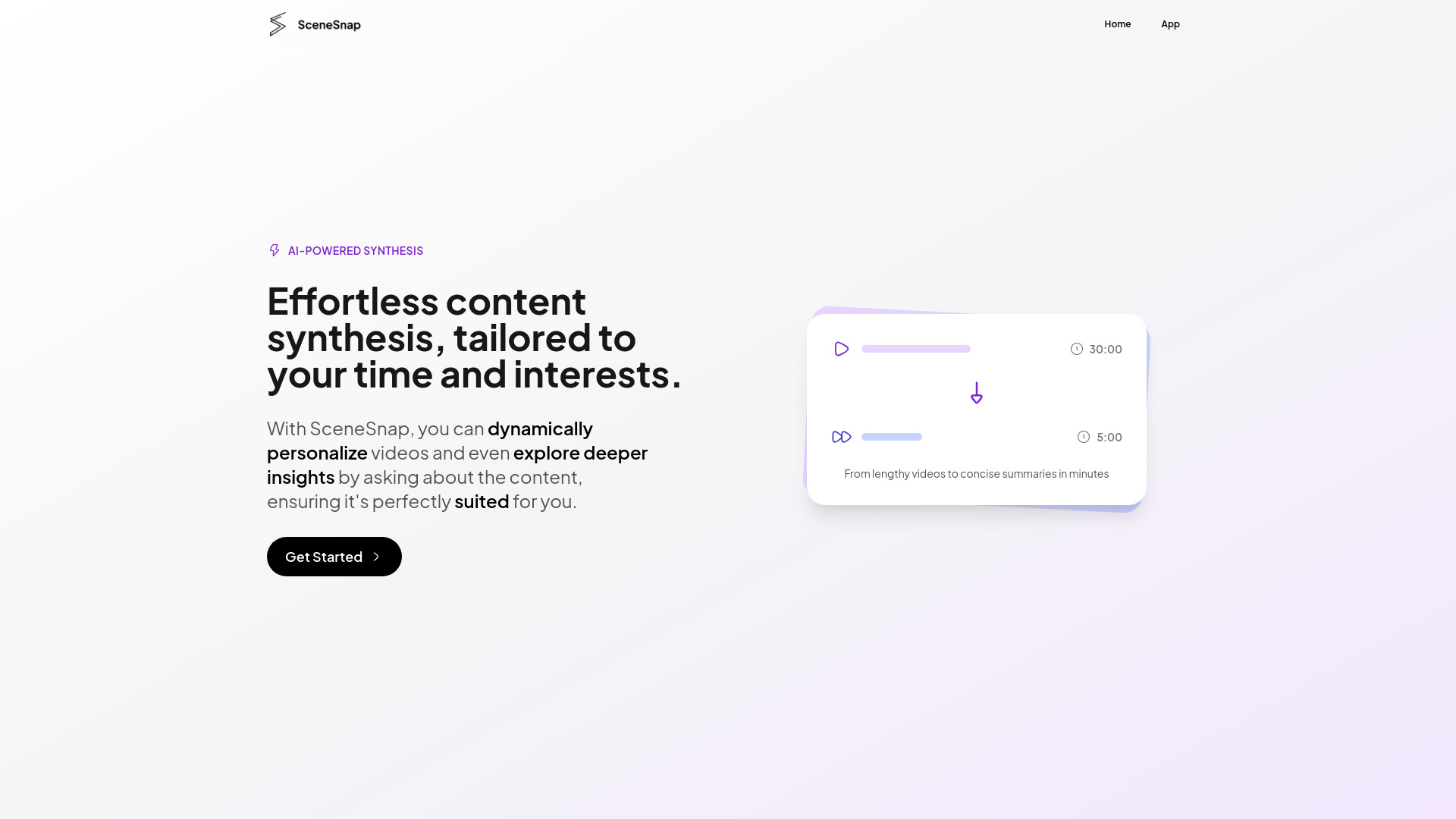
GenAI tool for summarizing and personalizing video content for efficient learning.
Verdict
A quick read before you dig into the full page.
- Best if
- You are students and need: Summarizing lectures for efficient studying
- Pick this when
- GenAI tool for summarizing and personalizing video content for efficient learning
Overview
SceneSnap is a GenAI tool designed to summarize and personalize video content based on user interests. It helps users focus on the most relevant parts of lectures and educational videos, making learning faster and more efficient. SceneSnap offers features like automatic notes, smart summaries, and a personal AI tutor, all within one platform. It supports various input formats, including video files, audio files, text documents, and video links, transforming content into interactive knowledge.
Best for
Short scenarios where SceneSnap tends to shine.
-
Summarizing lectures for efficient studying
Best for Students
-
Creating flashcards from video lessons
Best for Educators
-
Generating transcripts from video content
Best for Businesses
-
Getting real-time answers from an AI tutor
Best for Researchers
-
Highlighting key segments in videos
Best for Students
-
Market analysis using AI-driven tools
Best for Students
Example outputs 1
Sample generations and before/after results for SceneSnap.
Access & connections
Where you can use SceneSnap.
Platforms
Capabilities
What this tool accepts, produces, and is strongest at.
Highlights
- Automatic Notes
- Lecture Summary
- Smart Transcript
- Virtual Tutor
- Chapter Division
- Video Highlights
- Flashcards
- Mind Map
Show 1 more
- AI Study Companion
People also view
Tools that often show up alongside SceneSnap in collections and comparisons.


