3D generation

SAM 3D – Image to 3D Online

High-quality image to 3D model conversion for objects and human bodies.

Source rating 5.0 (88) 0 views 0 saves Paid
More categories (14)

Verdict

A quick read before you dig into the full page.

Best if
High-quality image to 3D model conversion for objects and human bodies
Skip if
You need a free plan with no credit card
Pick this when
Paid · From $15 / month

Overview

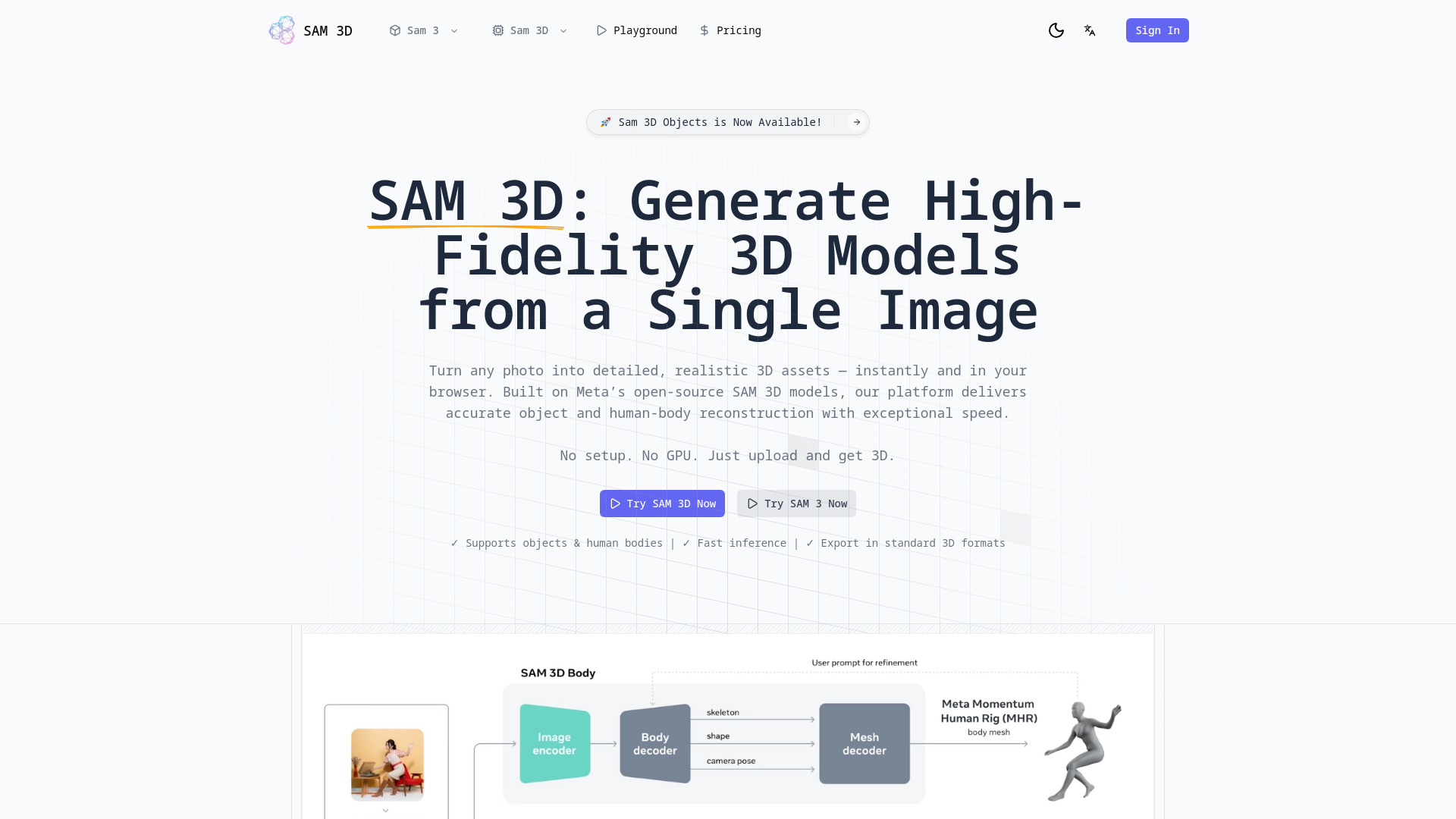
SAM 3D is an online tool powered by Meta’s SAM 3D research models, designed to convert a single image into a high-quality 3D model of objects or human bodies in seconds. It generates high-fidelity 3D models from any photo, offering accurate object and human-body reconstruction with exceptional speed directly in the browser, without requiring setup or a GPU. The platform features two specialized architectures: SAM 3D Objects for scene-aware reconstruction of detailed 3D shapes, textures, and layouts from a single image, and SAM 3D Body for precise human digitization, generating accurate 3D human pose and shape estimations using the Meta Momentum Human Rig (MHR). It leverages a 'Human-in-the-Loop' data engine, trained on nearly 1 million physical world images, to achieve unmatched robustness in diverse real-world scenarios. SAM 3D supports standard 3D export formats and is fully open-source under the Apache 2.0 License.

SAM 3D – Image to 3D Online screenshot

Access & connections

Where you can use SAM 3D – Image to 3D Online.

Platforms

Web

Capabilities

What this tool accepts, produces, and is strongest at.

Highlights

  • High-quality image to 3D model conversion
  • Object reconstruction (scene-aware)
  • Human body reconstruction (precise digitization)
  • Fast inference (in seconds)
  • Supports standard 3D export formats (.OBJ, .GLB, MHR)
  • Open-source code and model weights (Apache 2.0 License)
  • Occlusion handling
  • Open Vocabulary Support
Show 1 more
  • Multi-View Consistency

FAQ 8

What is SAM 3D – Image to 3D Online?
SAM 3D is an online tool powered by Meta’s SAM 3D research models, designed to convert a single image into a high-quality 3D model of objects or human bodies in seconds. It generates high-fidelity 3D models from any photo, offering accurate object and human-body reconstruction with exceptional speed directly in the browser, without requiring setup or a GPU. The platform features two specialized architectures: SAM 3D Objects for scene-aware reconstruction of detailed 3D shapes, textures, and layouts from a single image, and SAM 3D Body for precise human digitization, generating accurate 3D human pose and shape estimations using the Meta Momentum Human Rig (MHR). It leverages a 'Human-in-the-Loop' data engine, trained on nearly 1 million physical world images, to achieve unmatched robustness in diverse real-world scenarios. SAM 3D supports standard 3D export formats and is fully open-source under the Apache 2.0 License.
How to use SAM 3D – Image to 3D Online?
To use SAM 3D, follow these four steps: 1. Upload Your Image: Start with any standard RGB image (e.g., from a phone, video frame, or generated image). 2. Prompt the Model: Click on the object or person you wish to reconstruct; SAM 3D will instantly generate a segmentation mask for confirmation. 3. Generate 3D Mesh: The model infers the 3D geometry, texture, and pose, producing a high-quality mesh in seconds. 4. Export & Integrate: Download your 3D asset in standard formats like .OBJ, .GLB, or the new MHR format for human bodies, ready for use in software like Blender, Unity, or Unreal Engine. You can experience this through the intuitive Playground or integrate it into your Python workflow.
What is the difference between SAM 3D and the original SAM?
SAM 3D is an independent tool built on Meta’s open-source SAM 3D models, focusing on advanced single-image 3D reconstruction and human-pose estimation. The original SAM (Segment Anything Model) primarily focuses on image segmentation.
Can SAM 3D handle video inputs?
The workflow mentions 'a frame from a video' as a possible input, implying it processes individual frames from videos rather than continuous video streams directly.
Is the model open source for commercial use?
Yes, the code and model weights are fully open-source under the Apache 2.0 License, enabling commercial usage and community innovation.
What hardware is required to run SAM 3D?
The platform states 'No setup. No GPU. Just upload and get 3D,' indicating it runs online and does not require specific local hardware.
What is the MHR format mentioned in SAM 3D Body?
MHR stands for Meta Momentum Human Rig, a new open-source mesh format that separates skeletal structure from soft tissue for superior animation of human bodies.
Where can I download the SA-3DAO dataset?
The website mentions the SA-3DAO Dataset (SAM 3D Artist Objects dataset) was used for training, but does not provide a direct download link or instructions for users to access it.
SAM 3D – Image to 3D Online From $15 / month

