
SAM 3D
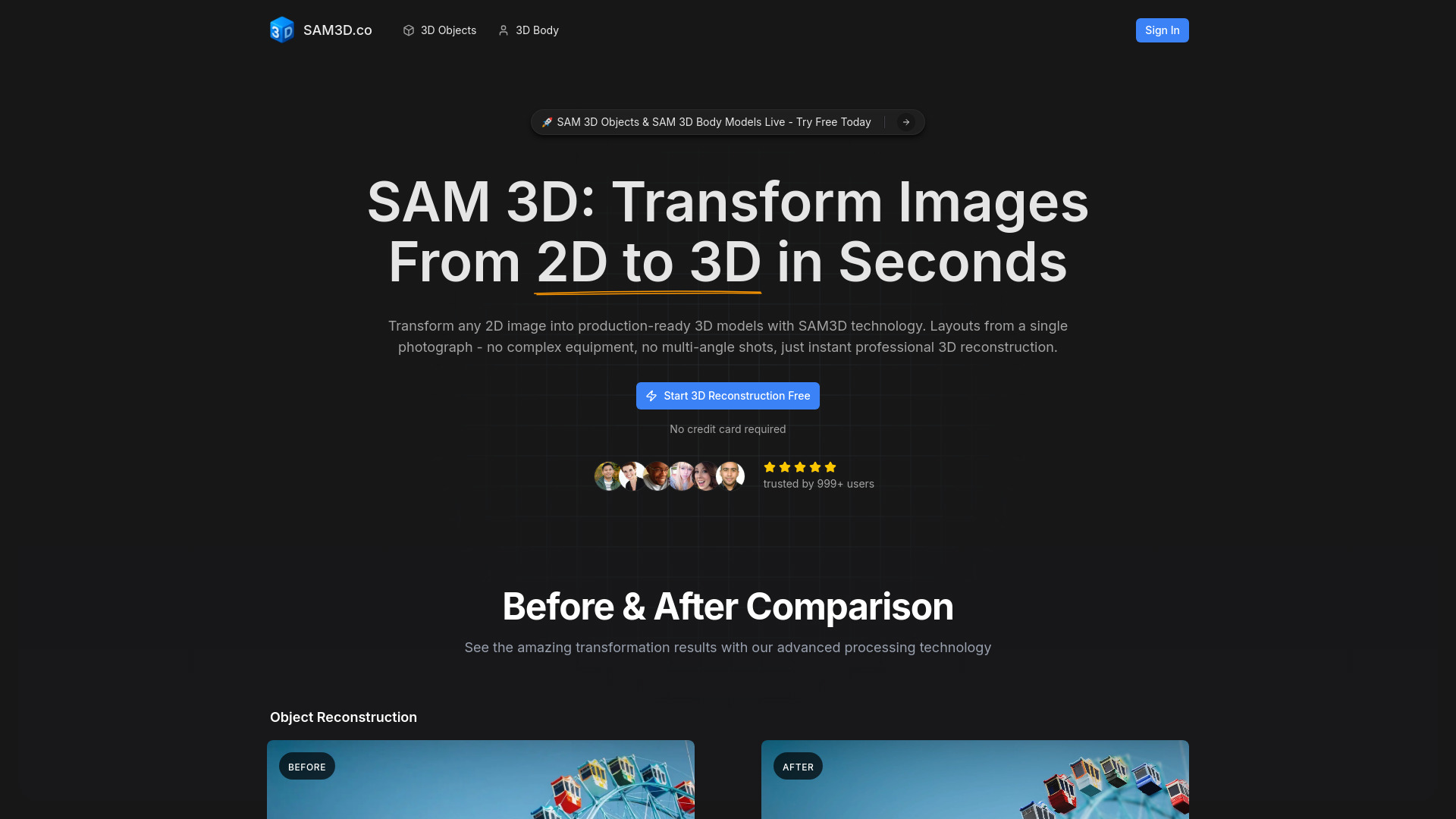
AI platform transforming 2D images into accurate, fully-textured 3D models.
Source rating 5.0
(60)
0 views
0 saves
Unknown
Verdict
A quick read before you dig into the full page.
- Best if
- AI platform transforming 2D images into accurate, fully-textured 3D models
- Pick this when
- AI platform transforming 2D images into accurate, fully-textured 3D models
Overview
SAM 3D is an AI-powered 3D reconstruction platform that transforms single 2D photographs into accurate, fully-textured 3D models in seconds. It provides professional-grade 3D modeling capabilities to developers, designers, researchers, and content creators worldwide, democratizing access to enterprise-level 3D reconstruction without expensive equipment or technical expertise. It eliminates traditional 3D modeling barriers by offering a single-image workflow, unlike methodologies that demand multiple photographs or specialized hardware.
Access & connections
Where you can use SAM 3D.
Platforms
Capabilities
What this tool accepts, produces, and is strongest at.
Highlights
- Automatic Object Detection
- Lightning-Fast Processing
- Dual Specialized Models (SAM 3D Objects & SAM 3D Body)
- Universal Format Support (OBJ, GLB, PLY)
- Proven Accuracy
- Open Source & Free
FAQ 12
What is SAM 3D?
SAM 3D is an AI-powered 3D reconstruction platform that transforms single 2D photographs into accurate, fully-textured 3D models in seconds. It provides professional-grade 3D modeling capabilities to developers, designers, researchers, and content creators worldwide, democratizing access to enterprise-level 3D reconstruction without expensive equipment or technical expertise. It eliminates traditional 3D modeling barriers by offering a single-image workflow, unlike methodologies that demand multiple photographs or specialized hardware.
How to use SAM 3D?
To use SAM3D, follow these steps: 1. Upload Your Image: Upload any single photograph (product shots, objects, or people) in JPEG or PNG format from smartphones, cameras, or existing photos. 2. Select Objects: SAM 3D automatically detects objects. Click to select specific items for reconstruction, or let the system process everything automatically. For human figures, SAM 3D Body instantly recognizes poses. 3. Generate 3D Model: SAM3D analyzes your image and reconstructs complete 3D geometry with textures in real-time, handling occlusions, complex backgrounds, and challenging angles. 4. Download & Use: Export your SAM 3D models in OBJ, GLB, or PLY formats with preserved textures and UV mapping, for direct import into Blender, Unity, Three.js, Unreal Engine, or any 3D software.
What is SAM 3D and how does it work?
SAM 3D is an AI-powered 3D reconstruction technology that transforms single 2D photographs into accurate, fully-textured 3D models. It works by allowing users to upload a single image, automatically detecting and selecting objects, generating the 3D model in real-time, and then enabling download in various 3D formats.
What's the difference between SAM 3D Objects and SAM 3D Body?
SAM 3D Objects reconstructs furniture, tools, and scenes with full geometry and textures. SAM 3D Body specializes in human pose estimation and full-body mesh recovery, ideal for applications like fitness tracking, virtual try-on, and motion analysis.
Is SAM3D free to use?
Yes, SAM3D is fully open source with model weights, code, and documentation available on GitHub and Hugging Face, making it completely free to use for integration, customization, or research.
What file formats does SAM3D export?
SAM3D exports models in OBJ, GLB, or PLY formats, preserving textures and UV mapping, ensuring compatibility with most professional 3D software.
What hardware do I need to run SAM3D?
No special 3D scanning equipment or complex hardware is needed. SAM3D operates as a platform, requiring only a regular 2D image from a smartphone, camera, or existing photos to start the reconstruction process.
Can I use SAM3D for commercial projects?
Yes, SAM3D is open source and used by professionals for commercial applications such as e-commerce visualization, game development, and AR/VR experiences, implying it is suitable for commercial use.
How long does SAM3D take to generate a 3D model?
SAM3D generates production-ready 3D models in seconds, thanks to its optimized and lightning-fast processing capabilities.
Does SAM3D work with smartphone photos?
Yes, SAM3D accepts standard JPEG or PNG formats from smartphones, cameras, or existing photos, making it highly accessible.
What are SAM3D's limitations?
The provided content lists this as a frequently asked question but does not detail the specific limitations of SAM3D.
How accurate is SAM3D compared to other methods?
SAM 3D achieves a 5:1 preference win rate over competitors in professional evaluations. Trained on 1 million images, its models handle occlusions, cluttered backgrounds, unusual poses, and challenging lighting with state-of-the-art accuracy.
Related tools
Recommended


SAM 3D