
Ripplica
AI agents automate browser workflows by recording once.
Source rating 5.0
(53)
0 views
0 saves
Unknown
Verdict
A quick read before you dig into the full page.
- Best if
- AI agents automate browser workflows by recording once
- Pick this when
- AI agents automate browser workflows by recording once
Overview
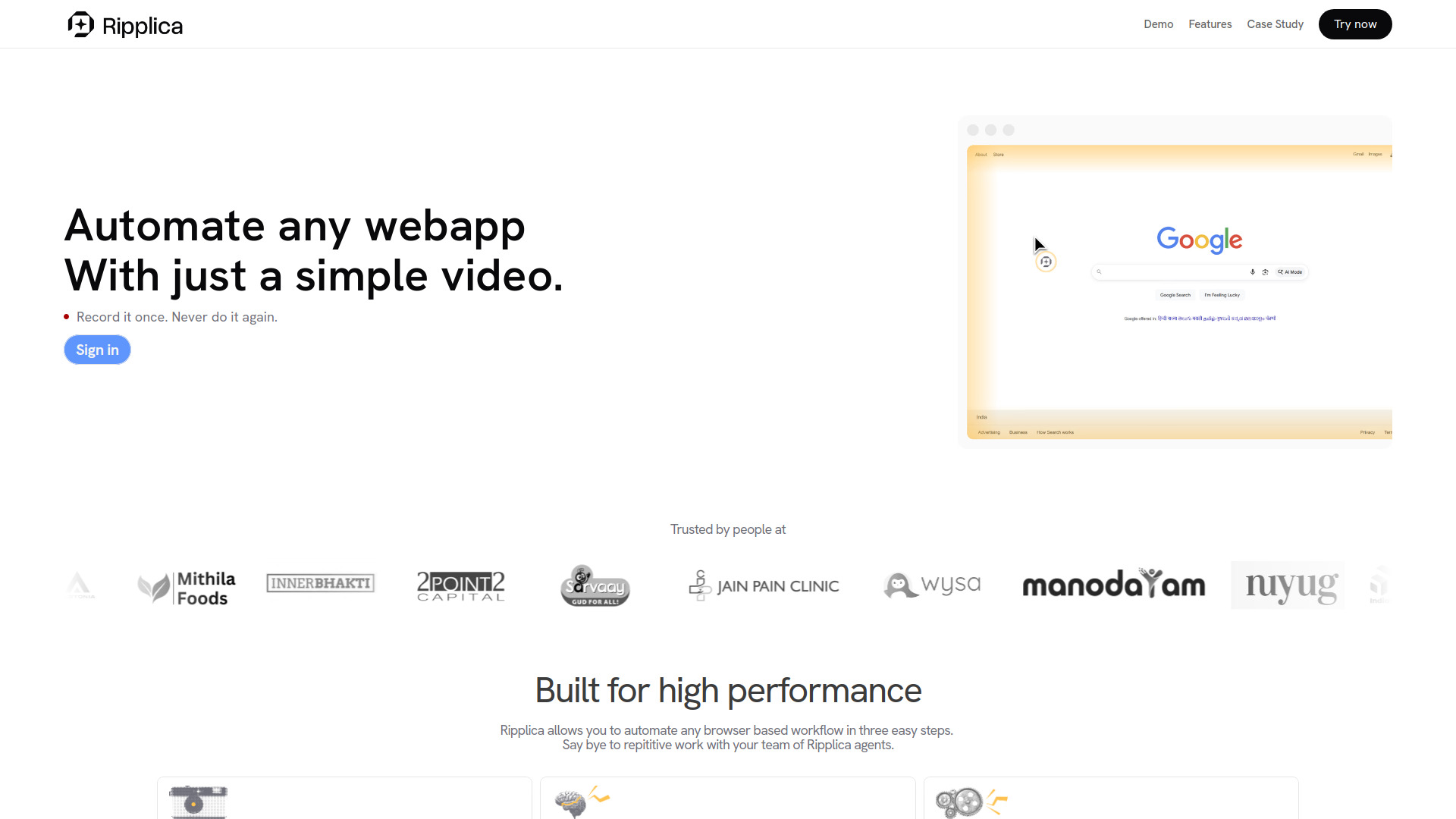
Ripplica offers AI agents that record a workflow once and then repeat it across your browser applications. It enables users to automate any web application by simply recording a video, eliminating the need for code, APIs, or prompting. The platform is designed to help users avoid repetitive work by automating browser-based workflows in three easy steps: Record, Review, and Run. Ripplica's agents are built for high performance, are adaptive and context-aware, can automate anytime and anywhere (even offline), and run in a secure, isolated environment.
Access & connections
Where you can use Ripplica.
Platforms
Capabilities
What this tool accepts, produces, and is strongest at.
Highlights
- AI agents automate workflows across browser apps
- No code, no APIs, no prompting required
- Automate any web app with a simple video recording
- Adaptive and context-aware execution
- Automate anytime, anywhere (on schedule or remotely, even offline)
- Runs in a secure, isolated environment (virtual machine)
- Built for high performance
FAQ 7
What is Ripplica?
Ripplica offers AI agents that record a workflow once and then repeat it across your browser applications. It enables users to automate any web application by simply recording a video, eliminating the need for code, APIs, or prompting. The platform is designed to help users avoid repetitive work by automating browser-based workflows in three easy steps: Record, Review, and Run. Ripplica's agents are built for high performance, are adaptive and context-aware, can automate anytime and anywhere (even offline), and run in a secure, isolated environment.
How to use Ripplica?
Ripplica allows you to automate any browser-based workflow in three easy steps:
1. **Record**: Record the desired workflow once.
2. **Review**: Review the recorded workflow.
3. **Run**: Let Ripplica's AI agents repeat the workflow for you across your browser apps.
The system interprets what's onscreen, understands the task, and takes intelligent action, adapting even as conditions change. Automations can be scheduled or triggered remotely.
1. **Record**: Record the desired workflow once.
2. **Review**: Review the recorded workflow.
3. **Run**: Let Ripplica's AI agents repeat the workflow for you across your browser apps.
The system interprets what's onscreen, understands the task, and takes intelligent action, adapting even as conditions change. Automations can be scheduled or triggered remotely.
What kind of workflows can Ripplica automate?
Ripplica can automate any browser-based workflow, including job applications, order processing, inbox management, metrics reporting, and tasks within old legacy apps, websites, or internal tools.
Do I need to know how to code to use Ripplica?
No, Ripplica requires no code, no APIs, and no prompting. You simply record the workflow once, and its AI agents will repeat it for you.
How does Ripplica handle changes in web pages or tasks?
Ripplica uses adaptive and context-aware execution. It interprets what's onscreen, understands the task, and takes intelligent action even as conditions change.
Can I run automations when I'm not online?
Yes, you can run automations on a schedule or trigger them remotely, even when you're offline.
Is Ripplica secure?
Yes, all actions performed by Ripplica are executed in an isolated environment that runs safely on a secure virtual machine.
Related tools
Recommended



Ripplica