
Rewind AI
Rewind is a private, personalized AI that records and transcribes your life for easy search and recall.
Free + from $19 per user per month billed
Verdict
A quick read before you dig into the full page.
- Best if
- You are executives and need: Automated note-taking for meetings
- Skip if
- You need enterprise SLAs or a fully managed team plan right away
- Pick this when
- Freemium · Free + from $19 per user per month billed
Overview
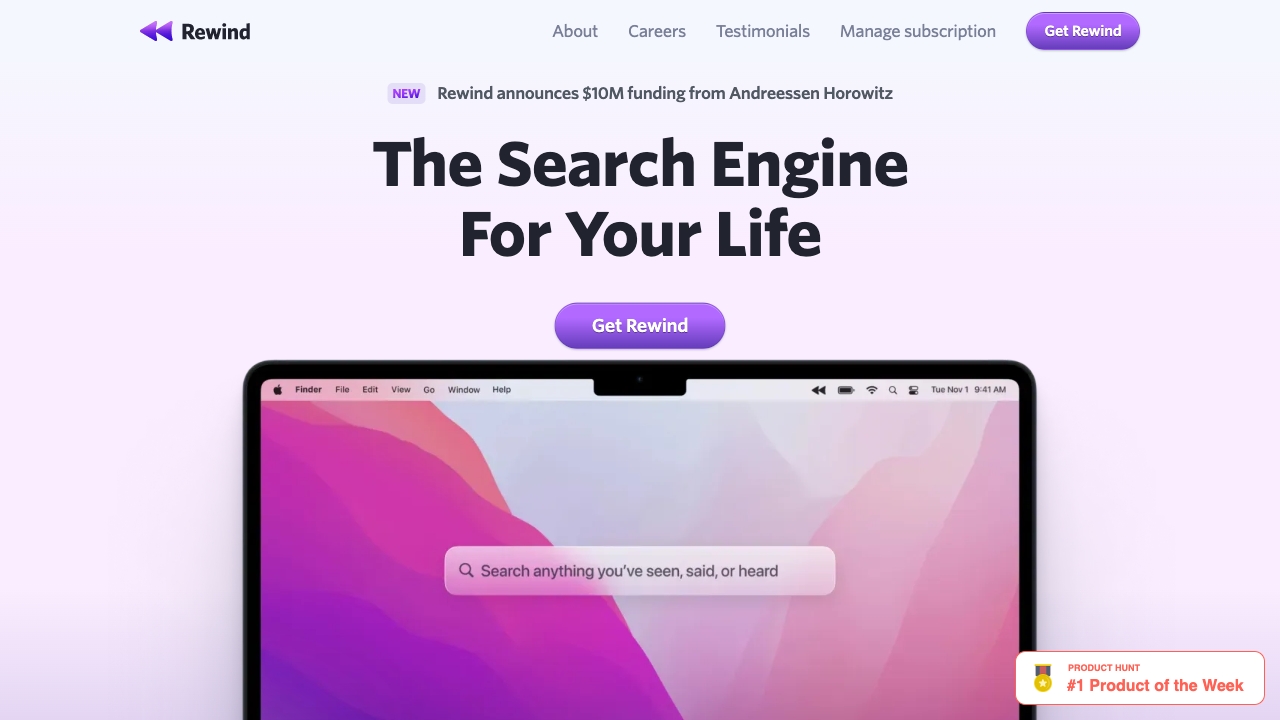
Rewind is a macOS app that acts as a search engine for your life, privately designed to help you find anything you've seen, said, or heard. It's a personalized AI powered by everything you’ve experienced, allowing you to overcome memory limitations by recording your screen and audio, transcribing and encrypting the data locally for your access only. Rewind can summarize meetings, draft emails, and much more, acting as a personal AI assistant.
Best for
Short scenarios where Rewind AI tends to shine.
-
Automated note-taking for meetings
Best for Executives
-
Backup of work to avoid data loss
Best for Engineers
-
AI assistant for finding details and drafting emails
Best for Sales professionals
-
Improved memory and recall of past events
Best for Individuals with ADHD
How it works
Example outputs 1
Sample generations and before/after results for Rewind AI.
Access & connections
Where you can use Rewind AI.
Platforms
Capabilities
What this tool accepts, produces, and is strongest at.
Highlights
- Screen and audio recording
- Local data storage and encryption
- AI-powered search and summarization
- Meeting transcription and summarization
- AI assistant for drafting emails and other tasks
People also view
Tools that often show up alongside Rewind AI in collections and comparisons.

Runable ✓
FreemiumThe Best Way to Work with AI

Raccoon AI ✓
FreemiumThe AI Coworker for Apps, Research, Docs & Everything Else

PaioClaw ✓
Free TrialMost Secure and Easiest OpenClaw Ever. Live in 60 seconds.

iDox.ai Guardrail ✓
Free TrialStop sensitive data leaks to AI tools.

Flowith AI ✓
FreemiumUnleash deep work with AI-powered flow.
FAQ 8
What is Rewind?
How to use Rewind?
How does Rewind compression work?
How much CPU does Rewind consume?
Where does my data go?
What hardware is required to run Rewind?
Do you offer a free trial?
What about my privacy?
Related tools
Recommended
Runable ✓
FreemiumThe Best Way to Work with AI
Flowith AI ✓
FreemiumUnleash deep work with AI-powered flow.
Raccoon AI ✓
FreemiumThe AI Coworker for Apps, Research, Docs & Everything Else
PaioClaw ✓
Free TrialMost Secure and Easiest OpenClaw Ever. Live in 60 seconds.
iDox.ai Guardrail ✓
Free TrialStop sensitive data leaks to AI tools.