
Relay.app
Platform to create AI agents for workflow automation across 100+ apps.
Free + from $19
Verdict
A quick read before you dig into the full page.
- Best if
- You are customer success teams and need: Meeting briefing generator
- Skip if
- You need enterprise SLAs or a fully managed team plan right away
- Pick this when
- Freemium · Free + from $19
Overview
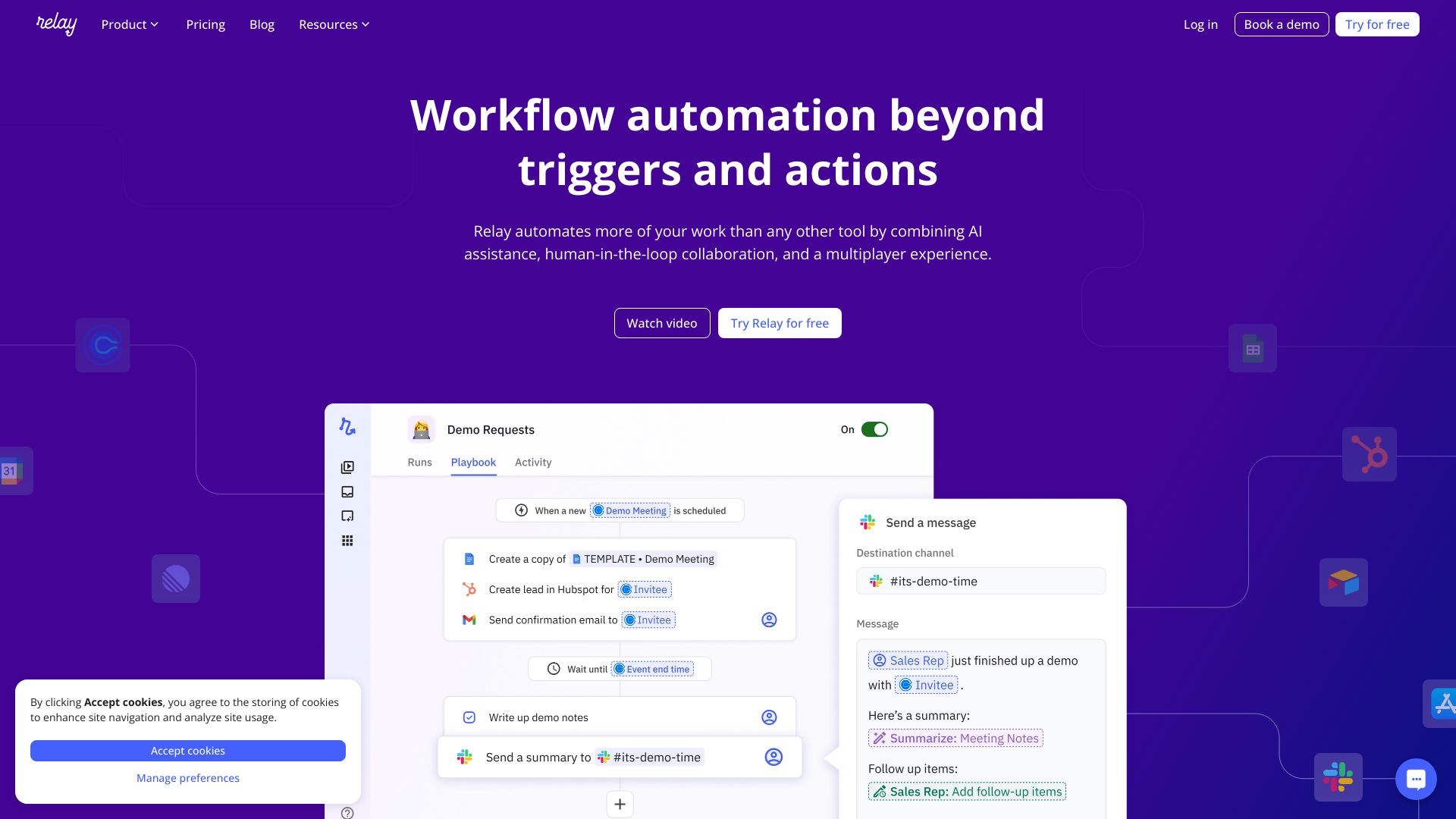
Relay.app is a platform to create AI agents that work for you across 100+ apps. It offers workflow automation beyond triggers and actions with one-click AI assistance, human-in-the-loop collaboration, and a multiplayer experience. Users can connect Gmail, Slack, Notion, and 100+ other apps in minutes to automate tasks.
Best for
Short scenarios where Relay.app tends to shine.
-
Meeting briefing generator
Best for Customer success teams
-
LinkedIn engagement tracker
Best for Customer support teams
-
Newsletter summarizer
Best for Founders
-
Custom Slack bot
Best for HR departments
-
LinkedIn post writer
Best for Marketing teams
-
LinkedIn profile finder
Best for Sales teams
How it works
Example outputs 1
Sample generations and before/after results for Relay.app.
Access & connections
Where you can use Relay.app, and what it plugs into.
Platforms
Capabilities
What this tool accepts, produces, and is strongest at.
Highlights
- AI-powered automation
- Human-in-the-loop collaboration
- Multi-step workflows
- 100+ app integrations
- Custom AI prompts
- Webhooks
- Paths
- Data extraction
Show 4 more
- Summarization
- Translation
- Image generation
- Agents
People also view
Tools that often show up alongside Relay.app in collections and comparisons.

Runable ✓
FreemiumThe Best Way to Work with AI

Raccoon AI ✓
FreemiumThe AI Coworker for Apps, Research, Docs & Everything Else

KiloClaw ✓
PaidHosted OpenClaw AI agent with zero DevOps required.

Gobii ✓
FreemiumCreate digital workers that automate web tasks 24/7.
FAQ 11
What is Relay.app?
How to use Relay.app?
Which plan is best for me?
If you’re not sure where to start, just sign up for our generous Free plan to get started. You’ll get all of Relay.app’s features for free, with 200 automated steps and 500 AI credits per month included.
The Professional plan is great for individuals. It starts at just $19/month for 750 steps and 5,000 AI credits. The cost scales with usage, so you can choose how many additional steps and AI credits you’ll need.
If you’re collaborating with one or more teammates, sign up for the Team plan. There’s no limit to the number of teammates you can add, and it includes 2,000 steps and 5,000 AI credits per month.
If your organization has specific requirements, like custom integration needs, specific security requirements, or a large team who would benefit from ongoing support, just reach out to us at [email protected] to see if an Enterprise plan is right for you.
What counts as a user?
What counts as a step?
Every time an automated action in another app is completed (e.g. sending a Slack message or updating a HubSpot contact)
Every time a Utility step is completed (e.g. transforming data)
Every time a Wait step is completed
Every time a Human-in-the-Loop step is activated
Trigger polling is not counted towards step usage.
Does checking or polling for new data count as an automation?
What are AI credits?
If you run out of the AI credits included in your plan, you can easily add more.
If you already use a paid account with another AI service and want to handle AI costs there, just connect and use your credentials instead of relying on our built-in AI credits.
You’ll see indicators throughout Relay.app that give an idea of which models are more and less expensive, and how many credits each completed step required. See details about how we calculate credits in our support documentation.
How many integrations does Relay.app support?
We are constantly adding new integrations. If there’s another app or automation you need, just request it or upvote it on our public request board: request.relay.app
Which integrations are included in each plan?
Though all integrations are included, you’ll need a paid plan for faster polling times.
How do I get support?
Report issues and ask for help through our easy in-product feedback tool and we’ll get back to you promptly. Just click the question mark in the bottom right corner when you’re logged in.
Customers on our Enterprise plans can message us over our dedicated shared Slack channel.
Discuss best practices and all things Relay.app in our Relay.app Slack community.
If you need more in-depth help setting up a great workflow, reach out to us and we can put you in touch with a consulting partner.
For anything else, reach out at [email protected].
How do I cancel or make changes to my plan?
If you upgrade, the change will take place right away, and you’ll pay a prorated amount for the billing cycle. If you downgrade or cancel your plan, you’ll continue to have access to your higher tier plan until the end of the billing cycle.