
RED
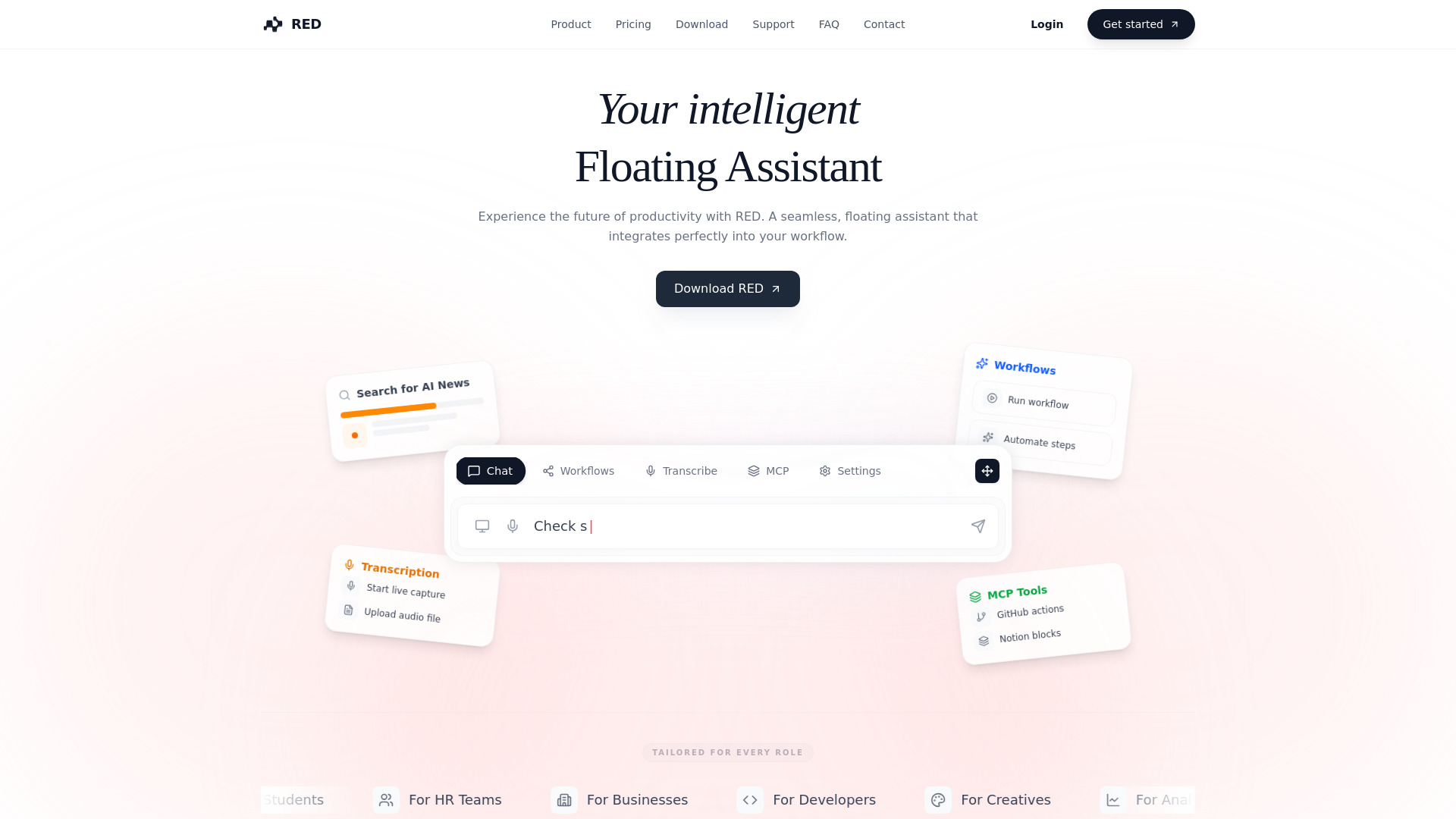
Smart, floating AI assistant combining screen analysis, transcription, and automation in real-time.
Free + from $25.00 / month
Verdict
A quick read before you dig into the full page.
- Best if
- You are founders and need: Automate routine tasks using tailored workflows, such as generating daily news reports or summarizing text
- Skip if
- You need enterprise SLAs or a fully managed team plan right away
- Pick this when
- Freemium · Free + from $25.00 / month
Overview
RED is a smart, floating AI hub that deeply integrates into your workflow, combining screen analysis, real-time transcription, and automation capabilities. It helps users think, organize, and act in real-time without needing screenshots or context switching, leveraging Deep Context (MCP) to securely connect to local systems, documents, and databases. It is primarily built for founders, analysts, students, and knowledge workers.
Best for
Short scenarios where RED tends to shine.
-
Automate routine tasks using tailored workflows, such as generating daily news reports or summarizing text.
Best for Founders
-
Capture and summarize meetings in real-time, allowing users to focus on the conversation.
Best for Analysts
-
Perform coding tasks like reviewing PRs, generating scaffolding, or refactoring code based on local repository context.
Best for Students
-
Manage files, documents, and communications directly through the chat interface using integrations like Google Drive, Slack, and Notion.
Best for Knowledge Workers
Example outputs 1
Sample generations and before/after results for RED.
Access & connections
Where you can use RED, and what it plugs into.
Platforms
Integrations
Capabilities
What this tool accepts, produces, and is strongest at.
Highlights
- Automated Workflows (Trigger complex sequences with a single command)
- Live Transcription (Capture meetings, summarize, and extract action items)
- Deep Context (MCP) (Securely connect to local repos, docs, and databases with read-write access)
- Screen Context (Get instant help based on currently visible windows and apps)
People also view
Tools that often show up alongside RED in collections and comparisons.

Runable ✓
FreemiumThe Best Way to Work with AI

Raccoon AI ✓
FreemiumThe AI Coworker for Apps, Research, Docs & Everything Else

PaioClaw ✓
Free TrialMost Secure and Easiest OpenClaw Ever. Live in 60 seconds.

Nextbrowser ✓
FreemiumAI Browser Agent that automates professional tasks through chat.

Flowith AI ✓
FreemiumUnleash deep work with AI-powered flow.
FAQ 6
What is RED?
How to use RED?
How does RED integrate with my existing tools?
Is my data private?
Can I use RED for coding?
Does it work on Windows and Linux?
Related tools
Recommended
Nextbrowser ✓
FreemiumAI Browser Agent that automates professional tasks through chat.
Runable ✓
FreemiumThe Best Way to Work with AI
Flowith AI ✓
FreemiumUnleash deep work with AI-powered flow.
Raccoon AI ✓
FreemiumThe AI Coworker for Apps, Research, Docs & Everything Else
PaioClaw ✓
Free TrialMost Secure and Easiest OpenClaw Ever. Live in 60 seconds.