
Receipt Cat
Receipt scanner and expense tracker for small businesses and freelancers.
Verdict
A quick read before you dig into the full page.
- Best if
- Receipt scanner and expense tracker for small businesses and freelancers
- Pick this when
- Receipt scanner and expense tracker for small businesses and freelancers
Overview
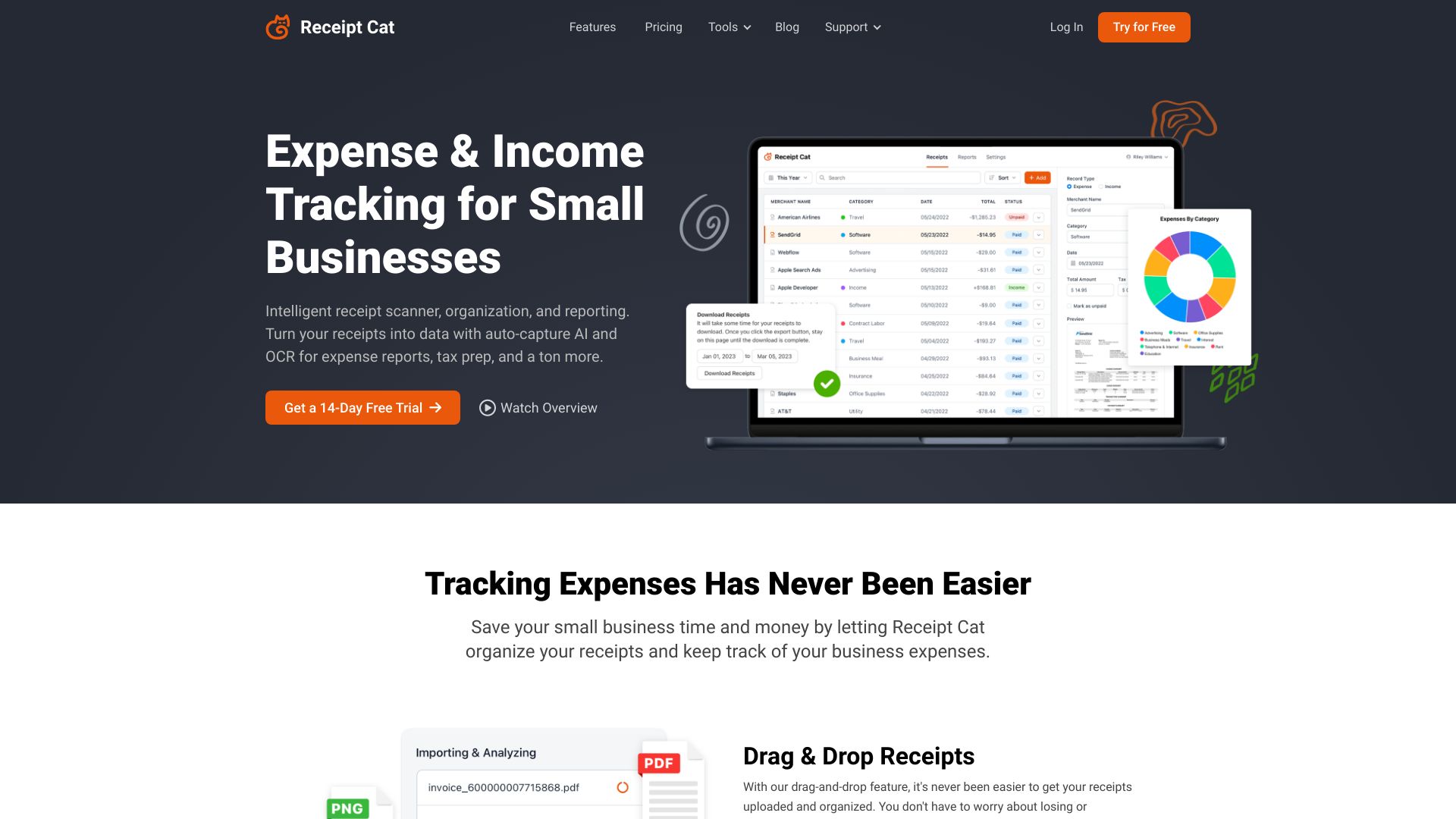
Receipt Cat is a receipt scanner app and expense tracker designed for small businesses, freelancers, and sole proprietors. It uses AI to automate expense tracking by scanning receipts, extracting key data, and organizing them into categories. The platform offers features like intelligent receipt scanning, custom categories, reporting dashboards, and data export to simplify expense management and tax preparation.
Access & connections
Where you can use Receipt Cat.
Platforms
Capabilities
What this tool accepts, produces, and is strongest at.
Highlights
- Intelligent receipt scanning with AI and OCR
- Automated expense tracking
- Customizable categories for organization
- Reporting dashboard for expense analysis
- Data export to CSV
FAQ 12
What is Receipt Cat?
How to use Receipt Cat?
Why do I need an expense tracker?
Who is Receipt Cat best suited for?
Are scanner apps safe to use?
What does the receipt scanner do?
What kind of files can I upload?
Does Receipt Cat keep a digital copy of my receipts?
How do I get my receipts in to Receipt Cat?
Can I add custom categories?
Can I try Receipt Cat for free?
Can I cancel at any time?
Related tools
Recommended

KiloClaw ✓
PaidHosted OpenClaw AI agent with zero DevOps required.

Articos ✓
PaidRun synthetic user interviews and validate messaging, landing pages, and product ideas

AI Hairstyle Changer - 1
UnknownVirtually try on 100+ AI hairstyles and hair colors from your photo — results in seconds, no sign-up needed.