Video generation

Ray 3

AI video generator for 4K HDR videos from text.

Source rating 5.0 (68) 0 views 0 saves Freemium
More categories (8)

Verdict

A quick read before you dig into the full page.

Best if
AI video generator for 4K HDR videos from text
Skip if
You need enterprise SLAs or a fully managed team plan right away
Pick this when
Freemium · Free + from $29.9 / month

Overview

Ray 3 AI Video Generator is an advanced AI-powered platform designed to transform text into stunning 4K HDR videos. It leverages intelligent reasoning, HDR generation, Draft Mode for faster iteration, and Hi-Fi Diffusion technology for professional video creation. The platform aims to provide an all-in-one solution for video creation, from idea to finished video, supporting various styles from realistic to animated. It also offers professional tools like intelligent scene understanding, multi-platform HDR export, and enterprise solutions for teams and studios, integrating seamlessly with leading creative platforms.

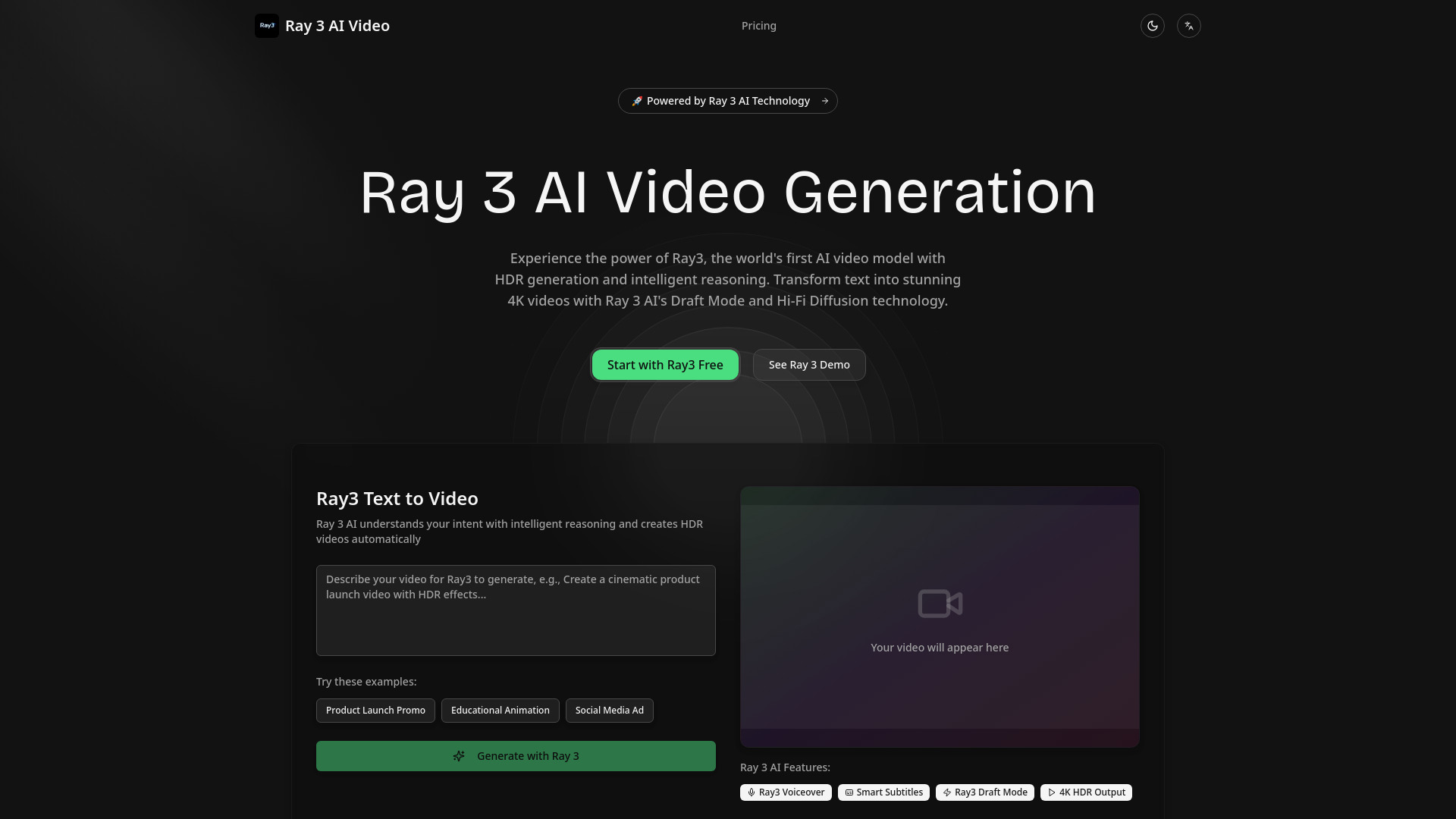
Ray 3 screenshot

Access & connections

Where you can use Ray 3.

API

Public API available

Browse other tools with an API

Capabilities

What this tool accepts, produces, and is strongest at.

Highlights

  • Text to Video generation with intelligent reasoning
  • 4K HDR Output with Hi-Fi Diffusion technology
  • Draft Mode for 5x faster creative exploration
  • AI Voiceover and Smart Subtitles
  • Seamless integrations with platforms like Adobe Firefly and Gemini
  • Enterprise solutions including team workspace and API access

FAQ 7

What is Ray 3?
Ray 3 AI Video Generator is an advanced AI-powered platform designed to transform text into stunning 4K HDR videos. It leverages intelligent reasoning, HDR generation, Draft Mode for faster iteration, and Hi-Fi Diffusion technology for professional video creation. The platform aims to provide an all-in-one solution for video creation, from idea to finished video, supporting various styles from realistic to animated. It also offers professional tools like intelligent scene understanding, multi-platform HDR export, and enterprise solutions for teams and studios, integrating seamlessly with leading creative platforms.
How to use Ray 3?
To use Ray 3 AI, users input their script or text, and the AI automatically generates matching visuals, transitions, and background music. The platform also supports image animation, AI voiceovers, and auto subtitles. Users can start with Draft Mode for quick creative exploration and then use Hi-Fi Diffusion for 4K HDR mastering and export.
What makes Ray 3 AI unique?
Ray 3 AI is unique due to its HDR generation, intelligent reasoning, Draft Mode for fast iteration, and Hi-Fi Diffusion technology for 4K output, providing professional-grade video creation capabilities.
How fast is Ray3 video generation?
Ray3's Draft Mode allows for 5x faster creative exploration, significantly speeding up the video generation process.
What formats does Ray 3 support?
Ray 3 AI supports multi-platform HDR export and 16-bit EXR for 4K HDR output in the Enterprise plan, optimized for platforms like YouTube, TikTok, and Instagram.
Can I use Ray3 videos commercially?
The website states it's 'Trusted by creators and businesses worldwide' and offers 'Enterprise Solutions', implying commercial use is supported, especially with paid plans.
How do I get Ray 3 AI support?
Ray 3 AI Enterprise users receive dedicated 24/7 priority support. General support options are not explicitly detailed for other tiers but a 'Contact Sales' option is available.
Ray 3 Free + from $29.9 / month