

Rawbot ✓
Compare AI models effortlessly.
Verdict
A quick read before you dig into the full page.
- Best if
- Compare AI models effortlessly
- Skip if
- Outputs limited to 100 tokens
- Pick this when
- In-depth performance insights
Considering aiToggler instead? Compare side by side
Overview
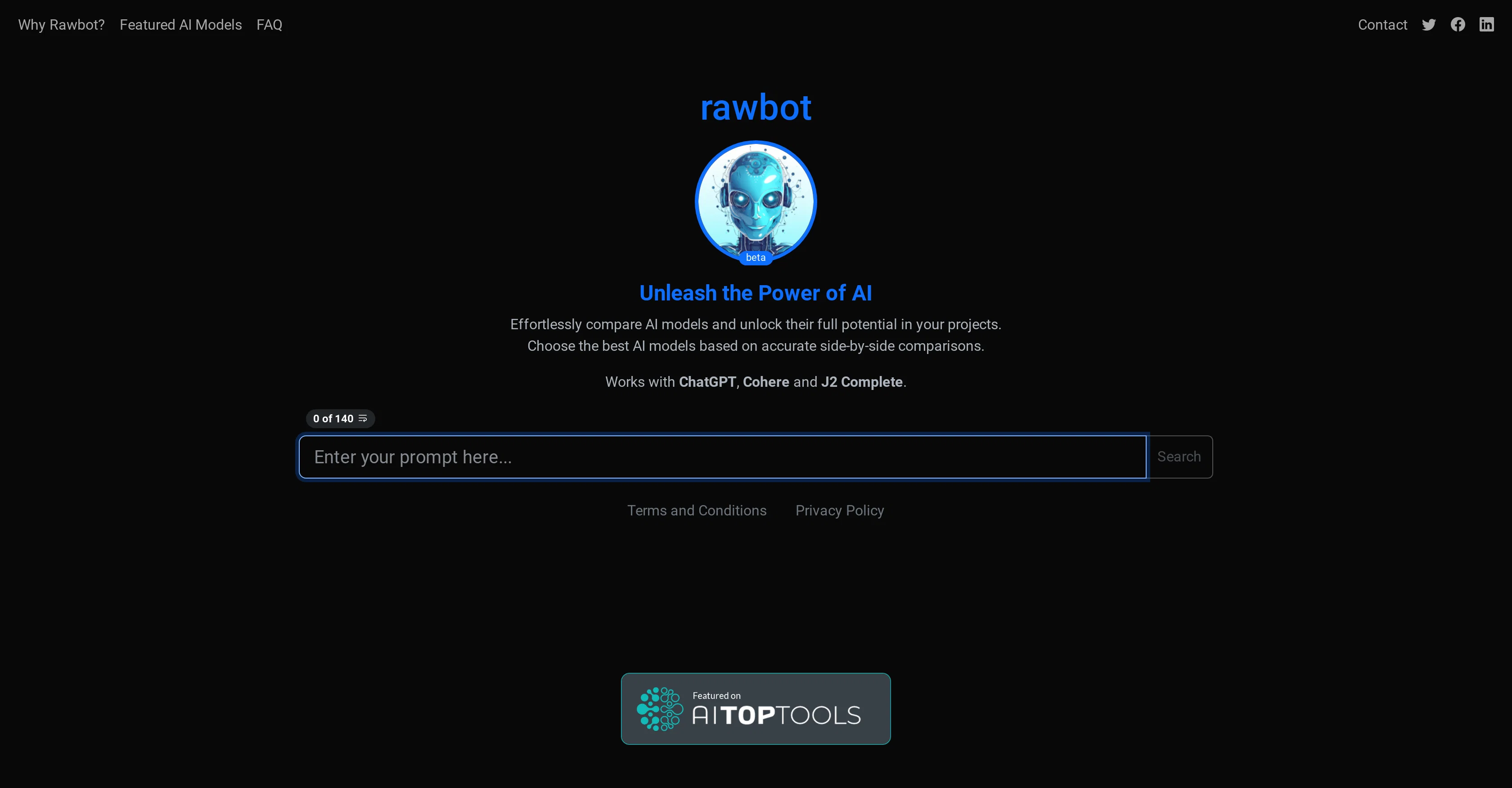
Rawbot is an AI tool designed for the straightforward comparison of various AI models. The primary objective of this tool is to support researchers, developers, and businesses in identifying the most suitable AI model for their specific needs.
Rawbot is capable of examining and comparing an array of AI models based on different factors like performance, efficiency, suitability and resource requirements.
By providing comparative analysis, it helps users make an informed decision based on rational data and analysis, rather than on guesswork or intuition.
It eliminates the need to manually assess each model individually, thereby saving time and reducing complexity. The use of Rawbot potentially enhances the integral stages of AI development process, from the choice of model right through its implementation.
The tool calls for JavaScript enabled in your browser to function effectively. Despite its sophisticated functionality, the interface of Rawbot is designed to be user-friendly, making it simple even for those who are less experienced in the field of AI.
It's important to note that Rawbot doesn't favour any specific AI model; instead, it provides an unbiased evaluation to help users make the best possible choice based on their unique requirements.
Access & connections
Where you can use Rawbot, and what it plugs into.
Platforms
Integrations
Pros & cons
Pros
- In-depth performance insights
- Identifies strengths and weaknesses
- Cost and efficiency analysis
- Saves time and resources
- User-friendly
- Side-by-side evaluations
- Tailored to specific needs
- Regularly updated and improved
Show 11 more
- Limited to 140 character prompts
- Generates up to 100 tokens
- Aimed at researchers and developers
- Comparative analysis
- Unbiased evaluation
- Simplifies choice of model
- Requires JavaScript
- Simple interface
- Helps with decision making
- Performance, efficiency, suitability assessments
- Reduces complexity
Cons
- Limited to 140 character prompts
- Outputs limited to 100 tokens
- Requires JavaScript enabled
- No specific model preference
- No manual model assessment
- UI may be simplistic
- Updates based on trends
- Dependent on user feedback
Show 1 more
- Natural language processing limitations
Compare alternatives
Similar tools in the catalog.






Releases 1
Related tools
Recommended

Agentgpt ✓
FreemiumDeploy autonomous AI Agents effortlessly in your browser.

Scisummary ✓
Free TrialCutting-edge scientific articles summarization.

LearningStudioAI ✓
Free TrialAI-powered authoring tool for effortless online course creation.

Hyperis ✓
FreemiumOrganized task prioritization.

VenturusAI ✓
FreemiumBusiness idea analysis and reporting.

Stunning ✓
PaidBuild AI-powered websites in seconds