

LunarLink ✓
Get diverse AI insights from multiple models.
Free + from $0.1
Verdict
A quick read before you dig into the full page.
- Best if
- Get diverse AI insights from multiple models
- Skip if
- No subscription model for regular users
- Pick this when
- Bias reduction feature
Considering aiToggler instead? Compare side by side
Overview
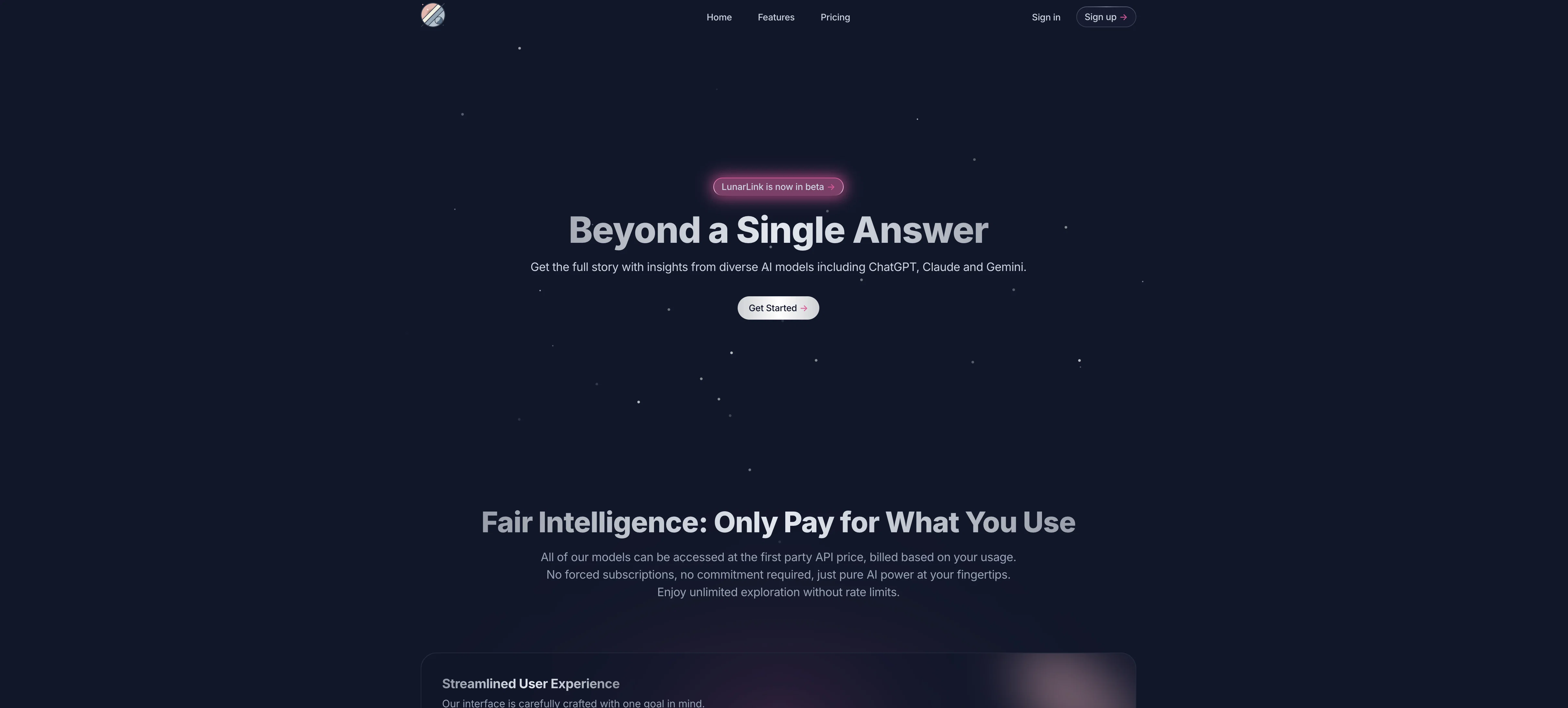
LunarLink is a multi-purpose AI platform that leverages multiple AI models for insight generation and decision making. Models like ChatGPT, Claude, and Gemini can be accessed simultaneously, offering the opportunity to compare their responses side-by-side.
LunarLink is designed to reduce bias and help make improved decisions by providing a range of perspectives. With a focus on user experience and transparency, it offers an interface that tailors the tool's capabilities to the users' needs.
From removing irrelevant information to focusing on significant details, users are enabled to streamline their interactions with AI.Additionally, LunarLink takes user privacy seriously.
It provides a privacy mode ensures the user's data aren't stored or used in training the AI models. The chat feature can be accessed and synced across multiple devices, ensuring seamless interaction wherever the user is.
Also, the tool offers a Pay-As-You-Go (PAYG) model where users are billed only based on their usage.Further, LunarLink allows unlimited file uploads, giving users the freedom to interact with the AI models without restrictions.
It also allows users to customize their chat view, switching between Light and Dark modes and expanding the input box for convenience. Enhanced content presentation methods like rich text, markdown, and syntax-highlighted code blocks are supported.The platform is currently in the Beta phase, aiming to establish itself as a central hub for advanced AI models, promoting fair pricing, transparency, and user autonomy.
Access & connections
Where you can use LunarLink, and what it plugs into.
Platforms
Integrations
Capabilities
What this tool accepts, produces, and is strongest at.
Input
- API
- Tabular
- Text
Output
- Tabular
- API
- Text
Pros & cons
Pros
- Bias reduction feature
- User-focused interface
- Irrelevant information removal
- Data privacy mode
- Cross-device chat synchronization
- PAYG billing model
- Unlimited file uploads
- Light and dark modes
Show 17 more
- Expandable input box
- Rich text support
- Markdown and code highlighting
- Fair pricing policy
- No data storage
- Transparent spendings
- Privacy in interactions
- Seamless accessibility
- No rate limits
- Personalized chat experience
- Clear clutter tool
- No forced subscriptions
- User-centered design
- Cross-platform syncing
- Enhanced content presentation
- First party API pricing
- ChatGPT, Claude, Gemini integrations
Cons
- In Beta phase
- PAYG might increase costs
- Cross-device syncing issues potential
- Customisation may overwhelm users
- Remove irrelevant data, potential lose context
- May require familiarization with multiple models
- No subscription model for regular users
- Unlimited file uploads may impact performance
Compare alternatives
Similar tools in the catalog — with a clear reason to open each one.






Releases 1
FAQ 12
What is LunarLink?
How does LunarLink incorporate multiple AI models?
What models does LunarLink use?
How does LunarLink help reduce bias?
How does LunarLink improve decision making?
How does the Pay-As-You-Go model work in LunarLink?
How does LunarLink handle user privacy?
Can LunarLink be used across multiple devices?
What file types can be uploaded on LunarLink?
How can I customize my chat view in LunarLink?
What are the light and dark modes in LunarLink?
What is LunarLink's current phase of development?
Related tools
Recommended

OnlyPrompts ✓
Free TrialAutomate 37,000+ tasks with 150,000+ prompts

Automateed ✓
Free TrialCreate eBooks effortlessly with Automateed, the AI-powered writing tool.

Gurubase ✓
Free TrialShortcut search for tech resources and answers.

SpeedNote AI ✓
FreemiumWrite clear notes. Fast.

LearningStudioAI ✓
Free TrialAI-powered authoring tool for effortless online course creation.

VenturusAI ✓
FreemiumBusiness idea analysis and reporting.