
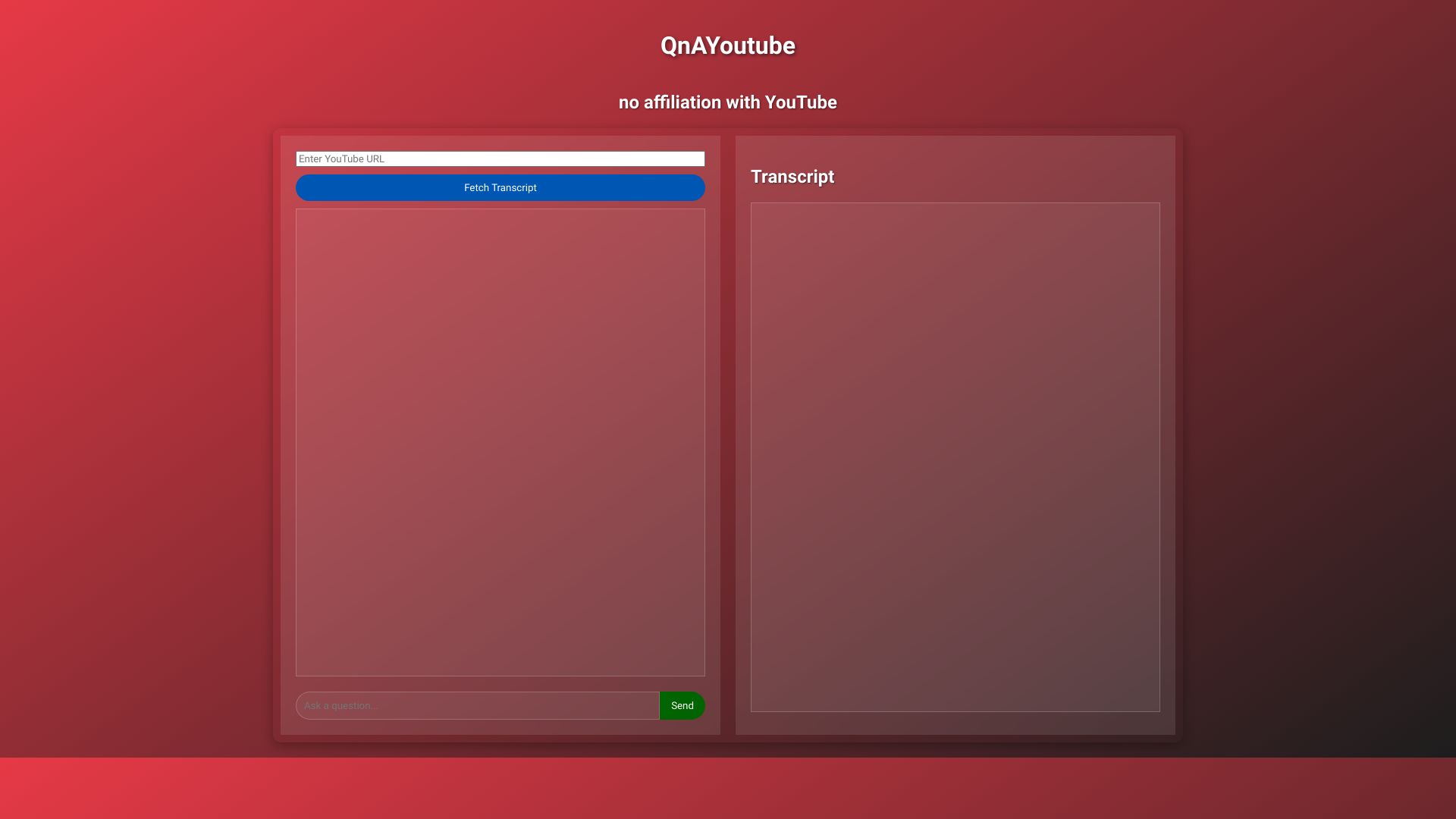
QnAYoutube
Chat with YouTube videos by adding "qna" to the URL.
Source rating 5.0
(79)
0 views
0 saves
Unknown
Verdict
A quick read before you dig into the full page.
- Best if
- Chat with YouTube videos by adding "qna" to the URL
- Pick this when
- Chat with YouTube videos by adding "qna" to the URL
Overview
QnAYoutube is a tool that allows users to chat with YouTube videos. By simply appending "qna" to any YouTube URL, users can begin interacting with the video content through a chat interface.
Access & connections
Where you can use QnAYoutube.
Platforms
Capabilities
What this tool accepts, produces, and is strongest at.
Highlights
- Chat with YouTube videos
FAQ 3
What is QnAYoutube?
QnAYoutube is a tool that allows users to chat with YouTube videos. By simply appending "qna" to any YouTube URL, users can begin interacting with the video content through a chat interface.
How to use QnAYoutube?
To use QnAYoutube, simply append "qna" to the end of any YouTube video URL. This will allow you to chat with the video.
How do I start chatting with a YouTube video?
Simply append "qna" to the end of the YouTube video URL.
Related tools
Recommended


QnAYoutube