

Prototext ✓
Free AI-powered brainstorming and content management app
Verdict
A quick read before you dig into the full page.
- Best if
- Free AI-powered brainstorming and content management app
- Skip if
- Limited customer support
- Pick this when
- Free desktop application
Considering Whiteboard by Athena AI instead? Compare side by side
Overview
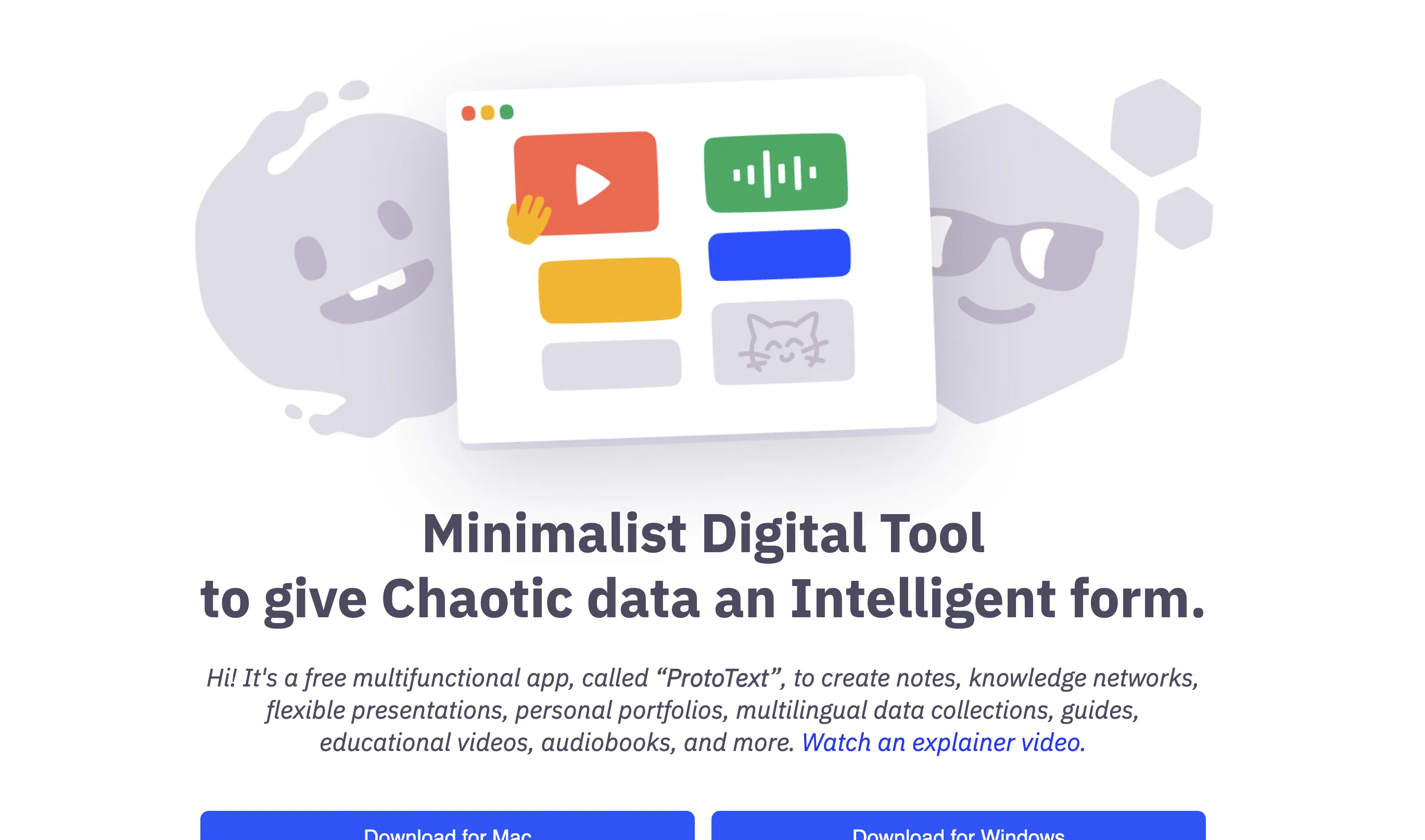
ProtoText is a free desktop application suitable for brainstorming with AI assistance, note-taking, composing multilingual text, creating flexible presentations, building knowledge networks, and managing project content.
The app has a minimalistic, user-friendly interface that organizes text into individual "cards," allowing users to easily drag and drop them, duplicate or delete them without the need to select text.
This approach offers more flexibility than traditional text writing and saves time. ProtoText's built-in ChatGPT allows users to interact with a prompt engineering engine to improve prompts and generate content.
The app also allows users to translate content into any language without losing connection with the original text and localize all pages of content synchronously in a special app mode.
ProtoText features an encryption function that protects data with strong encryption, without the possibility of recovering passwords. The app also has many real-world use cases, from a library of generated images, a knowledge base, to organizing hundreds of media files or synthesizing audio samples.
ProtoText's Manifesto highlights that the app is minimalistic, private, offline-first, open-source, with no ads or registration. ProtoText users have access to tutorials, a usage guide, a community, a Q&A section, and a helpful "how-to" guide.
Access & connections
Where you can use Prototext.
Platforms
Capabilities
What this tool accepts, produces, and is strongest at.
Input
- Image
- Text
- Audio
Output
- Audio
- Text
- Image
Pros & cons
Pros
- Free desktop application
- Multilingual text composition
- Flexible presentations creation
- Project content management
- Minimalistic user-friendly interface
- Organizes information as 'cards'
- Easy drag and drop capability
- Duplication and deletion of cards
Show 36 more
- Time-saving writing approach
- ChatGPT integration
- Interactive prompt engineering
- Content translation into any language
- Synchronous content localization
- Strong data encryption function
- Multimedia files organization
- Audio samples synthesis
- Open-source
- No ads
- No registration required
- User guides and tutorials
- Accessible community support
- Q&A section available
- Dark mode option
- Semantic data export
- Strong security measures
- Useful for managing images
- Helps in organizing keywords
- Facilitates audio samples organization
- Offline-first approach
- Multi-window support
- Spell checking functionality
- Preview image and videos
- Multiple card selection
- Styled cards
- Search & filter content
- Right-to-left script support
- Help screen and hotkeys
- Includes undo function
- Downloadable templates availability
- BITCOIN investment option
- Hosting and domain expenses covered
- Supports content localization with binding to original text
- Maintains history function
- Backs up data for error security
Cons
- Offline-first limits collaboration
- No app for mobile
- Windows build not well-tested
- Requires ability to parse "cards"
- Absence of automatic backup
- Limited customer support
- Only basic encryption features
- No build for Linux
Show 2 more
- Encrypted data irretrievable
- Requires manual update
Compare alternatives
Similar tools in the catalog — with a clear reason to open each one.

Whiteboard by Athena AI ✓
FreemiumVisualize your ideas and share with your team
Why look Offers a public API
Full comparison
Ideamap - Brainstorm and Mindmap AI ✓
FreemiumBoost your creativity with AI-powered brainstorming.
Why look Higher community rating
Full comparison
Creative Minds Think Alike ✓
UnknownUnleash creativity through skills and collaboration.
No pricing
Full comparison
Stormz ✓
FreemiumSupercharge brainstorming with AI-powered features
Why look Higher community rating
Full comparison
The Brain ✓
Free TrialSupercharge your mind with AI-powered creativity
Free + from $219
Full comparison
AhaApple ✓
FreemiumOne click, many creative and novel ideas.
Why look Higher community rating
Full comparisonReleases 1
Imported reviews 1
This is a simple, private, free tool that helps me unload my thought stack to decompose and solve any creative tasks. I love to use this app as an alternative to the official ChatGPT to conveniently apply my frequent prompts to the results of my brainstorming.
FAQ 12
What is Prototext?
What are key features of Prototext?
How does Prototext assist with brainstorming?
What is the purpose of 'cards' in Prototext?
How does the built-in ChatGPT work in Prototext?
How does Prototext handle multilingual text?
How does Prototext ensure the privacy of my data?
What is the special app mode in Prototext?
Can Prototext translate my content without losing connection with the original text?
What are some real-world use cases of Prototext?
How can Prototext help me manage project content?
What is the encryption function of Prototext and how does it work?
Related tools
Recommended

Scholarcy ✓
FreemiumConvert long articles into summary flashcards.

VenturusAI ✓
FreemiumBusiness idea analysis and reporting.

Hyperis ✓
FreemiumOrganized task prioritization.

LearningStudioAI ✓
Free TrialAI-powered authoring tool for effortless online course creation.

Summarist ✓
FreeAI-powered book summaries in seconds

Scisummary ✓
Free TrialCutting-edge scientific articles summarization.