
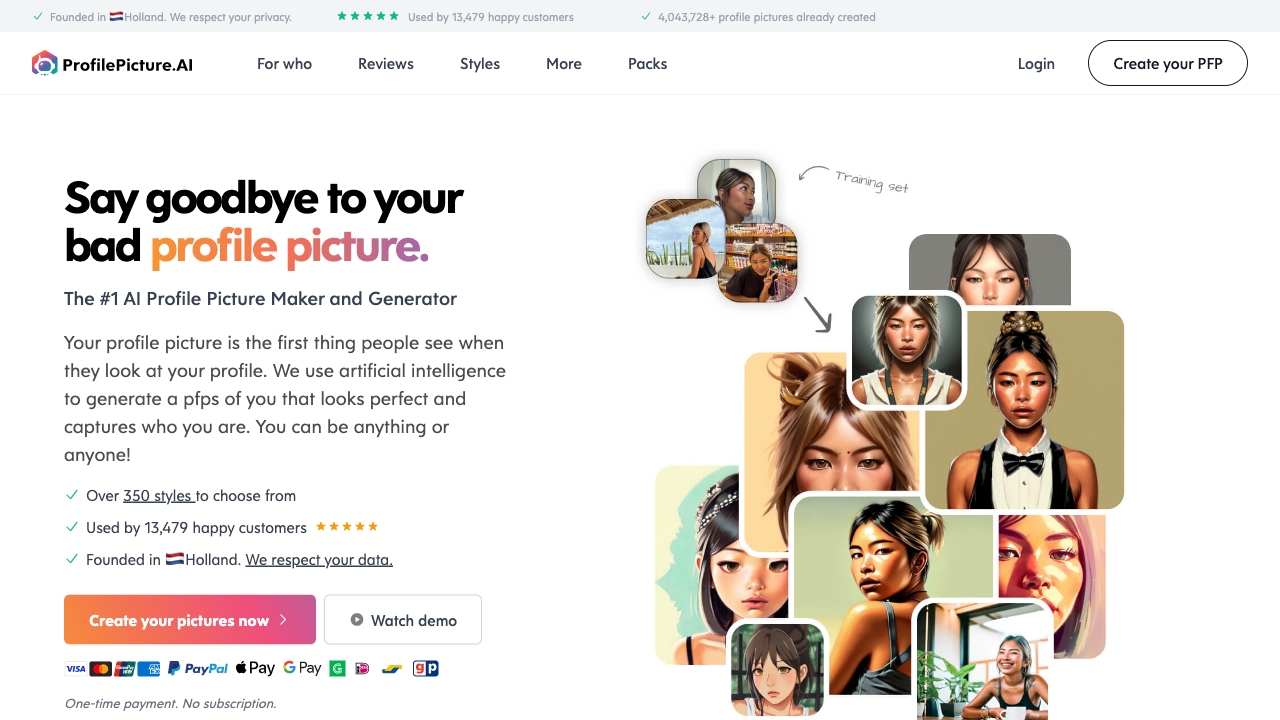
Profile Picture AI
AI profile picture generator with various styles and options.
Verdict
A quick read before you dig into the full page.
- Best if
- You are professionals and need: Creating professional headshots for LinkedIn
- Skip if
- You need a free plan with no credit card
- Pick this when
- Paid · $8
Overview
PFP.AI is an AI Profile Picture Generator and Maker that uses artificial intelligence to generate profile pictures that look perfect and capture who you are. Users can create AI-generated profile pictures in various styles, for different purposes, and even for pets.
Best for
Short scenarios where Profile Picture AI tends to shine.
-
Creating professional headshots for LinkedIn
Best for Professionals
-
Generating fun and creative profile pictures for social media
Best for Social media users
-
Designing unique avatars for gaming platforms
Best for Gamers
-
Creating profile pictures for dating apps
Best for Online daters
Example outputs 1
Sample generations and before/after results for Profile Picture AI.
Access & connections
Where you can use Profile Picture AI.
Platforms
Capabilities
What this tool accepts, produces, and is strongest at.
Highlights
- AI-powered profile picture generation
- Multiple styles to choose from
- Options for individuals, teams, couples, and pets
- Secure data handling with deletion after processing
People also view
Tools that often show up alongside Profile Picture AI in collections and comparisons.

Raccoon AI ✓
FreemiumThe AI Coworker for Apps, Research, Docs & Everything Else

Mexty ✓
FreemiumAI-native interactive learning platform with LMS and SCORM

KiloClaw ✓
PaidHosted OpenClaw AI agent with zero DevOps required.

ace.me
UnknownYour new website, email address & cloud storage. Simple. Fast. Secure.
FAQ 9
What is PFP.AI?
How to use PFP.AI?
What do you do with my photos after training?
Why are your prices so high?
What type of photos should I upload?
Where is my data stored?
Can I get a refund?
Is payment secure?
Can I use my photos anywhere?
Related tools
Recommended
Mexty ✓
FreemiumAI-native interactive learning platform with LMS and SCORM
ace.me
UnknownYour new website, email address & cloud storage. Simple. Fast. Secure.
KiloClaw ✓
PaidHosted OpenClaw AI agent with zero DevOps required.
Raccoon AI ✓
FreemiumThe AI Coworker for Apps, Research, Docs & Everything Else