
PrettyShot
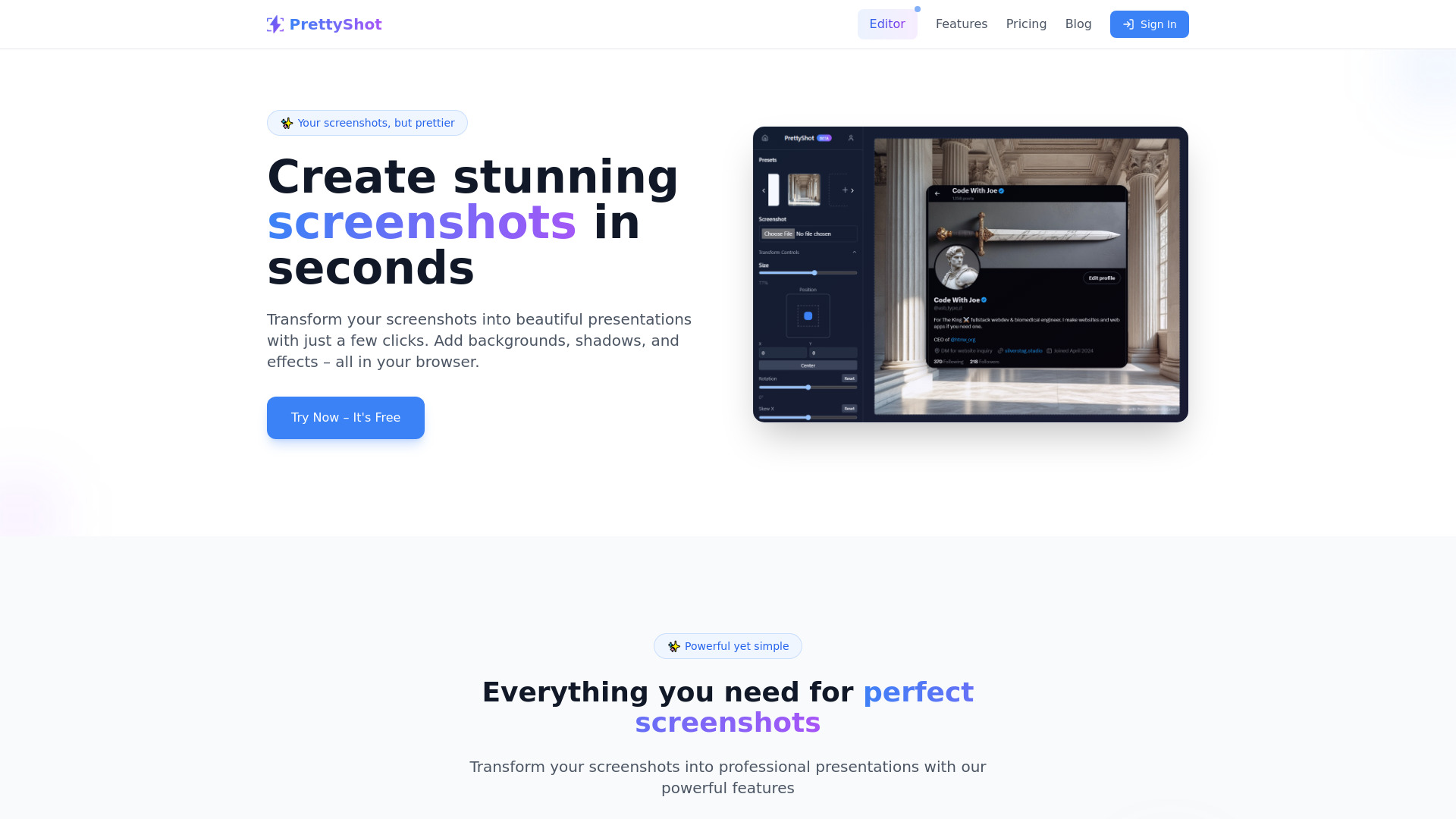
Web-based tool to transform screenshots into beautiful presentations.
Source rating 5.0
(65)
834 views
834/mo traffic
0 saves
Freemium
Free + from $3/month or $25/year (save 30%)
Verdict
A quick read before you dig into the full page.
- Best if
- Web-based tool to transform screenshots into beautiful presentations
- Skip if
- You need enterprise SLAs or a fully managed team plan right away
- Pick this when
- Freemium · Free + from $3/month or $25/year (save 30%)
Overview
PrettyShot is a web-based tool that transforms screenshots into visually appealing presentations. It allows users to add backgrounds, shadows, and effects to screenshots directly in their browser, for free. It offers features like beautiful backgrounds, professional device mockups, and one-click transformations using presets.
Access & connections
Where you can use PrettyShot.
Platforms
Capabilities
What this tool accepts, produces, and is strongest at.
Highlights
- Screenshot beautification
- Background customization
- Shadow and effect addition
- Device mockups
- Preset transformations
FAQ 6
What is PrettyShot?
PrettyShot is a web-based tool that transforms screenshots into visually appealing presentations. It allows users to add backgrounds, shadows, and effects to screenshots directly in their browser, for free. It offers features like beautiful backgrounds, professional device mockups, and one-click transformations using presets.
How to use PrettyShot?
Upload a screenshot to the PrettyShot editor, then use the available tools to add backgrounds, shadows, effects, device mockups, and presets to enhance the image. Save and download the transformed screenshot.
What is PrettyShot?
PrettyShot is a web-based tool that transforms screenshots into visually appealing presentations with backgrounds, shadows, and effects.
Is PrettyShot free to use?
Yes, PrettyShot is free to use with basic features. However, a watermark is included in the free plan.
What are the benefits of upgrading to Pro or Pro+?
Upgrading to Pro removes the watermark, unlocks all effects, and allows you to save more custom presets. Pro+ includes AI background removal and generation.
Does PrettyShot require any software installation?
No, PrettyShot is a web-based tool and does not require any software installation.
Related tools
Recommended




PrettyShot
Free + from $3/month or $25/year (save 30%)