Automation

Presentation Mode for Notion

Chrome extension to turn Notion pages into professional slide presentations instantly.

Source rating 5.0 (89) 0 views 0 saves Paid
More categories (5)

From 19,99 € / month

Verdict

A quick read before you dig into the full page.

Best if
Chrome extension to turn Notion pages into professional slide presentations instantly
Skip if
You need a free plan with no credit card
Pick this when
Paid · From 19,99 € / month

Overview

Presentation Mode for Notion is a Chrome extension designed to transform Notion pages into lean, full-screen slide presentations without requiring users to export content or switch tools. It allows users to present directly from their Notion workspace, utilizing Heading 1 (and optionally H2/H3) blocks as slide titles and dividers for slide breaks. Key functionalities include full-screen toggling, zoom adjustment, live editing capabilities during presentations, navigation via arrow keys or presentation remotes, and exporting the presentation as a structured PDF (one page per slide) for offline sharing. It emphasizes a lean, fast, and privacy-focused approach to creating presentations.

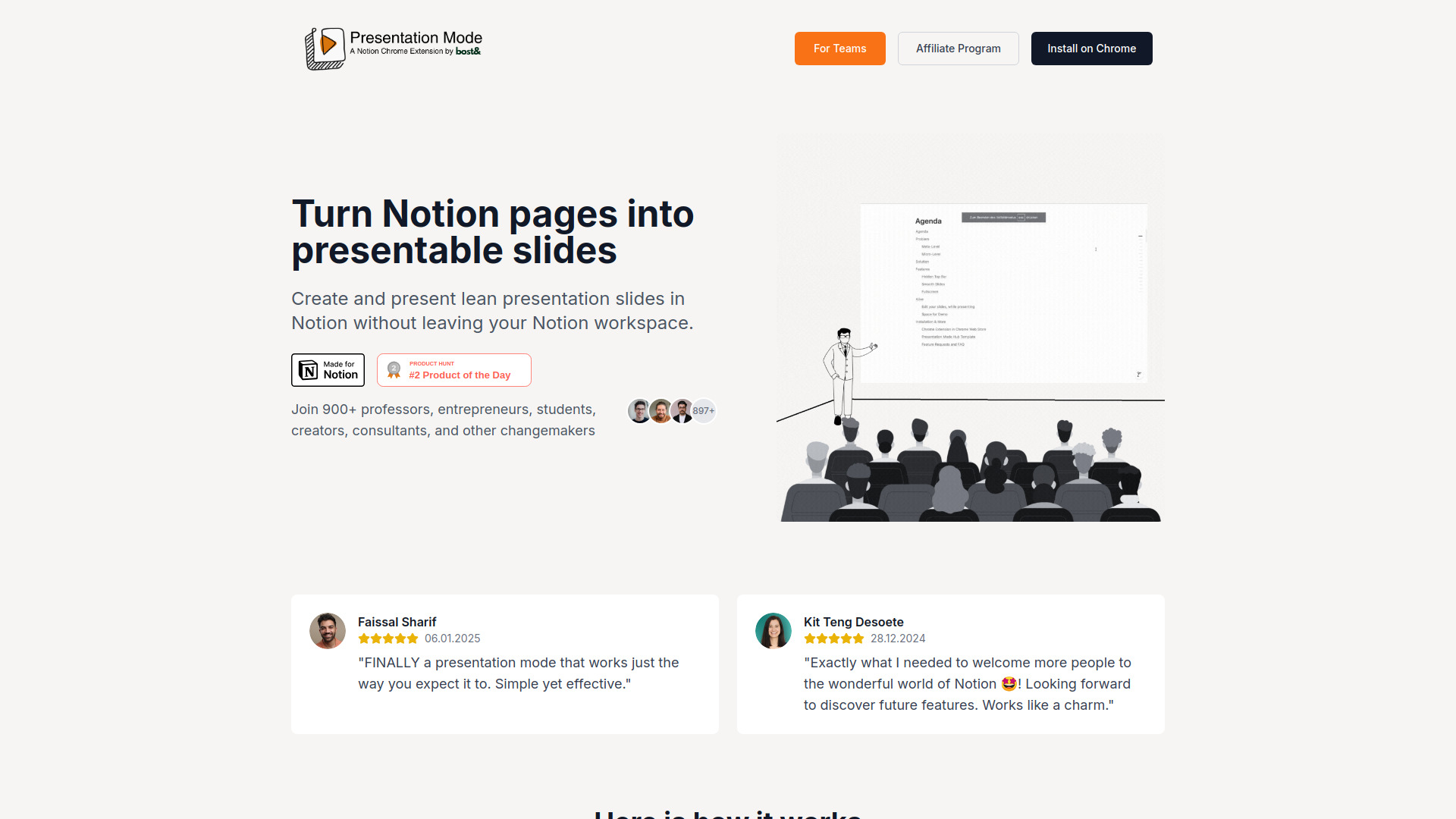
Presentation Mode for Notion screenshot

Access & connections

Where you can use Presentation Mode for Notion, and what it plugs into.

Platforms

Integrations

Capabilities

What this tool accepts, produces, and is strongest at.

Highlights

  • Turn Notion pages into lean, full-screen slide presentations.
  • Present directly from the Notion workspace (no exporting or tool-switching).
  • Export slides as PDF (with proper page breaks).
  • Navigate slides using arrow keys or presentation remotes.
  • Support for Tab-Sharing Mode (for video calls) and Full-Screen Mode (for focused work).
  • Live editing capabilities during presentations.

FAQ 6

What is Presentation Mode for Notion?
Presentation Mode for Notion is a Chrome extension designed to transform Notion pages into lean, full-screen slide presentations without requiring users to export content or switch tools. It allows users to present directly from their Notion workspace, utilizing Heading 1 (and optionally H2/H3) blocks as slide titles and dividers for slide breaks. Key functionalities include full-screen toggling, zoom adjustment, live editing capabilities during presentations, navigation via arrow keys or presentation remotes, and exporting the presentation as a structured PDF (one page per slide) for offline sharing. It emphasizes a lean, fast, and privacy-focused approach to creating presentations.
How to use Presentation Mode for Notion?
Install the Chrome extension. Within your Notion page, use `/h1` to designate new slide titles and `/divider` to insert slide breaks. The extension allows you to toggle into Presentation Mode, hide the top bar, and navigate smoothly using arrow keys or presentation remotes.
How can I install the extension?
The extension can be installed on Chrome. (Specific steps are not provided in detail but links to 'Install on Chrome' are present.)
Is Presentation Mode safe?
Yes, it is built with privacy in mind. It is a serverless solution that works only in your browser, ensuring zero data collection and not requiring public Notion pages.
How can I pay?
The website offers monthly and annual subscription plans (Startup, Company, Enterprise) priced in Euros.
How can I cancel?
Cancellation instructions are available, though the specifics are not detailed in the provided text.
Presentation Mode for Notion From 19,99 € / month

