
PPTalker
AI-powered PowerPoint to video converter with voiceovers and subtitles.
Source rating 5.0
(63)
0 views
0 saves
Freemium
Free + from $3.99 / mo
Verdict
A quick read before you dig into the full page.
- Best if
- AI-powered PowerPoint to video converter with voiceovers and subtitles
- Skip if
- You need enterprise SLAs or a fully managed team plan right away
- Pick this when
- Freemium · Free + from $3.99 / mo
Overview
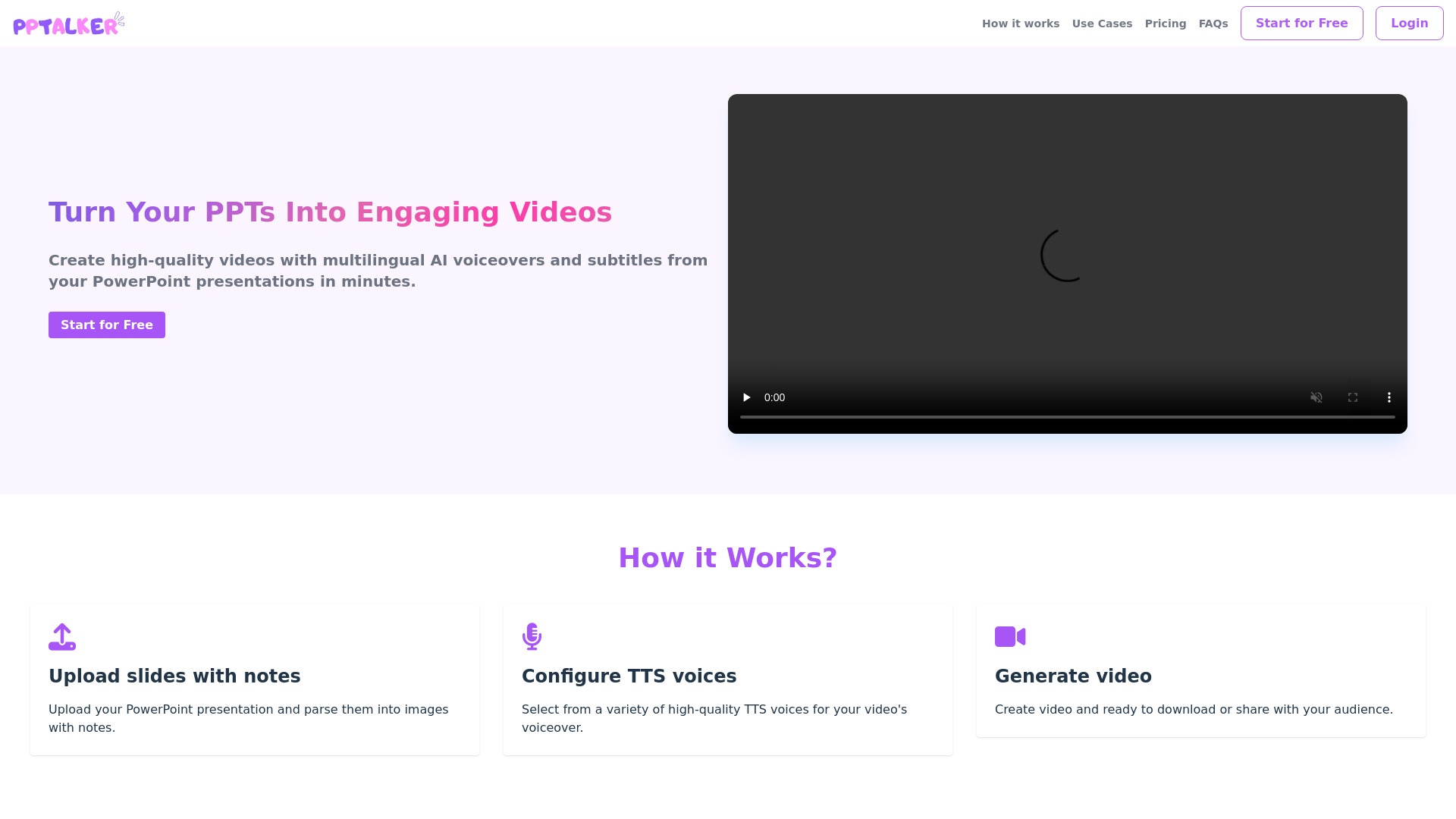
PPTalker is an online PowerPoint to Video Converter that uses AI to transform static PowerPoint presentations into engaging videos with multilingual AI voiceovers and subtitles. It allows users to convert PPT/PPTX files to MP4 format, adding speaker notes and voiceovers to create dynamic and interactive video content.
Access & connections
Where you can use PPTalker.
Platforms
Capabilities
What this tool accepts, produces, and is strongest at.
Highlights
- PowerPoint to Video Conversion
- AI Voiceovers
- AI Speaker Notes Generation
- Multilingual Subtitles
FAQ 7
What is PPTalker?
PPTalker is an online PowerPoint to Video Converter that uses AI to transform static PowerPoint presentations into engaging videos with multilingual AI voiceovers and subtitles. It allows users to convert PPT/PPTX files to MP4 format, adding speaker notes and voiceovers to create dynamic and interactive video content.
How to use PPTalker?
Upload your PowerPoint presentation, configure AI voices, generate speaker notes (default or AI-generated), and create a video that can be downloaded or shared.
How is the confidentiality of my uploaded PowerPoint files ensured?
All uploaded PowerPoint files are encrypted both in transit and at rest using industry-standard encryption protocols. Access to your files is strictly controlled and limited to authorized personnel only. We regularly audit our security practices to ensure your data remains protected.
How can I generate videos from files with more than 50 slides or 20000 words?
We recommend that you split the file into multiple sub-files and generate video for each sub-file.
Can the dynamic effects in slides be retained in the generated videos?
No, each slide will be parsed into a static image. You can simulate dynamic effects by displaying content across multiple slides.
Can I customize the AI voiceovers?
Customized AI voiceovers are not supported at present, we are trying to make it happen in the near future though, keep tuned :)
Will credits be deducted if the task fails?
No, credits will not be deducted for previews or failed tasks.
Related tools
Recommended



PPTalker
Free + from $3.99 / mo