
Post to notion
Save and organize x.com favorites in Notion with custom tags and AI.
Source rating 5.0
(94)
0 views
0 saves
Freemium
Free + from $4.9 / month
Verdict
A quick read before you dig into the full page.
- Best if
- Save and organize x.com favorites in Notion with custom tags and AI
- Skip if
- You need enterprise SLAs or a fully managed team plan right away
- Pick this when
- Freemium · Free + from $4.9 / month
Overview
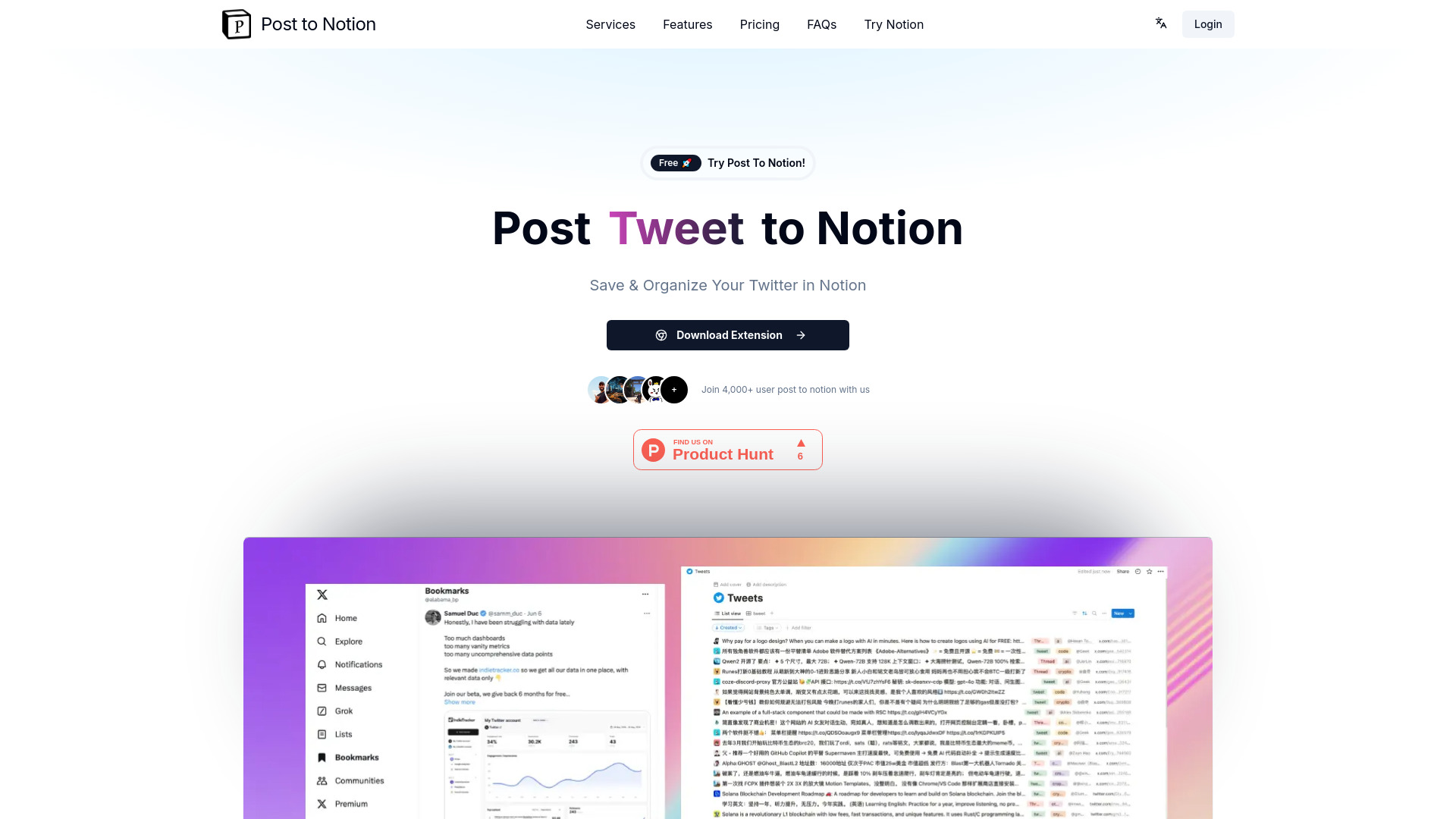
Post to Notion is a tool designed to enhance bookmarking by allowing users to save and organize their x.com (formerly Twitter) favorites directly into Notion. It offers features like custom tags, automated tweet classification, and AI-powered content retrieval, aiming to improve efficiency and content management.
Access & connections
Where you can use Post to notion, and what it plugs into.
Platforms
Integrations
Capabilities
What this tool accepts, produces, and is strongest at.
Highlights
- Save tweets and threads to Notion
- Customizable tags for categorization
- Automated tweet classification
- AI-powered content retrieval
- Bookmark template for Notion
FAQ 12
What is Post to Notion?
Post to Notion is a tool designed to enhance bookmarking by allowing users to save and organize their x.com (formerly Twitter) favorites directly into Notion. It offers features like custom tags, automated tweet classification, and AI-powered content retrieval, aiming to improve efficiency and content management.
How to use Post to Notion?
Install the Post to Notion extension, then use the button on x.com to save tweets and threads to your Notion workspace. Customize tags for categorization and use the Notion template for management.
What is Post To Notion?
Post to Notion is a Chrome Extension that allows you to send tweets or threads directly to a Notion database, creating a personalized bookmark system. It's designed to replace and improve upon the standard Twitter bookmarking feature.
How does Post To Notion work?
After installing the Post to Notion Chrome Extension, you'll see a unique button on Twitter. When you click this button on a tweet or thread, it will be saved to your designated Notion database, organizing your Twitter content efficiently.
Is Post To Notion free to use?
We offer a free plan for basic usage. For the first 100 Early Access users, we provide extended features at no cost. We also have premium plans available for users who need more advanced features.
What are the benefits of using Post To Notion?
Post To Notion helps you organize Twitter content more effectively, makes it searchable within Notion, allows for easy categorization, and integrates seamlessly with your existing Notion workspace.
Do I need a Notion account to use Post To Notion?
Yes, you need a Notion account to use Post To Notion. The extension saves content to your Notion workspace, so having an account is essential.
Can I customize how the tweets are saved in Notion?
Yes, Post To Notion allows for customization. You can choose which Notion database to save to, add tags, and organize content according to your preferences.
Is my Twitter data safe when using Post To Notion?
We take data privacy seriously. Post To Notion only accesses the tweets you choose to save and doesn't store any of your Twitter data on our servers. All saved content goes directly to your personal Notion workspace.
How can I get support or report issues?
For support or to report any issues, please contact us at [email protected]. We're here to help and continuously improve our service based on user feedback.
Are there any limits to how many tweets I can save?
The number of tweets you can save depends on your plan. Free users have a daily limit, while premium users enjoy higher or unlimited saves. Check our pricing page for specific details on each plan.
Can I use Post To Notion on mobile devices?
Currently, Post To Notion is available as a Chrome Extension for desktop use. We're exploring options for mobile support in the future.
Related tools
Recommended



Post to notion
Free + from $4.9 / month