PortraitArt ✓
Turn portrait photos into beautiful art.
from $7.99
Verdict
A quick read before you dig into the full page.
- Best if
- Turn portrait photos into beautiful art
- Skip if
- Limited style customization
- Pick this when
- User-friendly UI
Considering Real Fake Photos instead? Compare side by side
Overview
PortraitArt is an Artificial Intelligence (AI) tool designed to transform portrait photos into various forms of art. Users can personalize their photos into a variety of artistic styles including cartoons, sketches, oil paintings, watercolors, and more.
The tool encourages users to explore the charm of art with their own pictures by applying advanced AI techniques. The PortraitArt tool is user-friendly and intuitive, allowing users to simply drop in a photo or upload one, preferably a high-quality portrait photograph with good lighting and a simple background for optimum results.
Furthermore, it offers a vast range of art style options to choose from, such as classic painting, illustration, 3D cartoon, and even sculpture. Notably, the tool caters to different types of photos, including individual and group portraits, and even wedding photos, meaning it can be used for various occasions and purposes.
As the name suggests, the primary focus of PortraitArt is to turn portrait photos into artistic masterpieces, providing the end-users with a unique and personalized experience of art.

Access & connections
Where you can use PortraitArt.
Platforms
Capabilities
What this tool accepts, produces, and is strongest at.
Input
- Image
Output
- Image
Pros & cons
Pros
- User-friendly UI
- Intuitive to use
- Wide range of styles
- Applies to various photos
- Individual and group photos
- Includes wedding photo art
- Unique user experience
- Offers classic painting
Show 15 more
- Offers illustration
- Supports 3D cartoon
- Supports sculpture
- Focus on portraiture
- Optimizes for high-quality photos
- Supports drop and upload
- Encourages artistic exploration
- Transform photos to art
- Watercolor effect
- Sketch effect
- Oil painting effect
- Supports multiple occasions
- Personalized online experience
- Turn photos into cartoons
- Recommendations for optimum results
Cons
- Limited to portrait photos
- Dependent on photo quality
- No photo editing options
- No batch processing
- Requires good lighting
- Sculpture output unrealistic
- Requires simple background
- Limited style customization
Show 2 more
- Results not instant
- Lacks progress visualization
Compare alternatives
Similar tools in the catalog — with a clear reason to open each one.

Artguru ✓
FreemiumCreate unique AI avatars in trendy styles
Why look Freemium alternative
Full comparison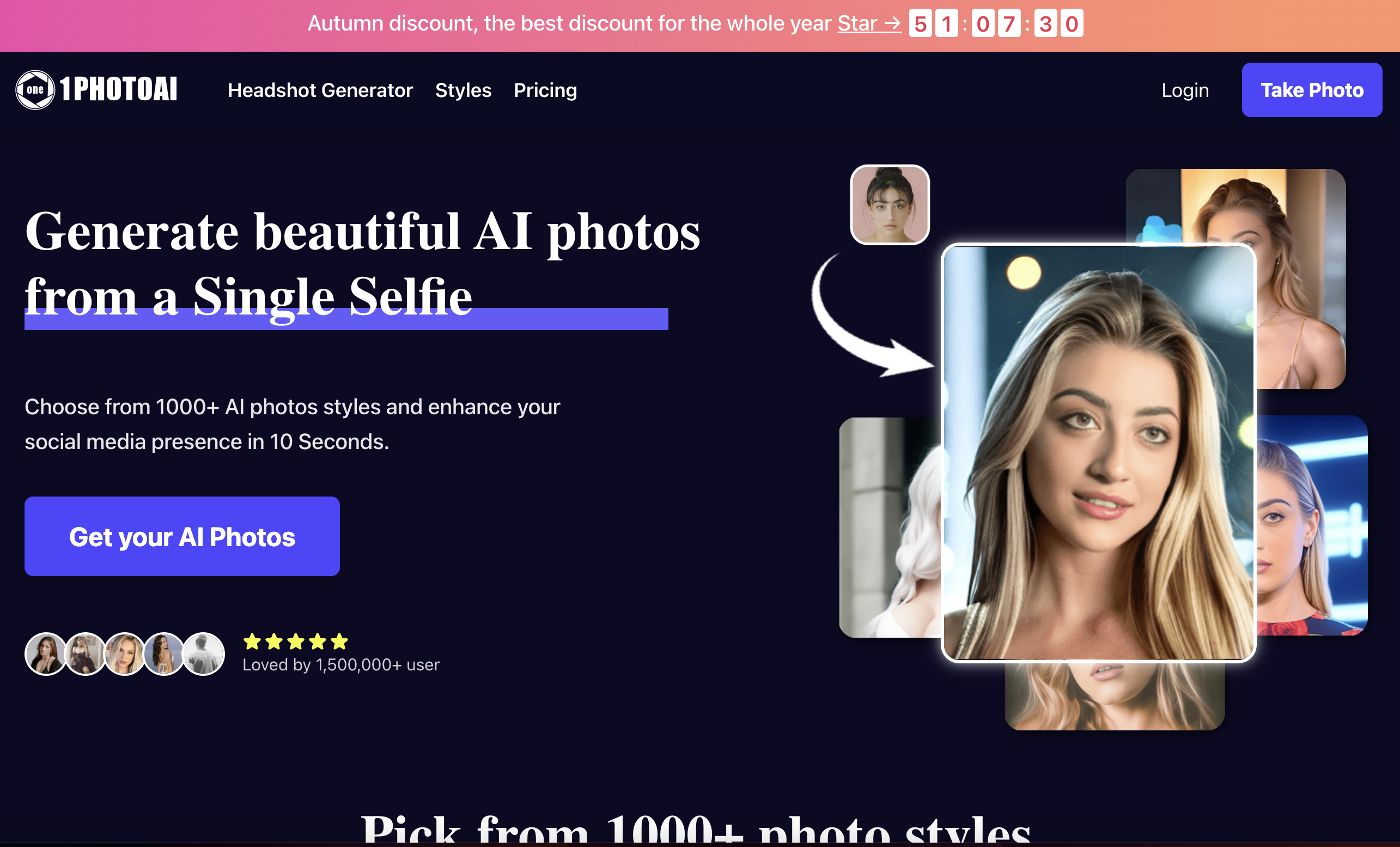
1photoai
PaidAI photo generator for professional headshots, avatars, and image enhancement.
Why look Stronger for image work
Full comparison
daisy | Labubufy ✓
FreeTurn anyone into a Labubu in seconds! 🎁
Why look Fully free option
Full comparison
Releases 1
Imported reviews 1
It generates high quality art pictures from photo. Strongly recommend.
FAQ 12
What is PortraitArt?
How does PortraitArt work?
What kind of art styles can PortraitArt transform my photos into?
Can PortraitArt handle group and wedding photos?
What type of photo works best for optimal results on PortraitArt?
How user-friendly is PortraitArt?
How do I upload my photo to PortraitArt?
Does PortraitArt offer a 3D cartoon conversion?
Can PortraitArt turn photos into sculptures?
What does the end user experience of PortraitArt look like?
What advanced AI techniques does PortraitArt apply to transform photos?
Can I use PortraitArt for various occasions and purposes?
Related tools
Recommended

Stunning ✓
PaidBuild AI-powered websites in seconds

CapCut Online Creative Suite ✓
FreemiumUnleash creativity with CapCut's all-in-one online suite

Venturekit ✓
PaidGenerate comprehensive AI business plans instantly

VenturusAI ✓
FreemiumBusiness idea analysis and reporting.

TutorAI ✓
FreemiumInstant knowledge on any topic

Stratup.ai ✓
FreemiumInnovative idea generation for businesses.