Image generation

Plus AI Presentation Maker

AI presentation maker for Google Slides and PowerPoint.

Source rating 5.0 (55) 317k views 317k/mo traffic 0 saves Paid
More categories (7)

Verdict

A quick read before you dig into the full page.

Best if
You are consultants and need: Creating pitch decks for sales teams
Skip if
You need a free plan with no credit card
Pick this when
Paid · From $10 per user / month

Overview

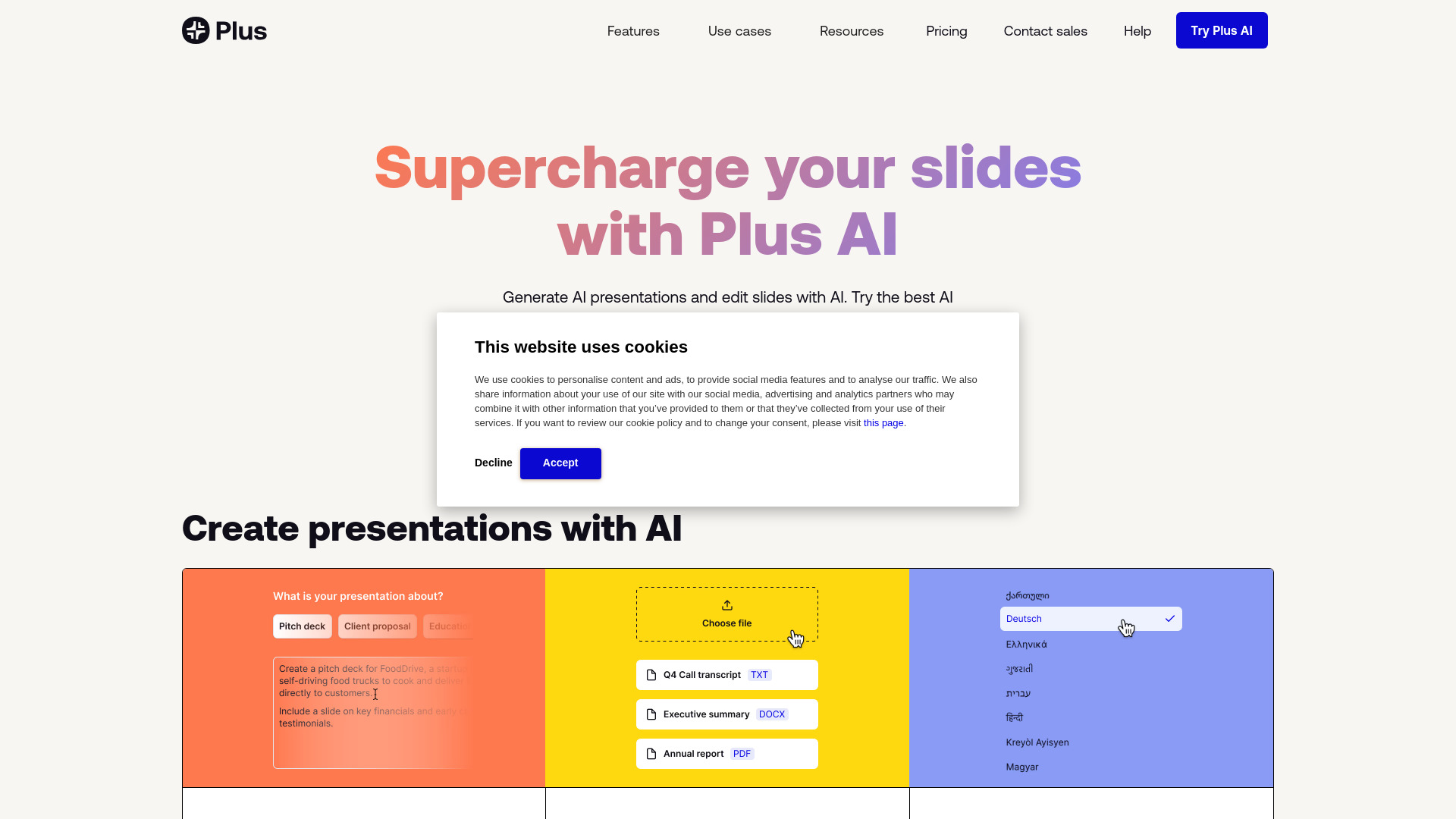
Plus AI is an AI presentation maker that helps users create PowerPoint and Google Slides presentations quickly. It offers features like text-to-presentation, document-to-presentation, AI editing, custom branding, AI image generation, and AI chart making. It integrates directly with Google Slides and PowerPoint, allowing users to generate and edit slides with AI.

Plus AI Presentation Maker screenshot

Best for

Short scenarios where Plus AI Presentation Maker tends to shine.

  • Creating pitch decks for sales teams

    Best for Consultants

  • Developing training materials for course creators

    Best for Sales teams

  • Generating strategy reports for consultants

    Best for Marketing teams

  • Building marketing presentations for marketing teams

    Best for Startups

  • Creating presentations for schools and universities

    Best for Course creators

How it works

Install the Plus AI add-on for PowerPoint or Google Slides, sign up for a free trial, and start creating presentations by providing prompts, uploading documents, or using existing templates. The AI will generate slides that you can then edit and customize.

Example outputs 1

Sample generations and before/after results for Plus AI Presentation Maker.

Access & connections

Where you can use Plus AI Presentation Maker.

Platforms

Web

Capabilities

What this tool accepts, produces, and is strongest at.

Highlights

  • AI-powered presentation generation
  • Text-to-presentation conversion
  • Document-to-presentation conversion
  • AI slide editing and reformatting
  • Custom branding options
  • AI image and chart generation
  • Multi-language support

People also view

Tools that often show up alongside Plus AI Presentation Maker in collections and comparisons.

FAQ 11

What is Plus AI?
Plus AI is an AI presentation maker that helps users create PowerPoint and Google Slides presentations quickly. It offers features like text-to-presentation, document-to-presentation, AI editing, custom branding, AI image generation, and AI chart making. It integrates directly with Google Slides and PowerPoint, allowing users to generate and edit slides with AI.
How to use Plus AI?
Install the Plus AI add-on for PowerPoint or Google Slides, sign up for a free trial, and start creating presentations by providing prompts, uploading documents, or using existing templates. The AI will generate slides that you can then edit and customize.
How do I use the Plus AI presentation maker?
Plus AI is a native add-on for PowerPoint and Google Slides. To get started, sign up for a free trial and install our extension for your presentation app.
Is Plus AI free?
Yes, you can try Plus AI for 7 days for free. After that, we have multiple paid plans, and you can choose the one that best fits your needs.
Can Plus AI convert a PDF into a PowerPoint?
Plus AI lets you upload PDFs, Word docs, text files, and many other document formats and automatically convert them into PowerPoint or Google Slides presentations.
Can I use Plus AI to create one slide at a time?
Yes, Plus is an AI slide maker that can create individual slides or entire presentations. Click the 'Insert' tab in Plus to create one slide at a time using a prompt or longer piece of text like a blog post or article.
Can I use Plus AI to format my existing slide decks?
Yes, you can use the 'Remix' feature in Plus to reformat or convert existing slides into new formats and layouts using Plus AI.
What is the best AI presentation maker?
Plus is the best AI presentation maker for customers who need to create professional slide decks. Plus AI helps you create and edit professionally-designed presentations, directly inside of PowerPoint and Google Slides, so you don't have to worry about compatibility or learning how to use a new app.
Can I use Plus AI with PowerPoint?
Yes. Plus AI works directly inside of PowerPoint, and you can try the Plus AI PowerPoint Maker free for 7 days.
Can I use Plus AI with Google Slides?
Yes. Plus AI works directly inside of Google Slides, and you can use the Plus Google Slides AI free for 7 days.
How does security work for Plus AI?
We follow enterprise-grade security practices and have achieved SOC 2 Type II compliance. You can read more about our security policies and procedures on our security page.
Plus AI Presentation Maker From $10 per user / month

