Video editing

Plainly AI

Video automation software to create data-driven videos from After Effects templates.

Source rating 5.0 (70) 74k views 74k/mo traffic 0 saves Paid
More categories (6)

Verdict

A quick read before you dig into the full page.

Best if
You are in-house creative teams and need: Automated video versioning for marketing campaigns
Skip if
You need a free plan with no credit card
Pick this when
Paid · From $48 / month

Overview

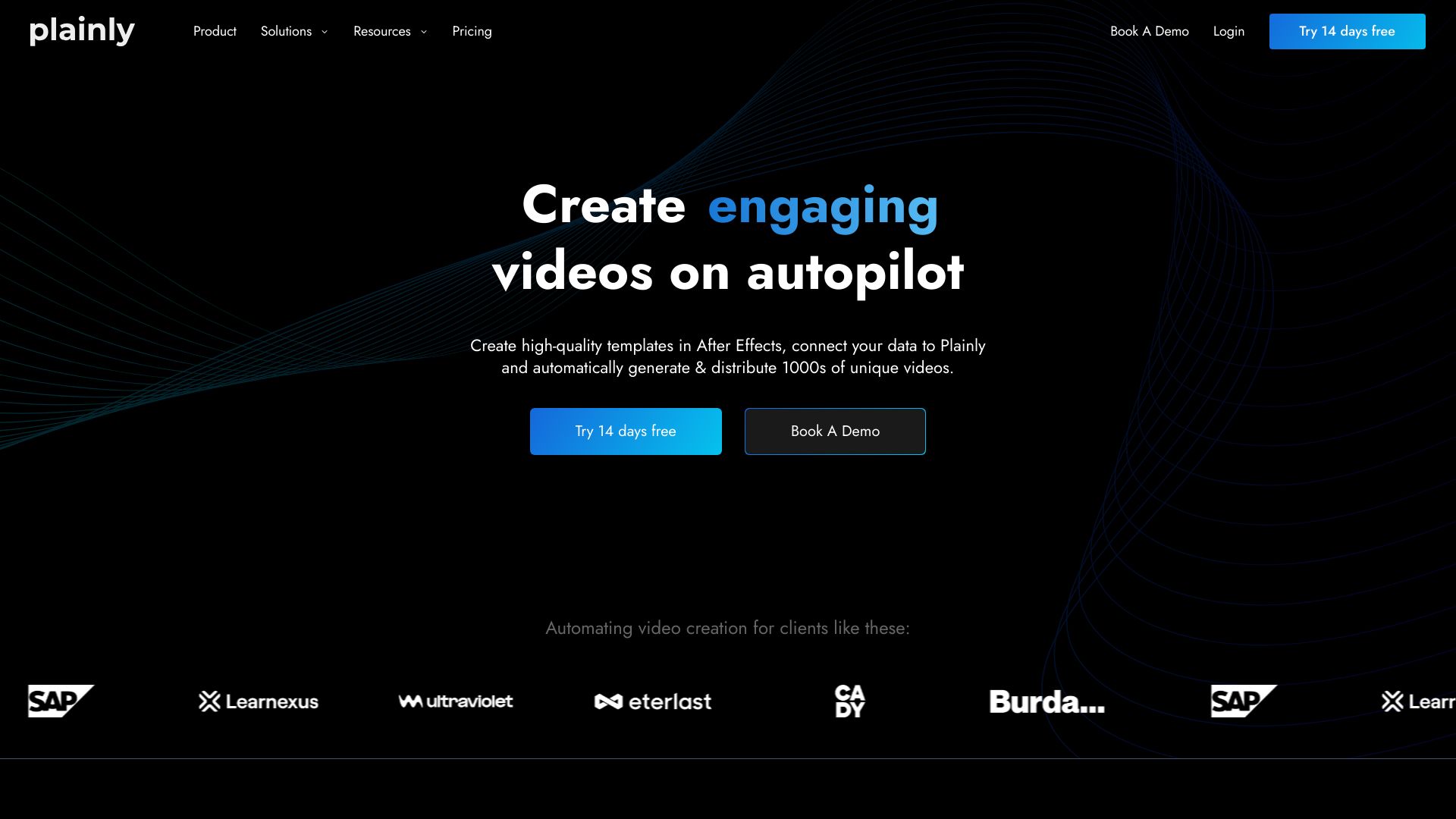
Plainly is a simple-to-use video automation software that allows users to create automated video creation workflows and generate thousands of videos in just a few clicks. It enables the creation of data-driven videos on autopilot by connecting After Effects templates to data sources, automatically rendering and distributing video variations.

Plainly AI screenshot

Best for

Short scenarios where Plainly AI tends to shine.

  • Automated video versioning for marketing campaigns

    Best for In-house creative teams

  • Video localization for different languages and cultures

    Best for Agencies

  • Sports videos for match updates and recaps

    Best for Software companies

  • News videos using RSS feeds and article metadata

    Best for Tech companies

  • Digital signage with up-to-date content

    Best for Publishers

  • Broadcast content with dynamic on-screen graphics

    Best for Real estate

  • Video ads optimization with element swapping

    Best for Photo studios

  • Personalized videos for customer engagement

    Best for In-house creative teams

Example outputs 1

Sample generations and before/after results for Plainly AI.

Access & connections

Where you can use Plainly AI.

Platforms

Web

Capabilities

What this tool accepts, produces, and is strongest at.

Highlights

  • Automated video versioning
  • Video editing API
  • Create videos from CSV
  • Personalized videos
  • Native After Effects infrastructure
  • Cloud-based rendering
  • Integrations with various tools

People also view

Tools that often show up alongside Plainly AI in collections and comparisons.

FAQ 12

What is Plainly?
Plainly is a simple-to-use video automation software that allows users to create automated video creation workflows and generate thousands of videos in just a few clicks. It enables the creation of data-driven videos on autopilot by connecting After Effects templates to data sources, automatically rendering and distributing video variations.
How to use Plainly?
To use Plainly, upload your After Effects templates, connect your data source (CSV, API, or native integrations), and let Plainly automatically render and distribute your video variations. You can mark dynamic elements, connect your data, and render videos in the cloud.
What is video automation software?
Video automation software allows you to automatically create many different versions of the same video. Once you create a video template, you can connect the template to a data source (database, spreadsheet, API...etc) to automate video creation and swap elements such as text, images, videos, audio, and colors.
Is an automated video editing tool the same as a video automation tool?
An automated video editing tool is not quite the same as a video automation tool, although some people use these terms interchangeably. Check out our resource on automated video editing to learn more.
What can you use video automation software for?
Video automation software can be used for creating personalized videos at scale or simply creating video variations in bulk. The tool makes it simple to create dynamic layers and quickly create video versions.
Is Plainly compatible with After Effects?
Yes, Plainly is fully compatible with After Effects and is built on an infrastructure that leverages After Effects. You create video templates in After Effects, then upload them to Plainly for easy video versioning and personalization. We also have an After Effects plugin that can upload your template directly to Plainly.
Is there a limit to the number of videos I can create?
No, there’s no limit to the number of videos you can create. However, your plan includes a set number of rendering minutes, which determines how much video content you can render.
How does Plainly handle video rendering?
Plainly uses a cloud-based After Effects infrastructure to render your videos. Depending on your plan, multiple videos can be rendered simultaneously for faster processing.
Is Plainly compatible with After Effects?
Yes, Plainly is fully compatible with After Effects and is built on an infrastructure that leverages After Effects. You create video templates in After Effects, then upload them to Plainly for easy video versioning and personalization. We also have an After Effects plugin that connects After Effects directly with Plainly.
Do I need to know After Effects to use Plainly?
Technically, no. You don’t need to be an expert in After Effects to use Plainly. However, you or someone on your team will need to create the video template in After Effects first. Once the template is ready, you can upload it to Plainly and easily generate variations from there.
How are you counting video minutes?
Each second you export will be counted towards your monthly limit. We’re not rounding to a minute, and we’re not looking at rendering time, only the duration of your exported videos.
What's video retention and cloud storage space?
Video retention refers to the period your rendered videos are stored on our servers before they are automatically deleted. Cloud storage space is the amount of online storage allocated to your account for your projects. If you reach your storage limit, you may need to delete older projects or upgrade your plan.
Plainly AI From $48 / month
