
Ping Path
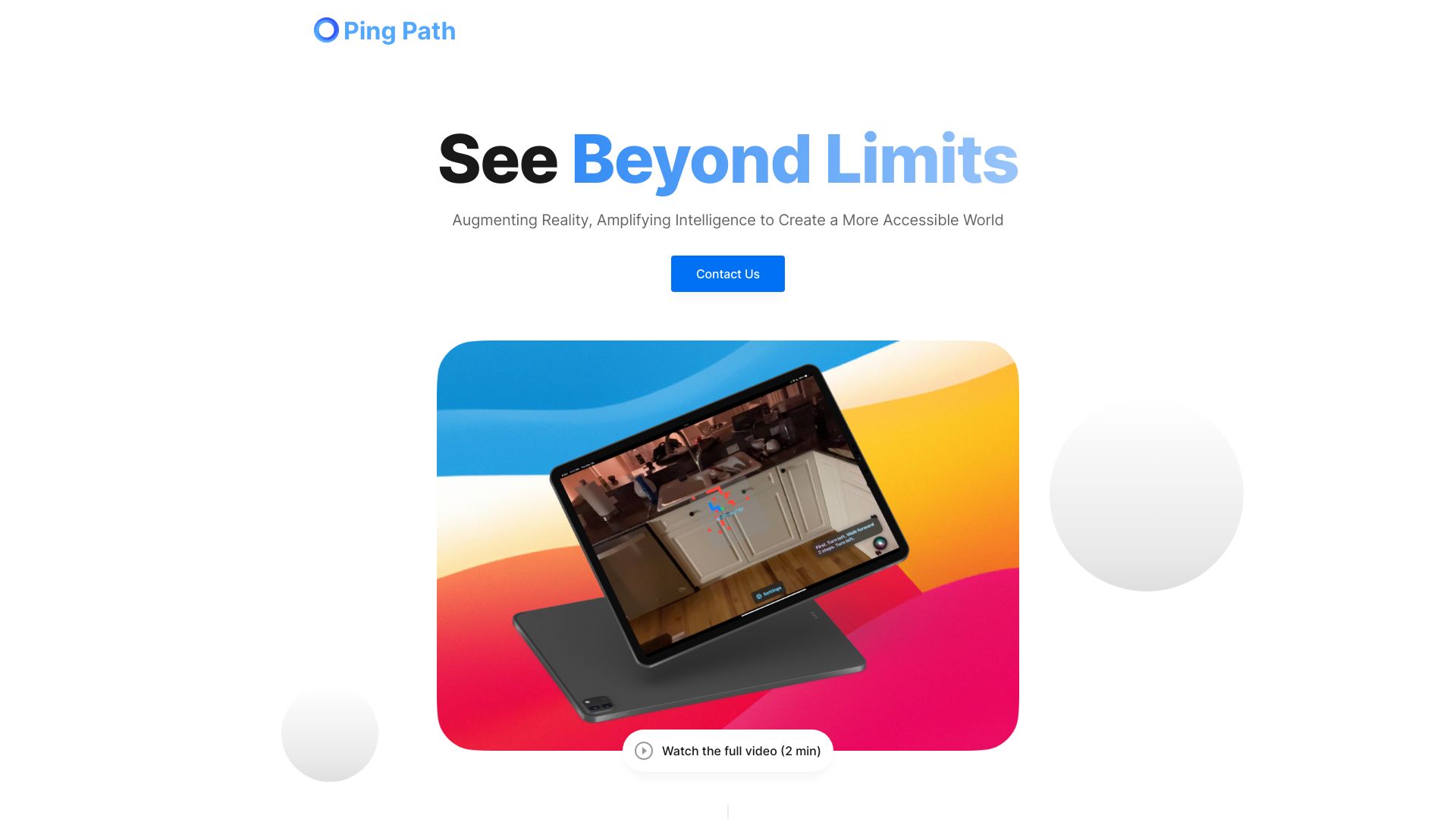
Navigation app for the visually impaired using AI, AR, and spatial audio.
Source rating 5.0
(51)
0 views
0 saves
Unknown
Verdict
A quick read before you dig into the full page.
- Best if
- Navigation app for the visually impaired using AI, AR, and spatial audio
- Pick this when
- Navigation app for the visually impaired using AI, AR, and spatial audio
Overview
Ping Path is an app designed to improve navigation for the visually impaired using spatial audio, LiDAR technology/augmented reality, and AI. It helps users navigate indoor spaces, find and avoid objects, and ask questions about their surroundings.
Access & connections
Where you can use Ping Path.
Platforms
Capabilities
What this tool accepts, produces, and is strongest at.
Highlights
- Indoor navigation with spatial audio, LiDAR, and AI
- Object detection and avoidance
- Question answering about the environment
FAQ 5
What is Ping Path?
Ping Path is an app designed to improve navigation for the visually impaired using spatial audio, LiDAR technology/augmented reality, and AI. It helps users navigate indoor spaces, find and avoid objects, and ask questions about their surroundings.
How to use Ping Path?
Use Ping Path by speaking to Siri or the app directly to ask questions about your surroundings or to navigate indoor spaces. The app utilizes spatial audio, LiDAR, and AI to provide an intuitive navigation experience.
What technologies does Ping Path use?
Ping Path leverages the power of spatial audio, LiDAR technology/augmented reality, and AI to create an intuitive navigation experience.
What can Ping Path help me with?
Ping Path can help you navigate indoor spaces, find and avoid objects, and ask questions about your surroundings.
How do I ask questions using Ping Path?
You can ask questions by speaking to Siri or Ping Path directly.
Related tools
Recommended



Ping Path