

Skylight ✓
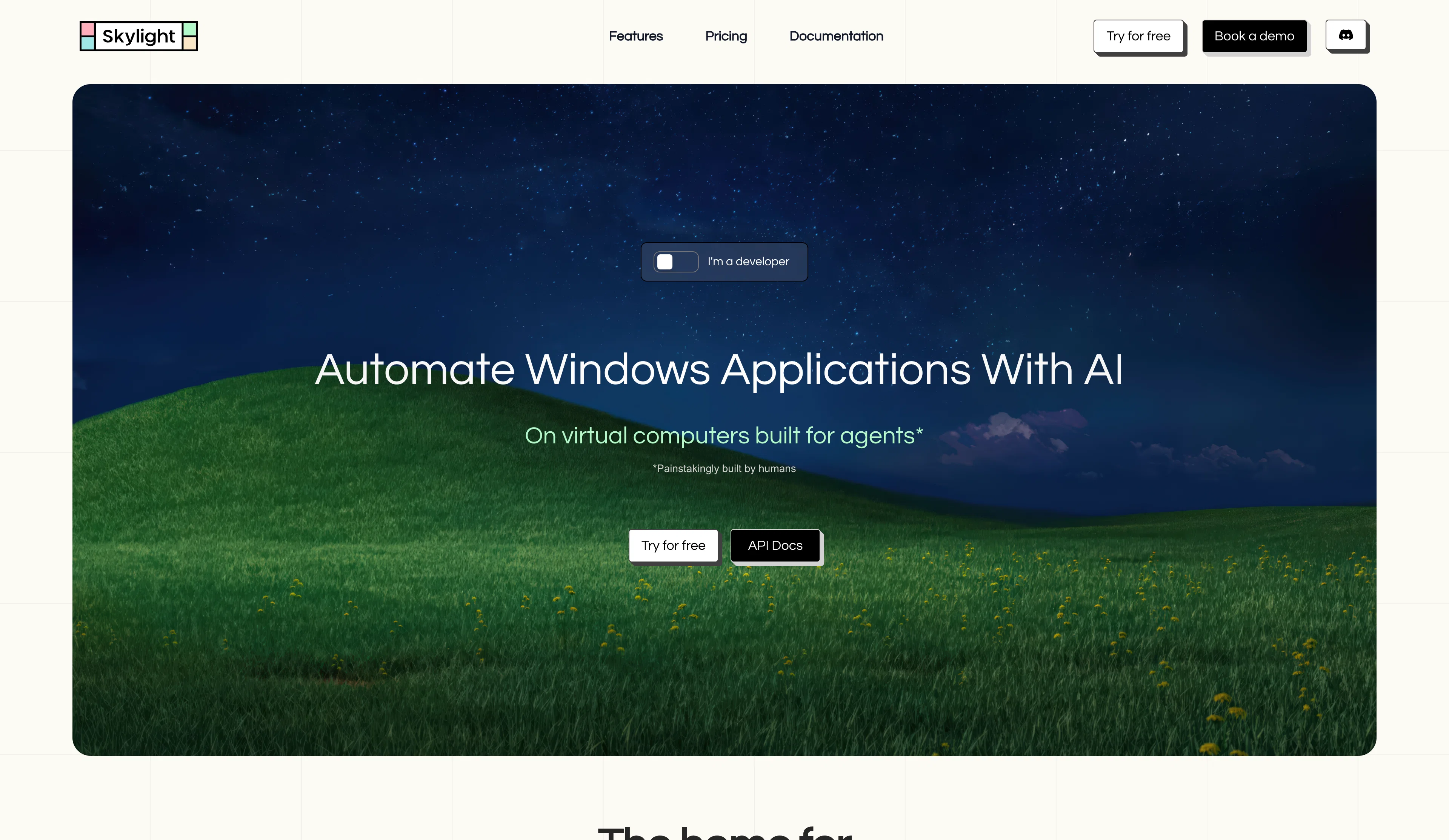
Automate Windows With AI
Trial; then from $13/mo
Verdict
A quick read before you dig into the full page.
- Best if
- Automate Windows With AI
- Skip if
- Lack of technical expertise requirement could limit precision
- Pick this when
- Task descriptions in plain language
Considering Marblism instead? Compare side by side
Overview
Skylight works best to automate apps and legacy software that don’t have APIs, such as Microsoft Office and ERP systems.
We built this because deploying CUAs in production is way harder than it should be, and we packed in all the things we needed ourselves:
Persistence – pause and resume VMs without losing progress
Interactive Live Streaming – watch agents work in real time and take control if needed
Multiple Instances – run multiple VMs at once and coordinate across them
File Downloads – pull files from VMs to your local machine
Knowledge Base – agents retain context of past actions
Human-in-the-Loop – guardrails for important and irreversible actions
If you need to run agents that use desktop software (not just browsers), come check us out (for free).
Access & connections
Where you can use Skylight, and what it plugs into.
Platforms
Integrations
Capabilities
What this tool accepts, produces, and is strongest at.
Input
- API
- Code
- Image
- Text
Output
- Code
- API
- Text
Highlights
- Agents
- API
- MCP
Supported features
- Agents
- API
- MCP
Pros & cons
Pros
- Task descriptions in plain language
- No technical expertise required
- Handles varied task complexity
- Simultaneous multiple agent deployment
- Individual virtual computer per agent
- Real-time task progress monitoring
- User intervention for key decisions
- Seamless integration with services
Show 26 more
- Zero additional setup for integration
- Secure authentication mechanism
- Productivity enhancement
- Digital workforce management
- Supports web form automation
- Centralized control mechanism
- Real-time user guidance
- Operational efficiency optimization
- Supports team collaboration
- 100+ integrations supported
- Task scheduling functionality
- Automated file saving feature
- Agent orchestration capabilities
- Human-in-the-loop feature
- Agents with scalable capabilities
- Context memory in agents
- Defined agent roles
- Automated credential handling
- Interactive community support
- Virtual employees operational round-the-clock
- Supports task requirements understanding
- Execution steps planning
- Facilitates task automation launch
- Notifications for significant events
- Sharing agent sessions
- Live chat support
Cons
- Limited user base (beta)
- Dependent on human intervention
- Potential misunderstanding of tasks
- Resource-heavy (each agent on separate VM)
- Lack of technical expertise requirement could limit precision
- Excessive real-time monitoring needs
- Constraint to browser-based tasks
- Security risks with auto authentication
Show 2 more
- Limited integration options compared to specific tools
- Real-time guidance might disrupt workflow
Compare alternatives
Similar tools in the catalog — with a clear reason to open each one.


Sintra ✓
PaidAI employees that never sleep for your business.
Why look Higher community rating
Full comparison
Atoms ✓
FreemiumTurn ideas into products that sell with AI.
Why look Higher community rating
Full comparison
MyPersonas® ✓
Free TrialAI-powered digital twins of your critical employees
Free + from $199/mo
Full comparison
Artisan ✓
PaidBuilding the first generation of AI employees.
Why look Higher community rating
Full comparison
OARC Digital - AI Workforce Agents ✓
UnknownMalta's first AI-native growth agency.
Why look Higher community rating
Full comparisonReleases 1
Imported reviews 1
this is an amazing agent
FAQ 12
What is PicoCrowd?
Can PicoCrowd agents fill out web forms?
Do I need technical expertise to use PicoCrowd?
What is the control mechanism in PicoCrowd?
How does PicoCrowd manage workload?
Can I monitor progress in PicoCrowd real time?
How does PicoCrowd handle secure authentication?
How does PicoCrowd enhance productivity?
What tasks can PicoCrowd's AI agents perform?
Can PicoCrowd agents operate on their own virtual computers?
Does PicoCrowd provide real time guidance for tasks?
What integration features does PicoCrowd offer?
Related tools
Recommended

ZenCall ✓
Free TrialAI Answers Your Calls

Automateed ✓
Free TrialCreate eBooks effortlessly with Automateed, the AI-powered writing tool.

Mindsmith ✓
FreemiumPlatform for building and sharing eLearning content

Kin - Personal AI Advisors ✓
FreePrivacy-first & designed your for mind, and life at work

Younet ✓
Free TrialAI Agent Orchestration and Automation. Build your agentic business.

Manus ✓
FreemiumTurn your thoughts into actions with AI