
Photolapse AI
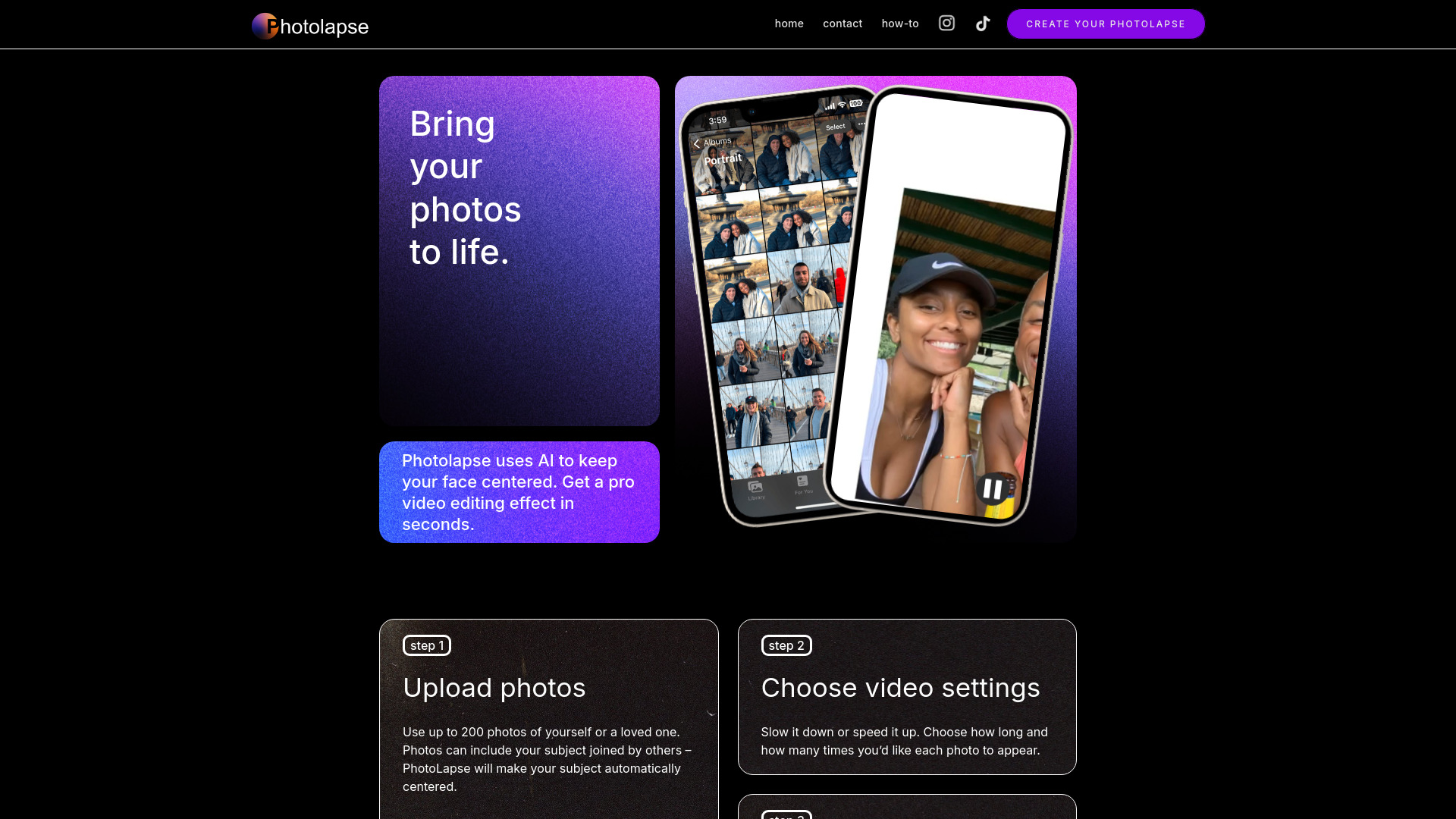
AI-powered tool for creating face-centered timelapse videos from photos.
Source rating 5.0
(91)
212 views
212/mo traffic
0 saves
Paid
From $5.99
Verdict
A quick read before you dig into the full page.
- Best if
- AI-powered tool for creating face-centered timelapse videos from photos
- Skip if
- You need a free plan with no credit card
- Pick this when
- Paid · From $5.99
Overview
Photolapse is a video editing tool that uses face-detection AI to create face aging timelapse videos. Users upload photos, choose video settings, and download a video to share. It automatically centers the subject's face in the video.
Access & connections
Where you can use Photolapse AI.
Platforms
Capabilities
What this tool accepts, produces, and is strongest at.
Highlights
- Face-detection AI for automatic centering
- Timelapse video creation
- Customizable video settings
FAQ 5
What is Photolapse?
Photolapse is a video editing tool that uses face-detection AI to create face aging timelapse videos. Users upload photos, choose video settings, and download a video to share. It automatically centers the subject's face in the video.
How to use Photolapse?
Upload up to 200 photos, choose video settings (speed, duration), preview, and download the video.
How many photos can I upload?
You can upload up to 200 photos.
Will Photolapse center the subject's face if there are other people in the photo?
Yes, PhotoLapse will automatically center your subject even if they are joined by others in the photos.
Do I need to download any software?
No, there is no software to download.
Related tools
Recommended



Photolapse AI
From $5.99