
Pentra
Pentra automates pentest reporting using AI, saving time and streamlining workflows.
Verdict
A quick read before you dig into the full page.
- Best if
- Pentra automates pentest reporting using AI, saving time and streamlining workflows
- Pick this when
- Pentra automates pentest reporting using AI, saving time and streamlining workflows
Overview
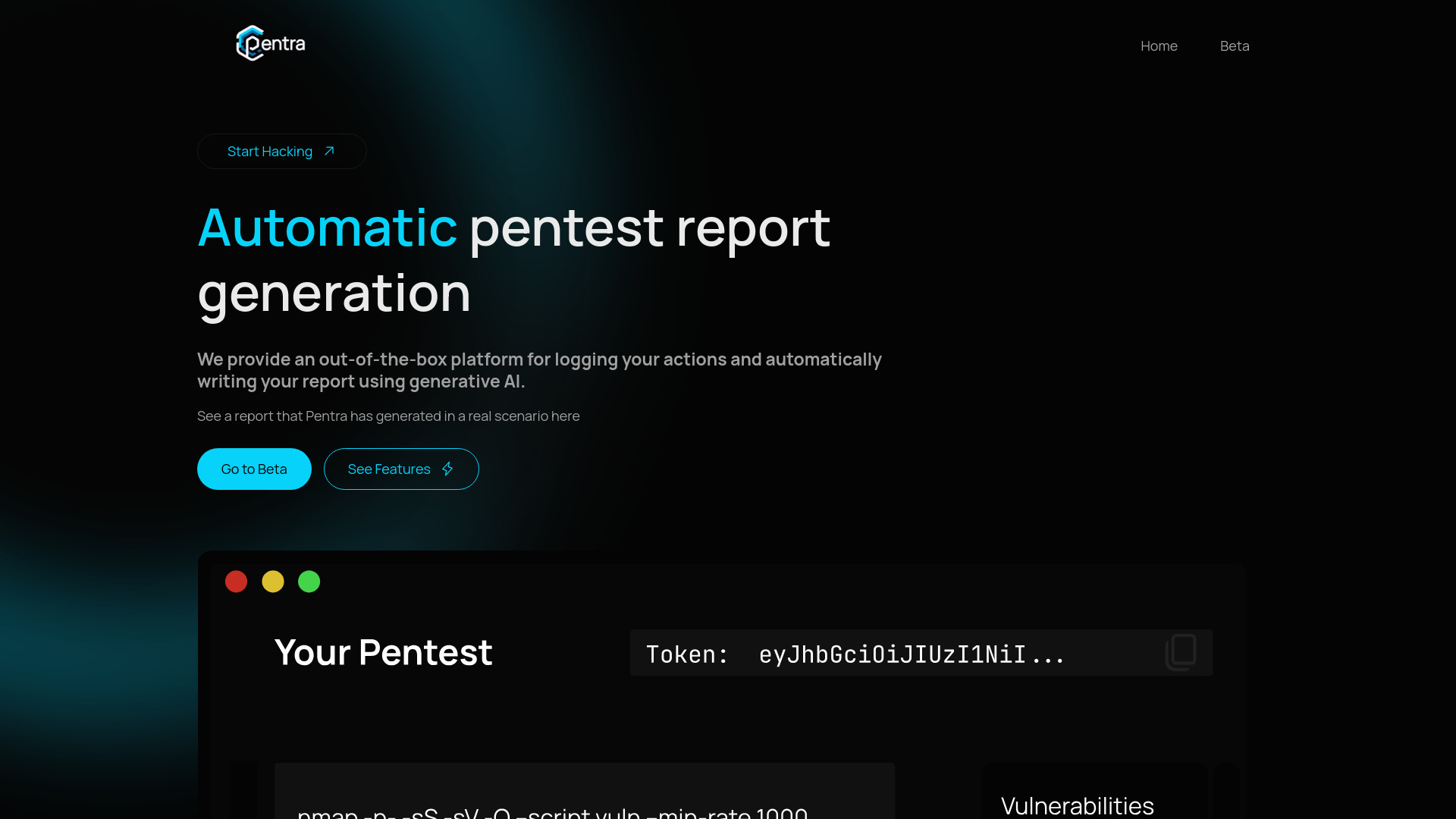
Pentra automates pentest reporting by logging your actions in Linux CLI & Burp, and turning them into a detailed report using generative AI. It saves hours of manual writing and allows users to focus on testing by generating the report automatically, streamlining the workflow. Pentra provides an out-of-the-box platform for logging actions and automatically writing reports using generative AI. It integrates with Burp Suite and allows users to start the logger in the CLI to save commands and Burp Requests. The platform then allows users to group vulnerabilities and generate a pentest report, which can be edited and exported to PDF.
Access & connections
Where you can use Pentra.
Platforms
Capabilities
What this tool accepts, produces, and is strongest at.
Highlights
- Automatic pentest report generation using generative AI
- Logging of actions in Linux CLI and Burp Suite
- Burp Suite integration
- Report editing interface
- PDF export
FAQ 5
What is Pentra?
How to use Pentra?
2. Use the Pentra Burp Suite plugin to log proxied network requests.
3. Group vulnerabilities on the pentest's website.
4. Generate and export your report after you are done. You can edit the content and then export it to PDF format.


