

Pear Start ✓
AI tool that creates full lesson packages for teachers.
Verdict
A quick read before you dig into the full page.
- Best if
- AI tool that creates full lesson packages for teachers
- Skip if
- No specific language learning tools
- Pick this when
- Transforms standards into content
Considering Teacherbot instead? Compare side by side
Overview
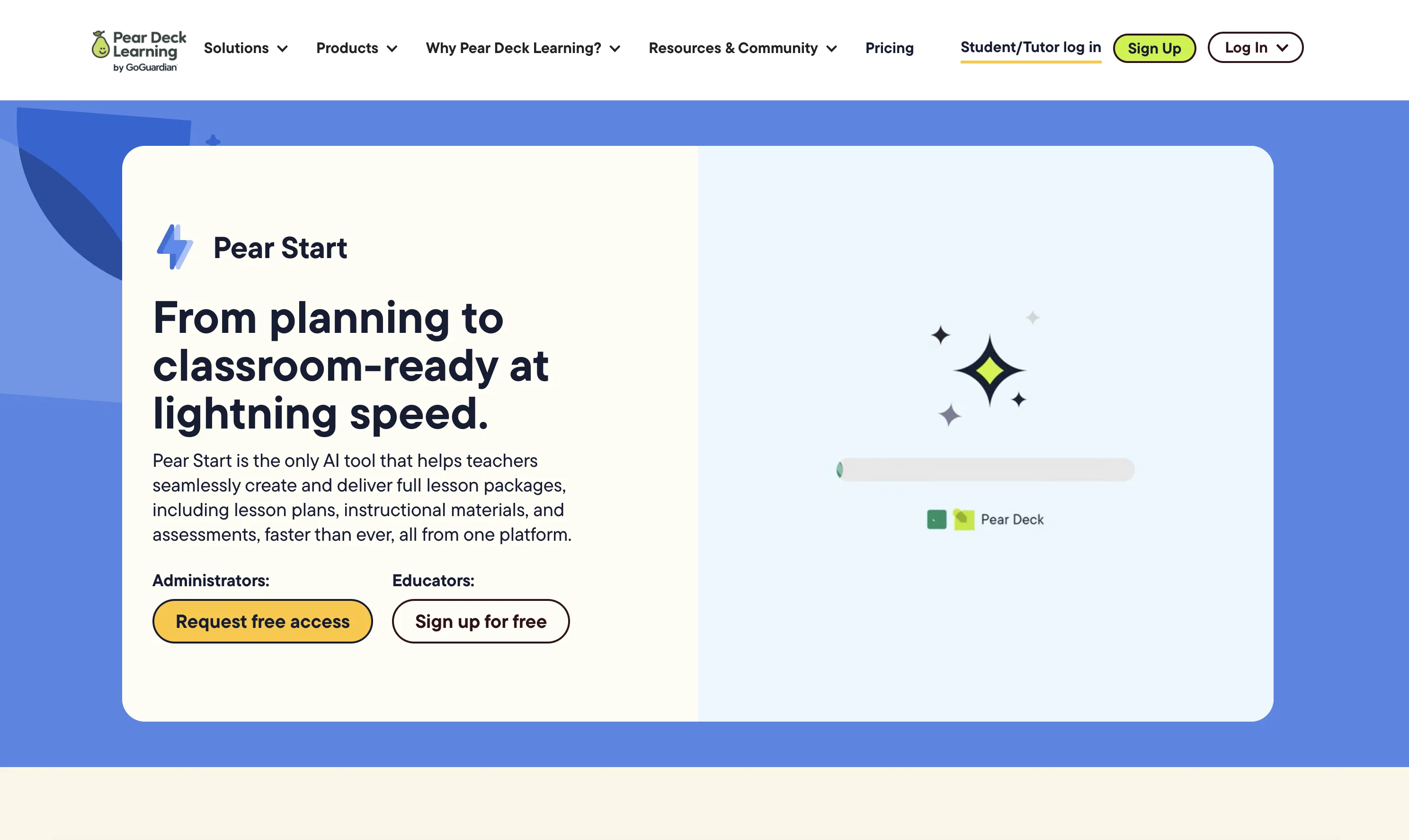
Pear Start is an AI-powered educational tool designed to assist teachers in creating and delivering comprehensive lesson packages. Part of the Pear Deck Learning platform, Pear Start simplifies lesson planning by transforming standards and existing materials into top-quality content that is ready for classroom use.
It's designed to help teachers save time on administrative tasks, thereby allowing for more focus on engaging with students. In addition to lesson planning, Pear Start offers assistance in customizing and delivering instructional materials and assessments.
This tool ensures not only high-quality content but also streamlines the process from planning to execution, all on a single platform. The platform respects users' data privacy, with a strict zero-day retention policy that mandates all user data to be erased within a 24-hour period.
The platform integrates seamlessly with other Pear Deck Learning tools to deliver a well-rounded education solution. Teachers and school administrators can utilize Pear Start's array of features to fast-track their educational and administrative tasks.
As it's part of a larger system, its functionalities extend to differentiating instruction, enabling active learning and facilitating student engagement.
The platform's focus on creating trustworthy solutions extends to its approach to AI, striving for accuracy, appropriateness, privacy, and security.
Access & connections
Where you can use Pear Start.
Platforms
Capabilities
What this tool accepts, produces, and is strongest at.
Input
- Text
Output
- Text
Pros & cons
Pros
- Transforms standards into content
- Streamlines lesson planning
- Saves time on admin tasks
- Assists in customizing materials
- Assists in delivering materials
- Assists with assessments
- Single platform solution
- Strict data privacy policy
Show 34 more
- 24-hour data retention
- Pear Deck Learning integration
- Fast-tracks educational tasks
- Differentiates instruction
- Enables active learning
- Facilitates student engagement
- Assists teachers save time
- Creates full lesson packages
- Transforms existing materials
- Provides engaging content
- Pear Start logo
- Customizable teaching material
- Facilitates student-teacher interaction
- Creates interactive presentations
- Standards-based assessment tools
- Helps accelerate student mastery
- Facilitates real-time student feedback
- Supports professional services
- Enables gamified collaboration
- Data warehousing capability
- Safety and productivity tools
- Enables differentiated practice
- Offers standards-aligned content
- Ready-to-teach lesson packages
- Enables instant content transformation
- Streamlines everyday teaching tasks
- Pairs with entire Pear Deck
- Zero-day data retention policy
- Teachers rave about Pear Start
- Generates customizable lessons and tests
- Difference for multiple student groups
- Timing-saving transformation
- One-stop solution for schools
- Transformation of Google Docs and PDFs
Cons
- Zero-day retention limits data analysis
- Integrates only with Pear Deck
- Limited customizability of materials
- Privileges speed over content depth
- No support for individual educators
- Lacks offline functionality
- Limited coverage of educational standards
- Predetermined lesson format restricts flexibility
Show 2 more
- Only aids in administrative tasks
- No specific language learning tools
Compare alternatives
Similar tools in the catalog — with a clear reason to open each one.

Teacherbot ✓
PaidCreate teaching content instantly with AI magic.
Why look Better for writing
Full comparison
Teachally ✓
FreemiumEfficient lesson planning for teachers.
Why look Higher community rating
Full comparison

EducatorLab ✓
Free TrialAI-powered lesson plans and assessments in seconds.
Free + from $6/mo
Full comparison
Planit Teachers ✓
PaidAI lesson plans in seconds for any subject or age
Why look Higher community rating
Full comparison
Releases 1
FAQ 12
What is the main function of Pear Start?
How does Pear Start assist in lesson planning?
How can Pear Start help reduce administrative tasks for teachers?
What are the key features of Pear Start?
Does Pear Start offer any tools for customizing instructional materials?
How does Pear Start impact student engagement?
Does Pear Start have any data privacy policies?
What is the zero-day retention policy in Pear Start?
Does Pear Start sync with other Pear Deck Learning tools?
What services does the Pear Deck Learning platform provide along with Pear Start?
Is Pear Start beneficial for school administrators as well?
Is there any assistance offered for differentiated instruction?
Related tools
Recommended

D-ID ✓
FreemiumCreate AI-generated videos with ease

Thea ✓
FreemiumAI study tools to master material, not just memorize it.

AI Lawyer ✓
Free TrialInstant legal advice and document creation at your fingertips

AcademicGPT ✓
FreemiumAI-powered academic writing assistant.

Suno ✓
FreemiumMake music at the speed of your ideas.

freebeat AI ✓
FreemiumTurn Music & Ideas into Viral Videos In One Click