

PDFCandy PDF Editor ✓
Edit PDFs online for free with powerful tools
from $4/mo
Verdict
A quick read before you dig into the full page.
- Best if
- Edit PDFs online for free with powerful tools
- Skip if
- Limited privacy retention
- Pick this when
- Online PDF editing
Considering pdfAssistant.ai instead? Compare side by side
Overview
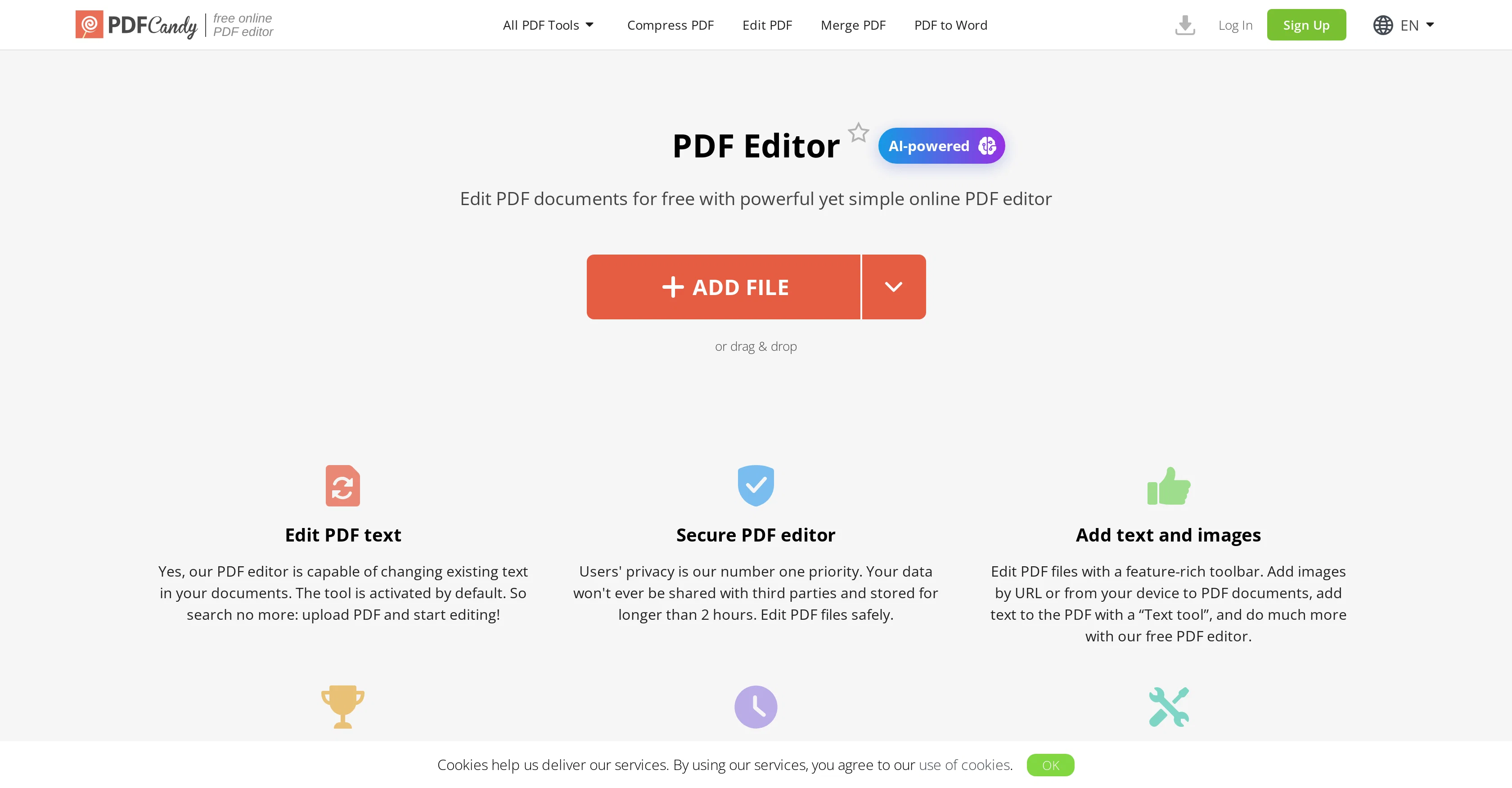
PDF Editor is an online AI-powered tool that offers a range of functionalities for editing and managing PDF files. The key features include the ability to add text and images to PDFs, highlight, annotate, and sign documents.
It also boasts the capacity to modify existing text in documents, which sets it apart from many PDF editors. This tool uses AI to enable features like translation, rewriting, and summarizing content with a high degree of accuracy.
It also provides a variety of PDF modification options, including a toolbox to underline, highlight or strikeout text, insert lines and arrows, and a 'whiteout' option that can hide certain content within the PDF.
PDF Editor stands out for its commitment to user privacy, not storing any data for longer than two hours post-editing. It also allows for easy sharing and downloading of edited documents.
Despite its powerful editing capabilities, the platform maintains the integrity of your original files, not leaving any watermark on your documents after editing.
Furthermore, PDF Editor can function as a PDF viewer, affording users the convenience of viewing and editing their PDFs simultaneously.
Access & connections
Where you can use PDFCandy PDF Editor.
Platforms
Capabilities
What this tool accepts, produces, and is strongest at.
Input
- Image
- Text
Output
- Text
- Image
Pros & cons
Pros
- Online PDF editing
- Text and image addition
- Existing text modification
- Accurate content translation
- Content rewriting
- Content summarizing
- Toolbox for text emphasis
- Line and arrow insertion
Show 21 more
- Whiteout content hiding
- Committed user privacy
- Data storage for 2 hours
- Easy document sharing
- Simple downloading
- Maintains original file integrity
- Watermark-free editing
- Integrated PDF viewer
- Sign documents feature
- Language support versatility
- Secure data handling
- Supports URL image addition
- Custom signature addition
- Variety of modification tools
- High users' rating
- User-friendly interface
- Page navigator and zoom functions
- No file distortion
- Access to PDF Candy Desktop
- Increases file size per task
- High priority processing
Cons
- Online only
- Limited privacy retention
- Potential lag with large files
- Dependent on good internet connection
- No mention of version control
- High priority processing requires payment
- No obvious collaborative features
- No offline mode
Show 2 more
- No API
- Sharing link only available for two hours
Compare alternatives
Similar tools in the catalog — with a clear reason to open each one.

pdfAssistant.ai ✓
Free TrialYour 24/7 AI-powered PDF processing assistant.
Free + from $4.99
Full comparison
UPDF ✓
Free TrialComplete PDF toolkit with AI-powered features.
Free + from $35.99/yr
Full comparison
HiPDF ✓
Free TrialEdit, convert, and organize PDFs effortlessly online.
Free + from $69.99/mo
Full comparison

SwifDoo PDF ✓
PaidComprehensive PDF tool for all your document needs
Why look Typically cheaper
Full comparisonReleases 1
FAQ 12
Does PDF Editor use AI capabilities for its functionalities?
How can I add text to a document using PDF Editor?
Can I add images to a document using PDF Editor?
Does PDF Editor offer any tools for text modification?
Is PDF Editor capable of translating content?
How does the 'whiteout' feature work in PDF Editor?
How does PDF Editor handle data privacy?
What sharing options does PDF Editor provide after editing?
Does PDF Editor leave a watermark on the documents after editing?
Can PDF Editor function as a PDF viewer?
Does PDF Editor offer an option to sign PDF documents?
What types of annotations can I make using PDF Editor?
Related tools
Recommended

Scisummary ✓
Free TrialCutting-edge scientific articles summarization.

ChatGPT ✓
FreemiumAsk anything, create anything, and move from idea to action.

Wix AI Website Builder ✓
FreemiumAI-powered websites, instantly ready for business.

VideoPal AI ✓
FreemiumCreate viral faceless videos with AI

Life Note ✓
FreemiumJournal with the greatest minds in human history

MemFree ✓
FreemiumAI-powered search for your digital knowledge