
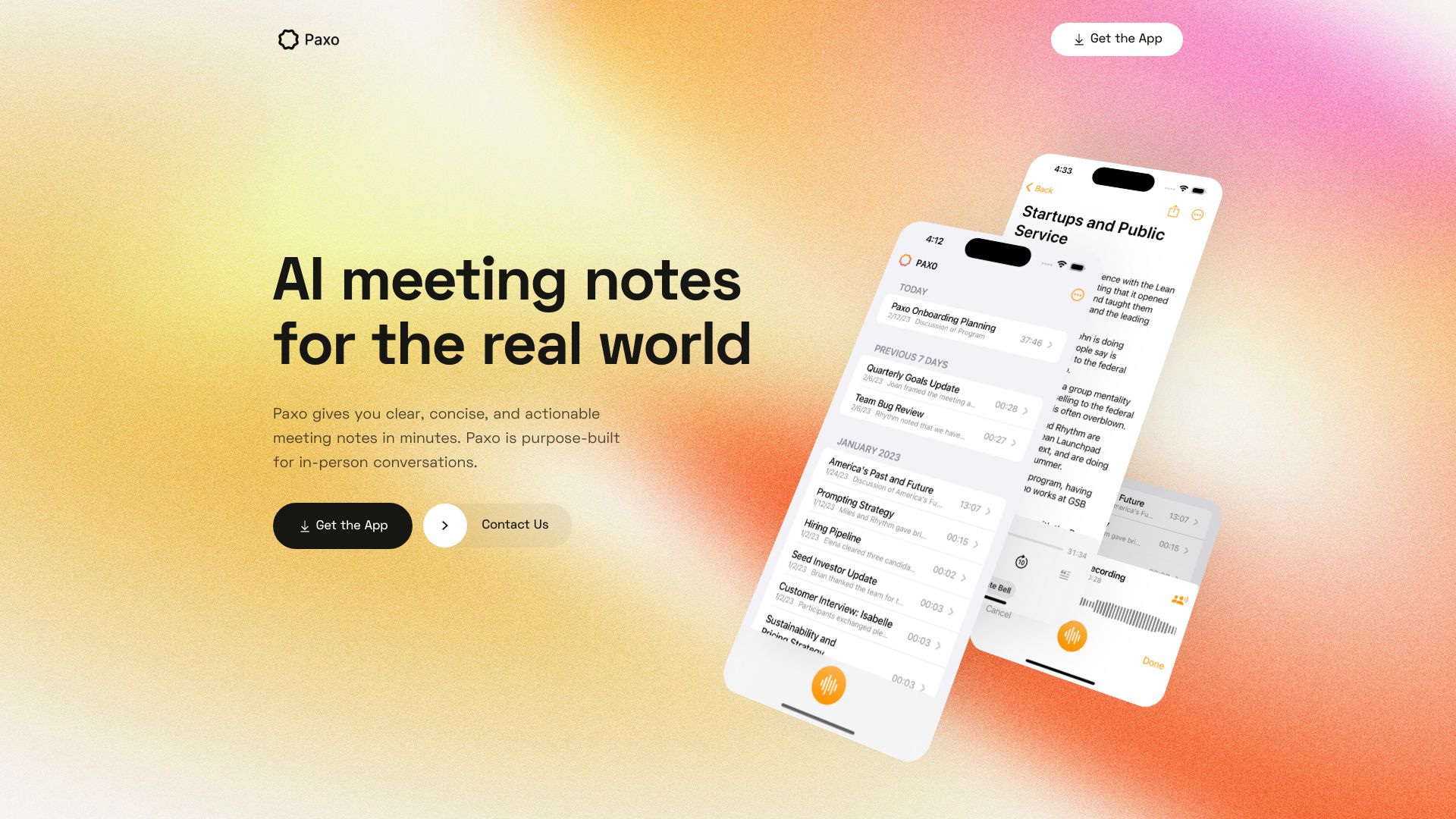
voice recording and transcription
Paxo
AI meeting notes app for in-person conversations with privacy-first architecture.
Source rating 5.0
(98)
0 views
0 saves
Unknown
Verdict
A quick read before you dig into the full page.
- Best if
- AI meeting notes app for in-person conversations with privacy-first architecture
- Pick this when
- AI meeting notes app for in-person conversations with privacy-first architecture
Overview
Paxo gives you clear, concise, and actionable meeting notes in minutes. It’s a scribe in your pocket for any meeting, anywhere. Paxo is purpose-built for in-person conversations, and architected from the ground up to protect your privacy. Paxo knows who said what with cutting-edge voice identification. Paxo makes it easy to export your notes and recordings, helping you avoid lock-in. And importing is just as simple.
Access & connections
Where you can use Paxo.
Platforms
Capabilities
What this tool accepts, produces, and is strongest at.
Highlights
- Automatic meeting notes
- Voice identification
- Privacy-first architecture
- Easy import and export
FAQ 5
What is Paxo?
Paxo gives you clear, concise, and actionable meeting notes in minutes. It’s a scribe in your pocket for any meeting, anywhere. Paxo is purpose-built for in-person conversations, and architected from the ground up to protect your privacy. Paxo knows who said what with cutting-edge voice identification. Paxo makes it easy to export your notes and recordings, helping you avoid lock-in. And importing is just as simple.
How to use Paxo?
Simply hit record and let Paxo do the rest. After a meeting, conveniently assign speakers using your Contacts. Paxo learns the voice of everyone on your team and recommends speaker assignments for future recordings. Easily import and export your Paxo data to and from apps like Notion, Obsidian, and Google Docs.
Where are my recordings stored?
Paxo stores your recordings on your device — not in our cloud. We delete your recordings from our servers as soon as we're done processing them.
How does Paxo identify speakers?
Paxo knows who said what with cutting-edge voice identification. After a meeting, conveniently assign speakers using your Contacts. Paxo learns the voice of everyone on your team and recommends speaker assignments for future recordings.
Can I export my notes and recordings?
Yes, Paxo makes it easy to export your notes and recordings, helping you avoid lock-in. And importing is just as simple. Easily import and export your Paxo data to and from apps like Notion, Obsidian, and Google Docs.
Related tools
Recommended



Paxo